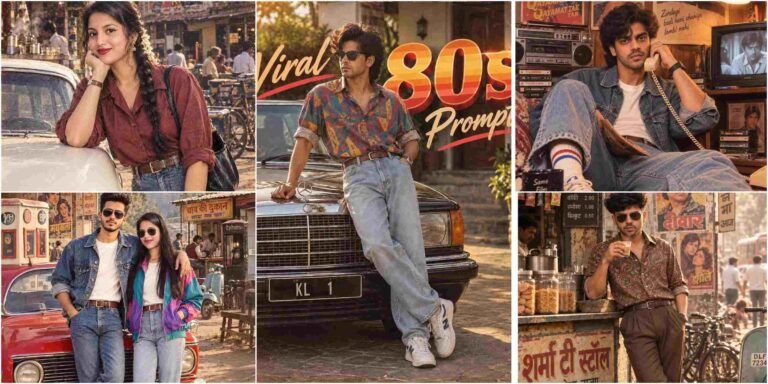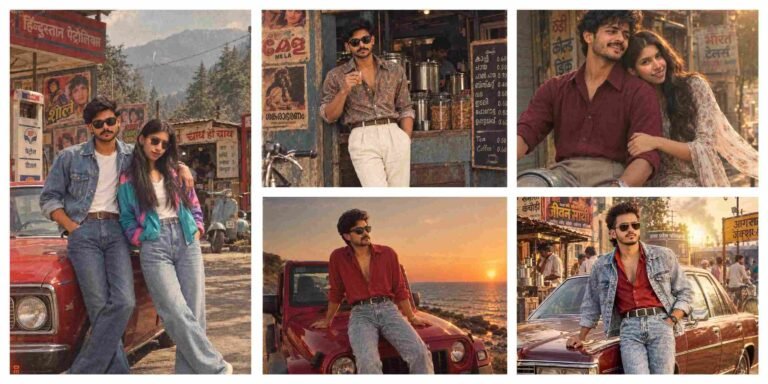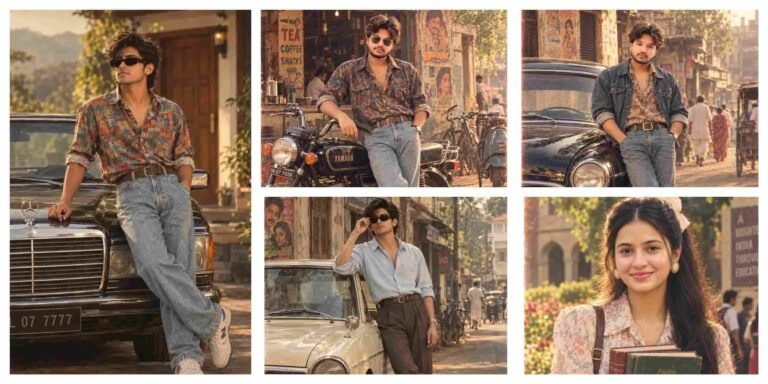
Welcome to Anupsagar.co.in – The Ultimate Hub for AI Photo Editing Anup Sagar Prompts in 2026
If you are searching for the best AI Photo Editing Anup Sagar prompts for Google Gemini and ChatGPT, you have come to the right place. At Anupsagar.co.in, we provide the latest, trending, and highly optimized AI photo editing prompts that help you create professional, cinematic, and ultra-realistic images within seconds. Whether you need gaming profile photos, Free Fire AI edits, cinematic portraits, festival edits, neon backgrounds, or stunning 4K ultra-HD images, our expertly crafted prompts make the editing process simple, fast, and powerful.
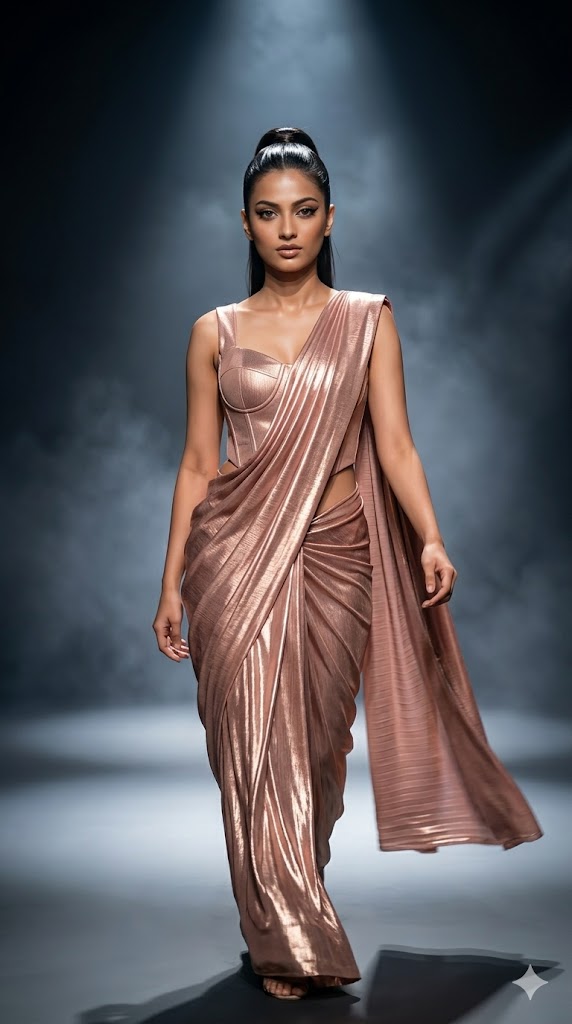
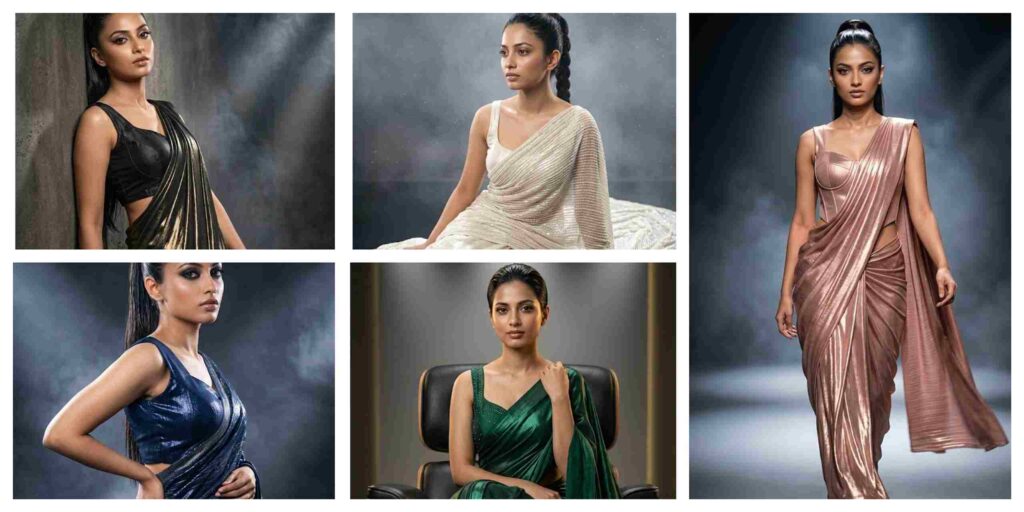
Create a high-fashion editorial photoshoot of the same girl walking confidently on a runway-inspired studio set. She is wearing a rose gold metallic designer saree with a structured sleeveless corset-style blouse. The saree is draped in a modern, sharp pleated runway style. Hair is a sleek high ponytail with glossy finish. Makeup is bold with winged eyeliner, nude glossy lips, and sharp contouring. She is captured mid-walk with strong runway energy, one foot forward, saree flowing dynamically. Background is a dark gradient studio with spotlight beams and cinematic haze. Ultra-realistic 8K fashion photography, DSLR bokeh, dramatic shadows, glowing reflections on fabric. Keep face identical and natural. Aspect ratio 9:16.
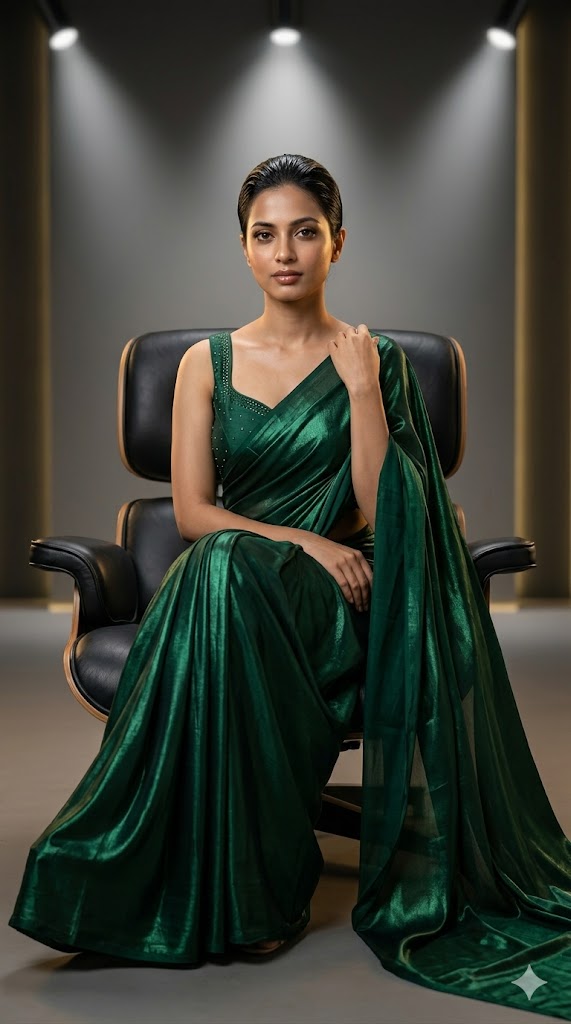
Create an ultra-realistic cinematic 8K editorial portrait of the same girl sitting gracefully on a modern black leather designer chair. She wears a deep emerald green silk metallic saree with a sleeveless structured blouse featuring minimal crystal detailing. Saree drapes elegantly over the chair and floor. Hair is tied in a sleek bun with wet-look shine. Makeup is soft glam with defined eyes and glossy lips. She sits with legs crossed, one hand gently resting on her shoulder, looking directly at the camera with calm confidence. Background is a luxury studio set with soft spotlight and subtle golden rim light. Keep face identity fully intact. DSLR cinematic depth, ultra-detailed skin texture, 8K realism.
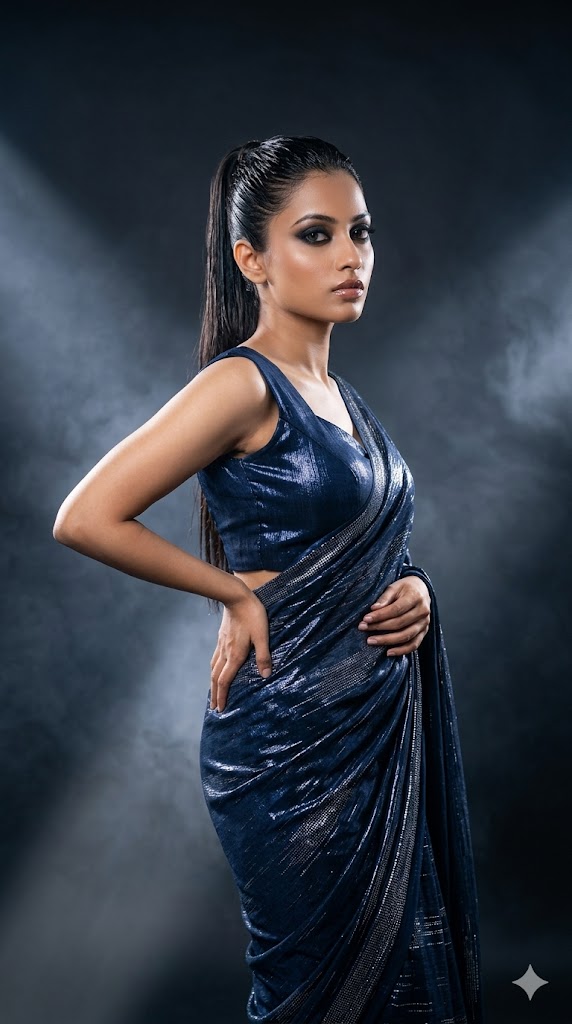
Create a high-fashion editorial photoshoot of the same girl standing sideways with an over-the-shoulder intense gaze. She wears a midnight blue metallic saree with silver shimmer accents and a sharp structured sleeveless blouse. Hair is a sleek high ponytail with wet glossy finish. Makeup is dramatic with smokey eyes, bold eyeliner, and glossy lips. One hand lightly touches her waist, the other holds the saree pleats. Background is a dark studio with fog, cinematic smoke, and soft spotlight edges. Ultra-realistic 8K DSLR fashion photography with dramatic shadows and reflective fabric details. Preserve exact face identity.
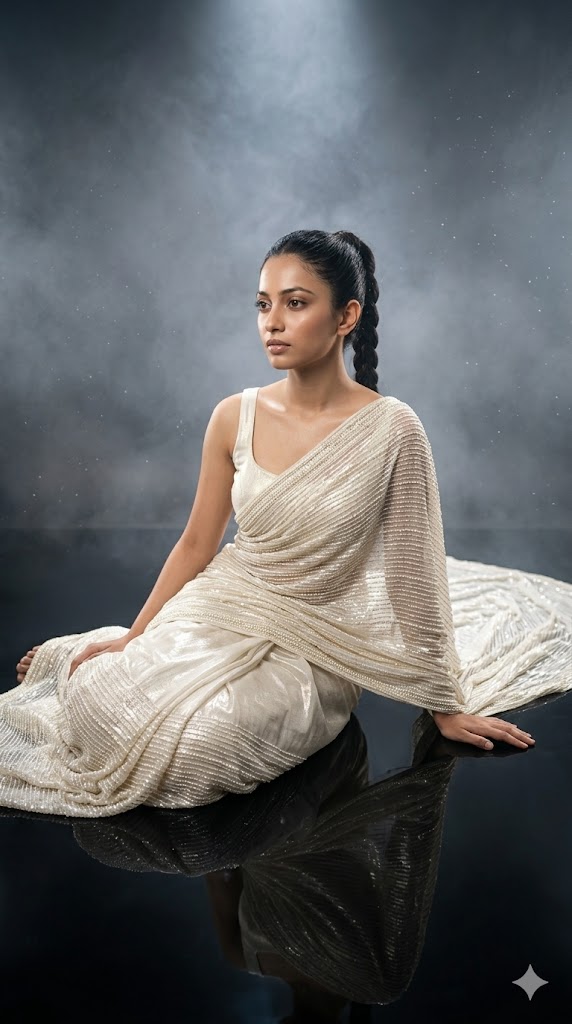
Create a cinematic high-fashion editorial image of the same girl sitting gracefully on a reflective studio floor in a Vogue-style artistic pose. She is wearing a ivory white metallic saree with pearl shimmer detailing and a minimal sleeveless designer blouse. Saree is spread artistically around her in circular flow. Hair is tied in a sleek braided ponytail. Makeup is soft glam with natural glow, defined eyes, and glossy nude lips. She is sitting with one knee bent, one hand resting on the floor, looking slightly away from camera in a dreamy expression. Background is a soft gradient studio with fog, spotlight glow, and dust particles. Ultra-realistic 8K cinematic fashion photography, preserved face identity.
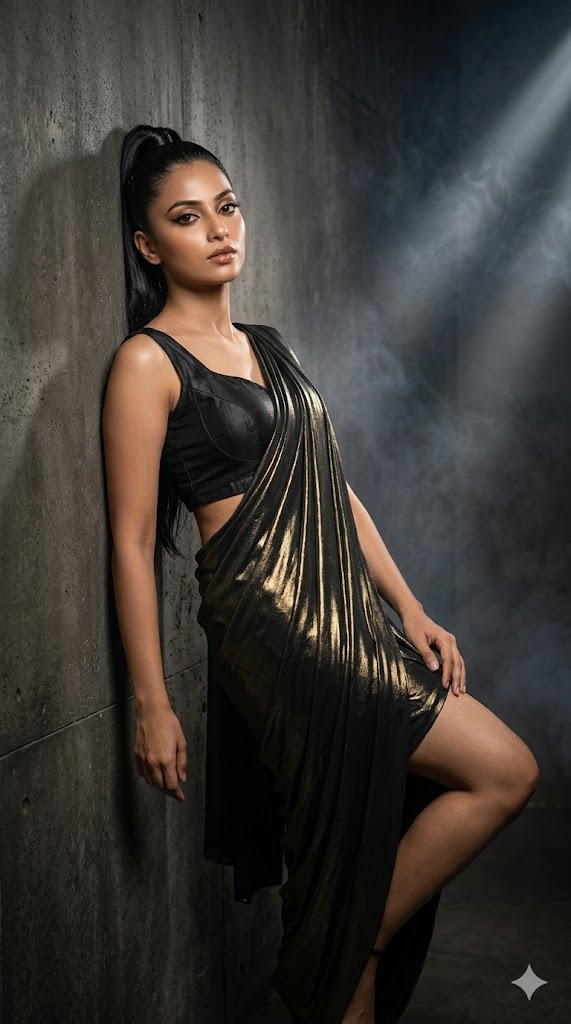
Create an ultra-realistic cinematic 8K editorial photoshoot of the same girl leaning casually against a textured studio wall. She wears a black metallic saree with golden highlights paired with a bold structured sleeveless blouse. Saree drape is modern and edgy with asymmetrical styling. Hair is a sleek high ponytail with glossy finish. Makeup is bold glam with sharp eyeliner, contoured cheeks, and glossy lips. She leans with one leg bent, arms relaxed, giving a confident street-luxury fashion vibe while looking directly at the camera. Background is a dark urban studio wall with cinematic spotlight and smoke effects. DSLR bokeh, dramatic shadows, ultra-detailed textures, face perfectly preserved.
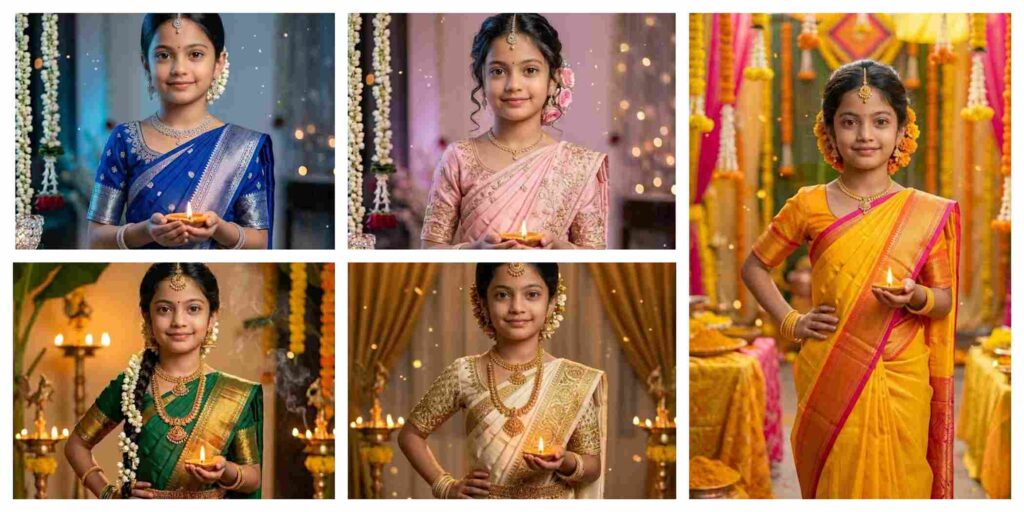
Kids In Saree AI Photo Editing Prompts | AI Image Generator for Business Marketing
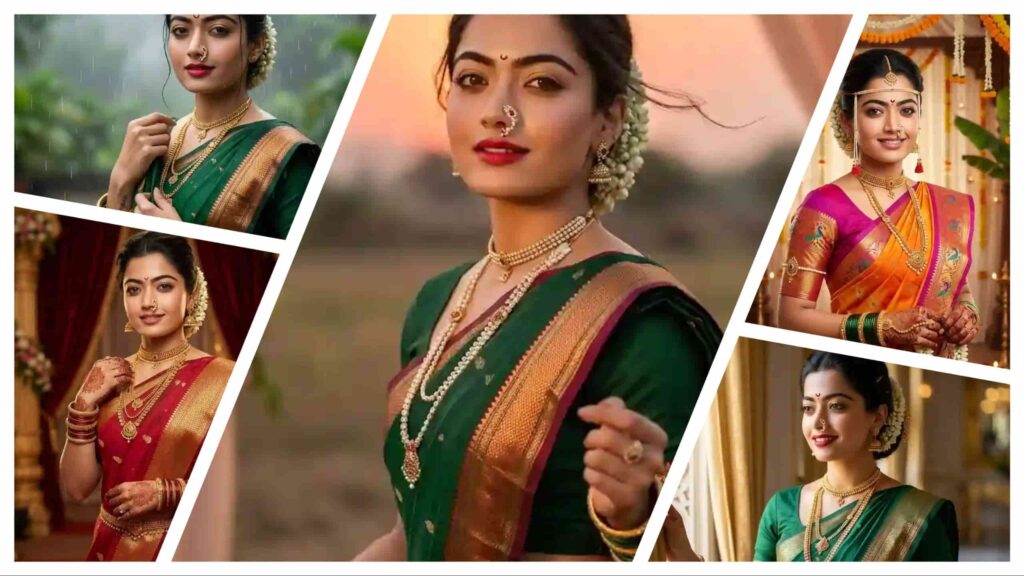
Maharashtrian Bride AI Photo Editing Prompt | AI Image Generator for Business Marketing
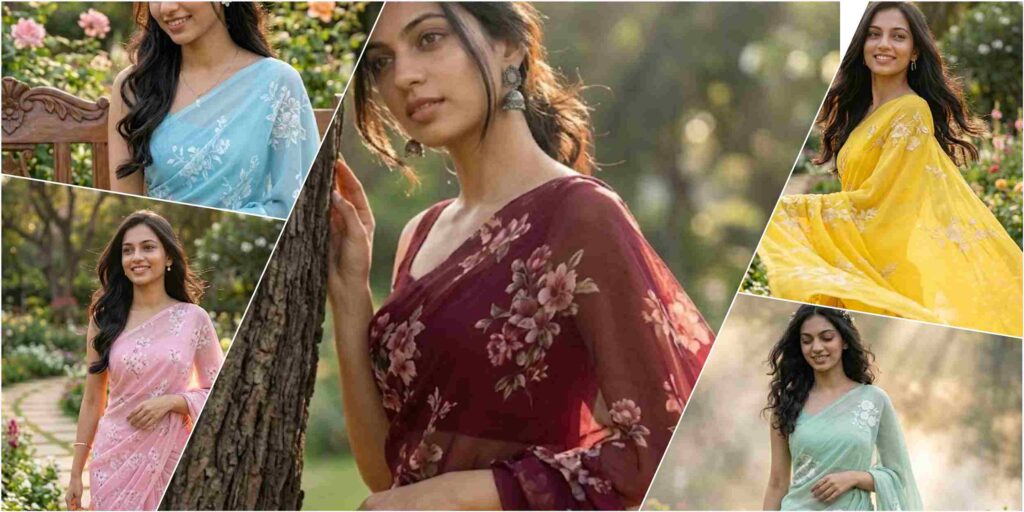
Outdoor Floral Saree Photoshoot AI Prompt | AI Image Generator for Business Marketing
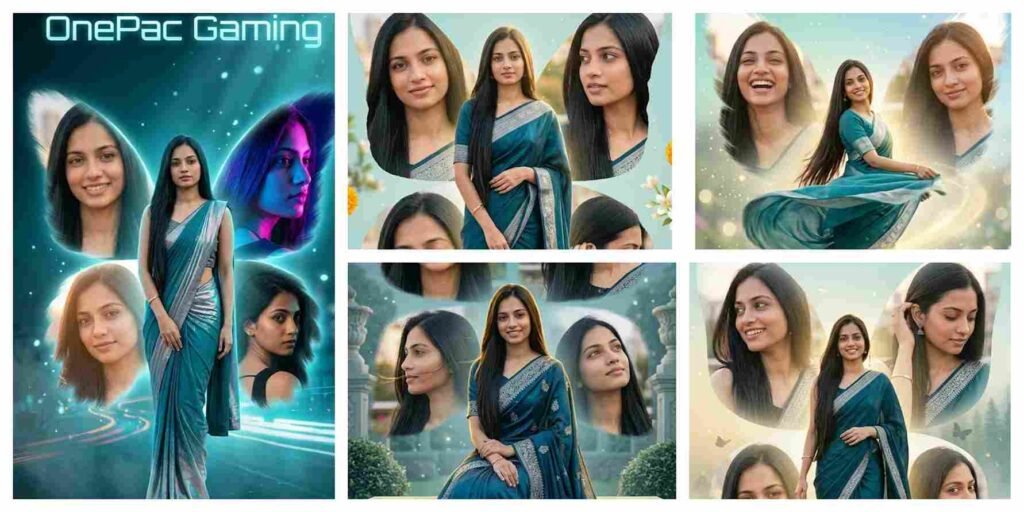
Instagram Viral Cinematic Saree Collage AI Prompt | AI Image Generator
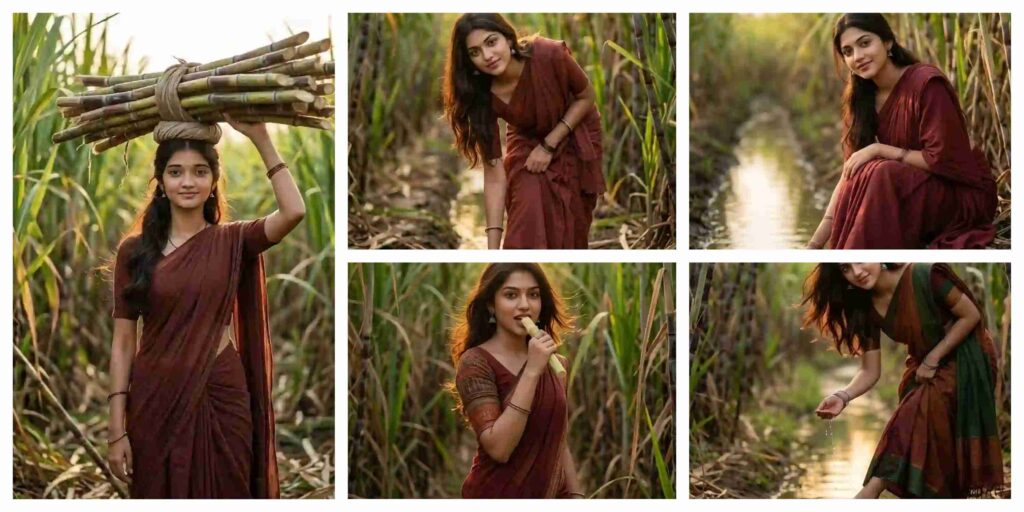
Village Girl AI Photo Editing Prompt Aesthetic
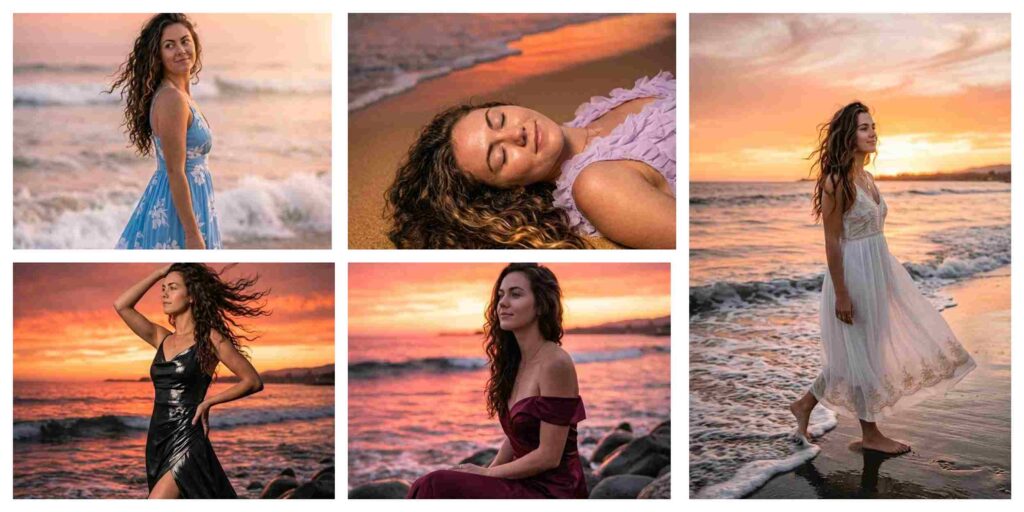
Ocean Sunset Aesthetic Girl AI Prompt | AI Image Generator for Business Marketing
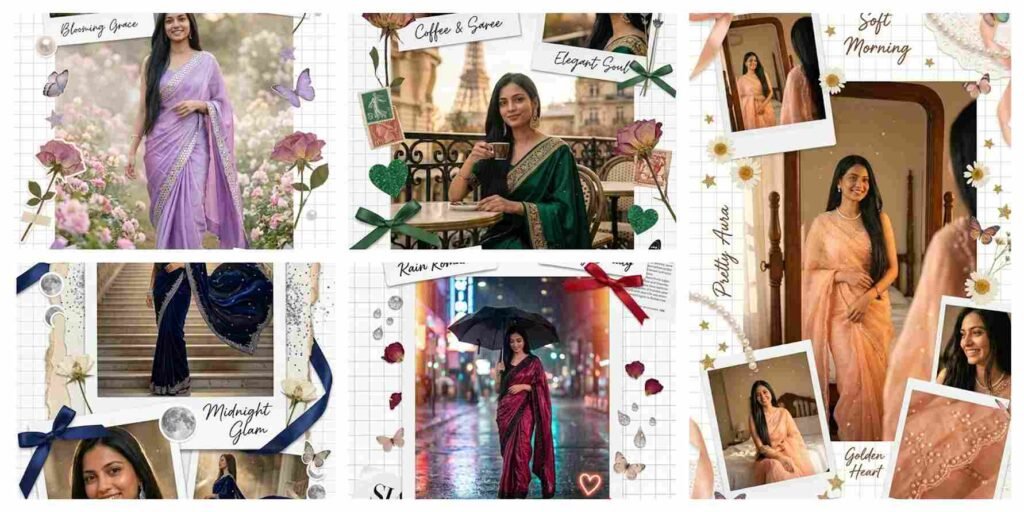
Scrapbook Style Ai Photo Editing Prompts Chatgpt 2026
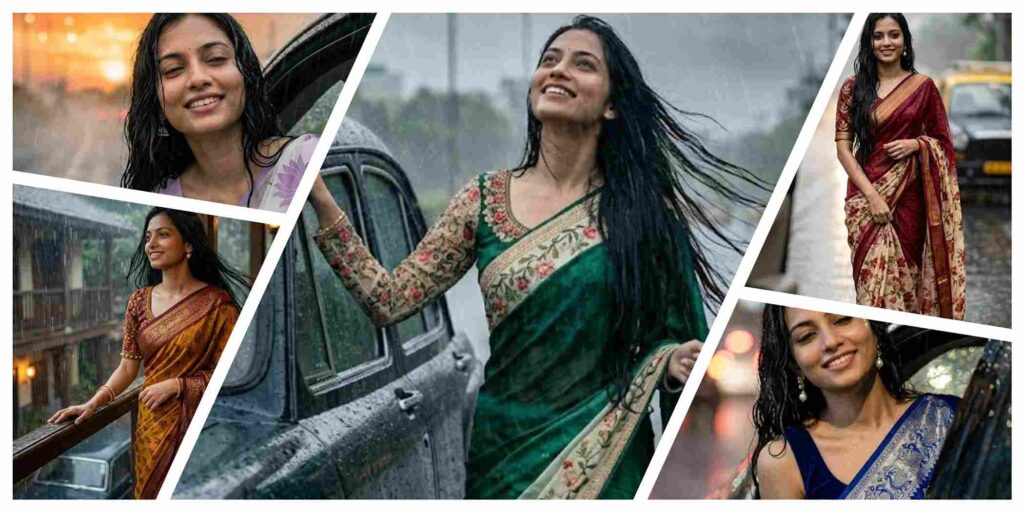
Cinematic Monsoon Saree Portrait AI Prompt | South Indian Girl Rain Scene in 8K
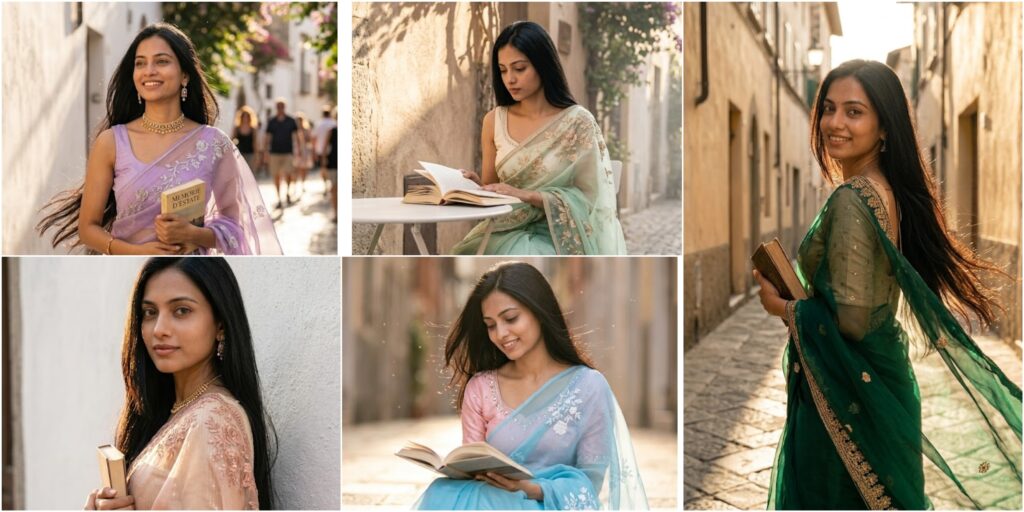
Cinematic Italian Street Saree Portrait AI Prompt | Ultra Realistic 8K Golden Hour Girl Photo
With the rapid advancement of AI tools like Google Gemini and ChatGPT, AI Photo Editing Anup Sagar techniques have become more advanced and accessible than ever before. While creating AI-generated photos is now easy, the real secret behind high-quality, viral results lies in using the right prompts. That’s why Anupsagar.co.in focuses on delivering step-by-step guides, detailed prompt collections, and trending ideas specially designed for AI Photo Editing Anup Sagar users.
On this website, you will explore high-quality AI prompts for portraits, gaming profiles, festival edits, Instagram-style photos, cinematic photography, and viral AI images. All prompts are carefully optimized for AI Photo Editing Anup Sagar workflows using Gemini and ChatGPT, ensuring sharp details, realistic lighting, and professional-grade outputs.
If you want to stay ahead in the world of AI photo editing trends in 2026, bookmark Anupsagar.co.in and explore our regularly updated collection of powerful AI prompts, editing tutorials, and creative ideas that transform ordinary photos into stunning AI masterpieces.
How To Use AI Photo Editing Prompts on Gemini and ChatGPT
Using AI Photo Editing Anup Sagar prompts on Gemini and ChatGPT is simple and beginner-friendly. Just copy the prompt, upload your image (if required), and generate high-quality visuals in seconds. These prompts are perfect for creating cinematic portraits, travel photography, village scenes, and professional profile images effortlessly.
Step 1: Open Gemini or ChatGPT
First, open Google Gemini or ChatGPT on your browser or mobile app. Make sure you are logged in with your account to access image generation features without interruption.
Step 2: Upload Your Photo (Optional)
If the prompt requires a face reference or image input, upload your photo. A clear and high-quality image will help the AI generate more realistic and accurate results.
Step 3: Copy the AI Prompt
Go back to this article and copy any prompt you like. We provide prompts for multiple styles such as cinematic portraits, travel photography, mountain views, village lifestyle edits, and professional photoshoots.
Step 4: Paste the Prompt
Paste the prompt into Gemini or ChatGPT exactly as it is. If the prompt includes instructions like “Use uploaded image as face reference,” do not modify it for best results.
Step 5: Generate the Image
Click on Generate, and within seconds, the AI will create a high-quality image with cinematic lighting, realistic colors, and professional details.
Step 6: Download and Share
Download your generated image and use it for Instagram posts, gaming profiles, social media content, or personal branding.
Using these AI prompts, anyone can create stunning images without advanced editing skills. Simply copy, paste, and generate cinematic, travel, or professional-style photos instantly.
For more trending AI photo editing prompts in 2026, keep visiting Anupsagar.co.in for the latest updates and powerful prompt collections. ????
Benefits of AI Prompts for Photo Editing
AI prompts have completely transformed the way images are created and edited. With tools like Gemini and ChatGPT, anyone can generate professional-quality photos using simple text prompts. Instead of spending hours editing manually, AI allows creators to produce stunning visuals instantly.
1. Fast and Time-Saving Editing
AI photo editing prompts significantly reduce editing time. You can create cinematic portraits, travel photos, and professional images within seconds.
2. No Professional Skills Required
Even beginners can create high-quality images without any prior editing knowledge. AI handles lighting, background, and styling automatically.
3. High-Quality and Realistic Results
With the right prompts, AI generates ultra-realistic images with sharp details, cinematic lighting, and 4K quality output.
4. Endless Creative Possibilities
You can experiment with multiple styles such as cinematic edits, village photography, travel scenes, neon gaming edits, and professional photoshoots.
5. Perfect for Social Media and Profiles
AI-generated images are visually appealing and ideal for Instagram, YouTube thumbnails, gaming profiles, and personal branding.
6. Consistent and Professional Look
Using optimized prompts ensures consistency in style, making your content look professional across all platforms.
AI prompts are one of the easiest and most effective ways to create high-quality images without complex software or editing tools.
Final Words
AI photo editing is evolving rapidly, and AI Photo Editing Anup Sagar is becoming one of the most trending and searched topics in 2026. In this article, we shared powerful prompts to help you create cinematic portraits, travel photos, mountain landscapes, village scenes, and professional edits easily.
At Anupsagar.co.in, our mission is to provide the best AI Photo Editing Anup Sagar prompts, tutorials, and creative ideas so that both beginners and professionals can generate unique, high-quality images quickly.
If you found this article useful, bookmark Anupsagar.co.in for more AI Photo Editing Anup Sagar prompts, trending edits, and creative inspiration.
Start using these prompts today and create stunning AI images that truly stand out. ✨
Start experimenting now and turn your ideas into eye-catching AI photos that grab attention instantly. ✨