Welcome to Anupsagar.co.in – The Ultimate Hub for AI Photo Editing Anup Sagar Prompts in 2026
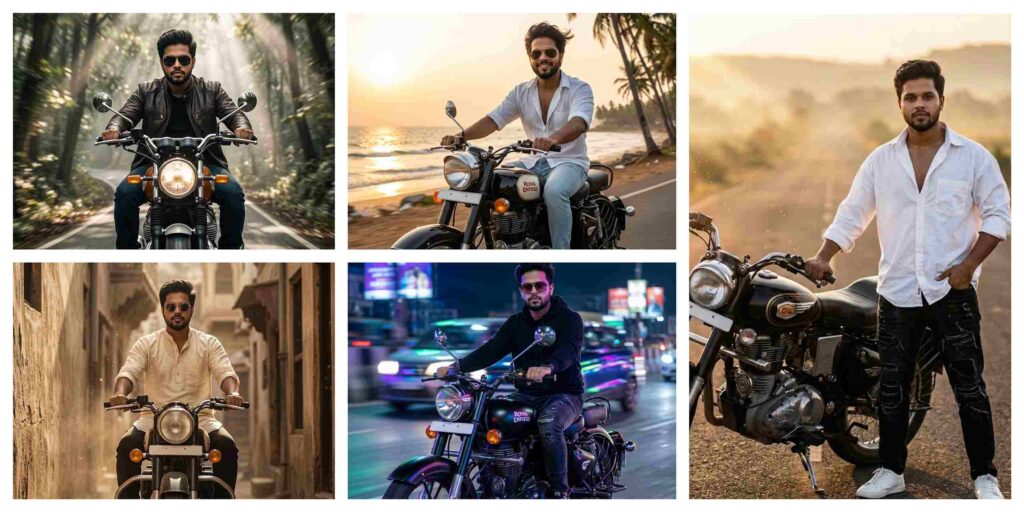
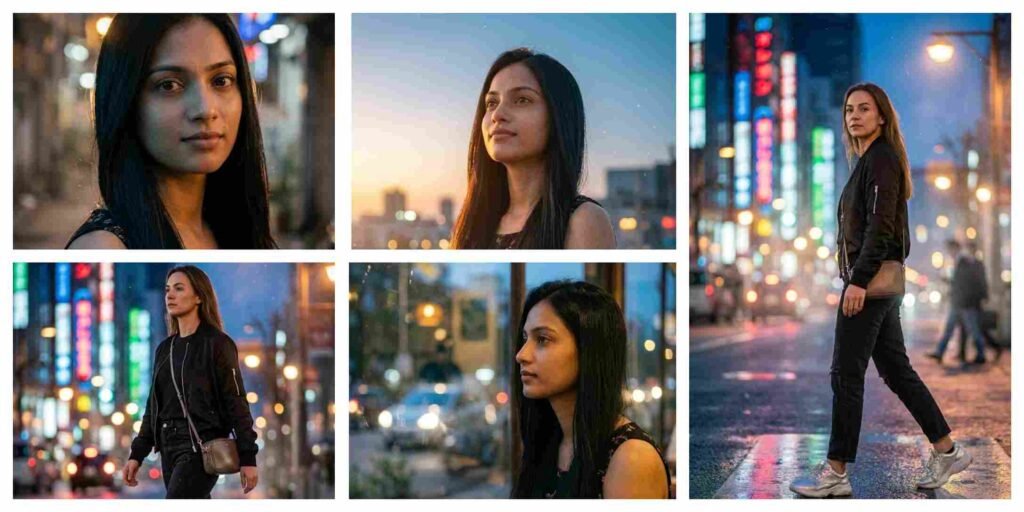
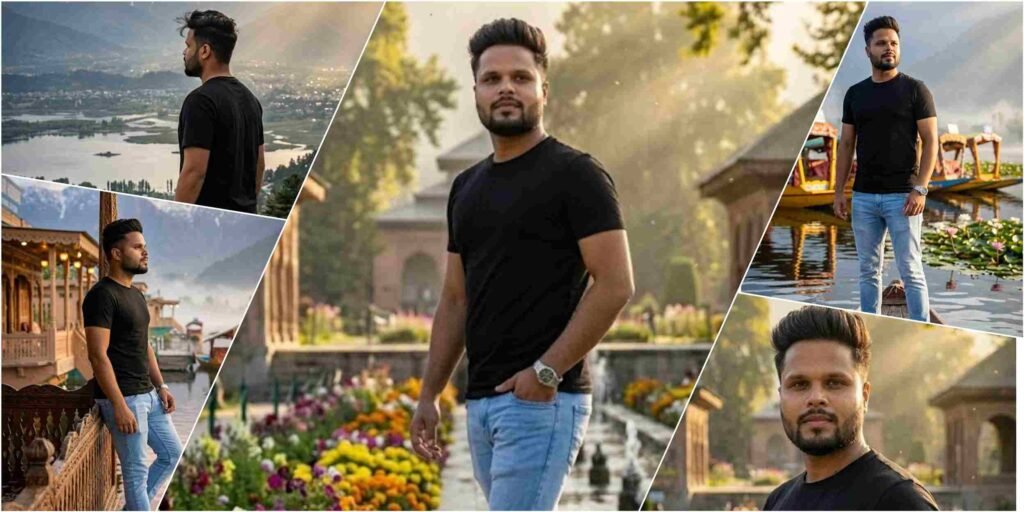
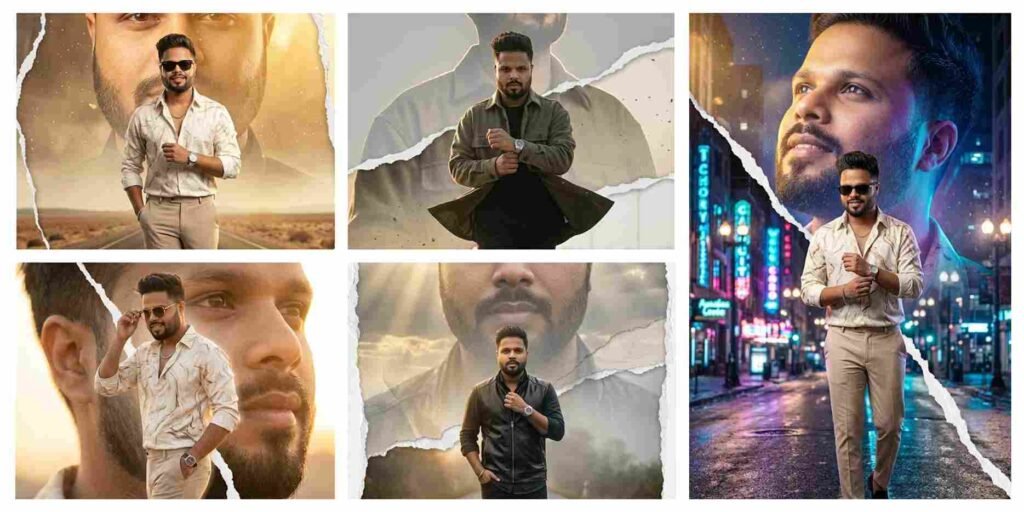
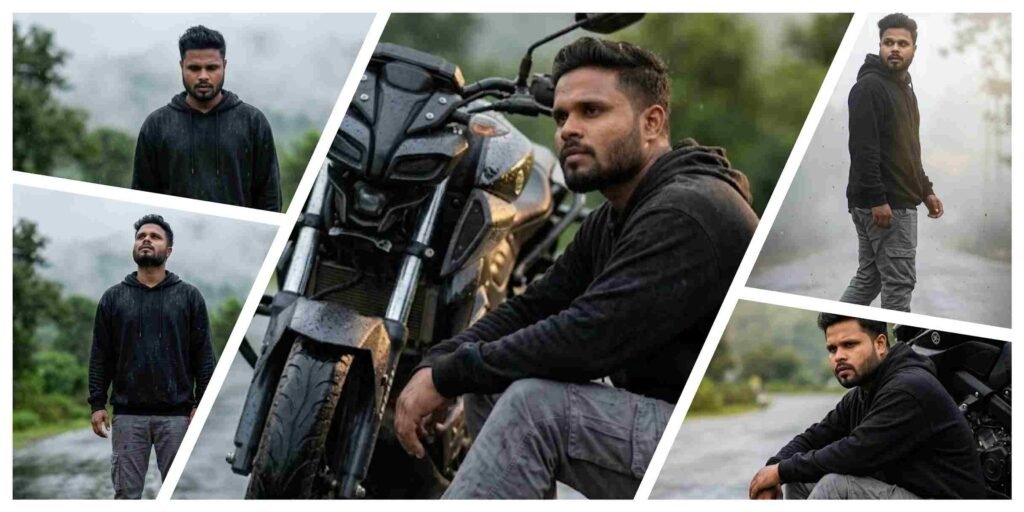
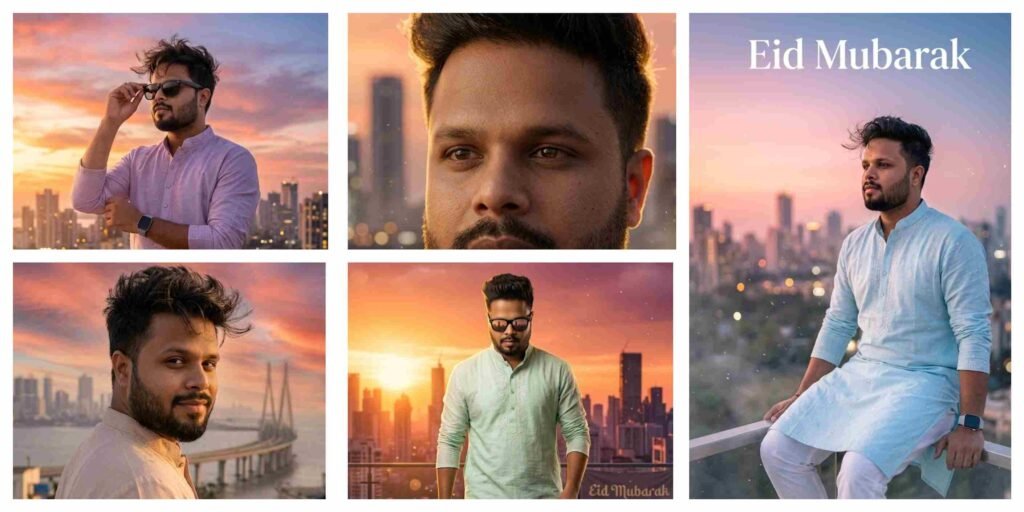
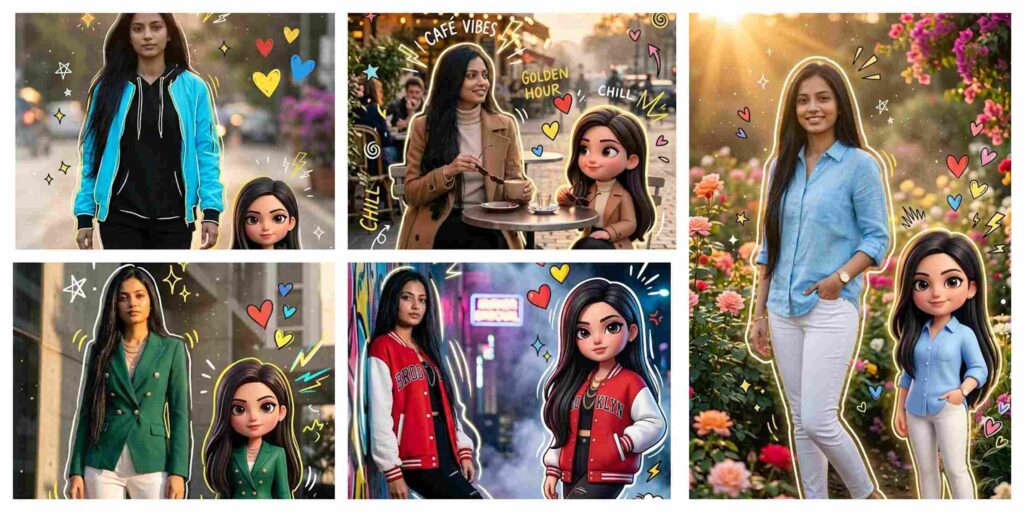
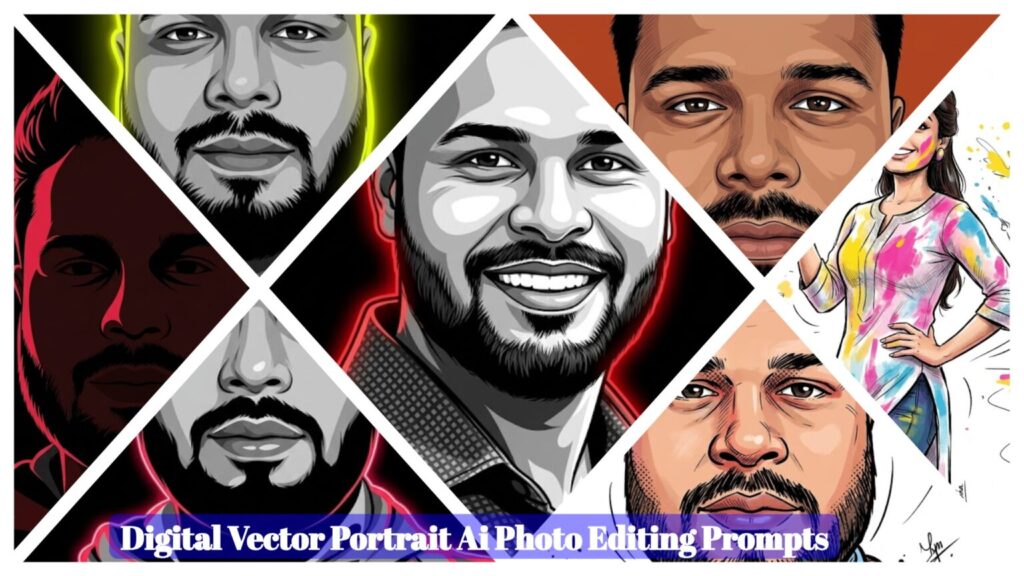
If you are looking for the best AI Photo Editing Anup Sagar prompts for Google Gemini and ChatGPT, you are in the right place. At Anupsagar.co.in, we provide the latest and most trending AI photo editing prompts that help you create professional, cinematic, and ultra-realistic images in just a few seconds. Whether you want gaming profile photos, Free Fire AI edits, cinematic portraits, festival edits, neon backgrounds, or 4K ultra-realistic images, our carefully crafted prompts make the editing process simple and powerful.
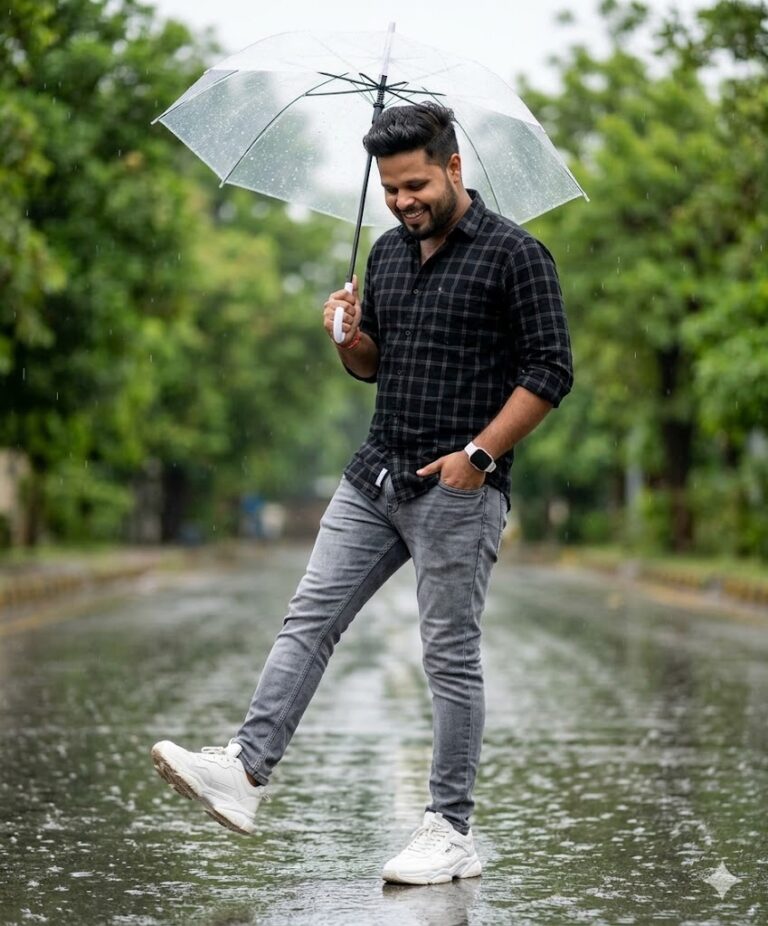
A pakistan boy standing on a wet street during light rain, holding a transparent umbrella with his right hand. He is wearing a black with black checked shirt with sleeves rolled up, grey slim-flt jeans, and white chunky sneakers. His head is slightly tilted down, smiling subtly.His left hand is in his pocket with white watch, and his right leg pose forward in a playful kicking pose. The street is shiny from the rain, with a blurred background of green trees.
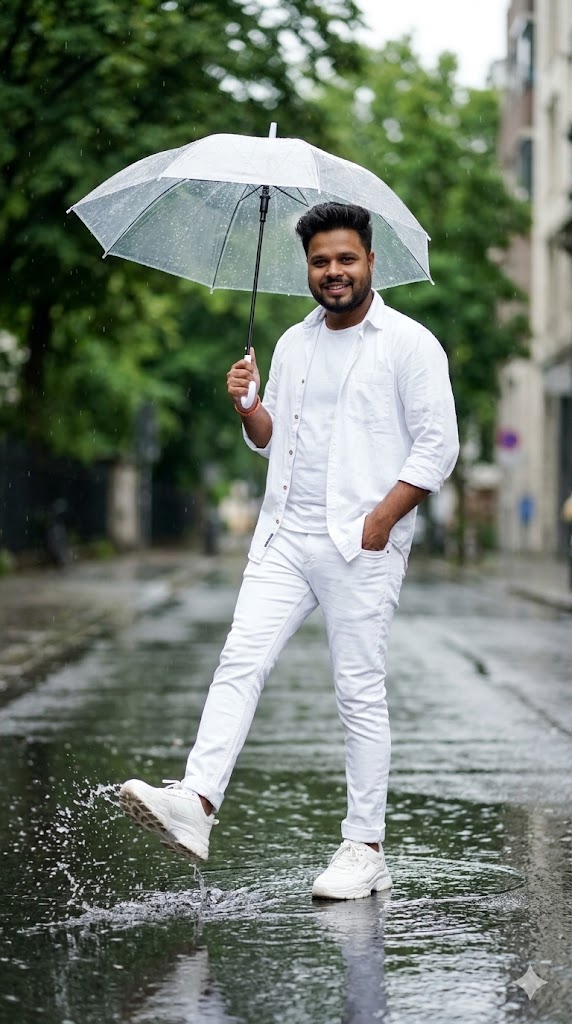
Create image A young Indian man standing on a wet street during light rain, holding a transparent umbrella with his right hand. He is wearing a white shirt with white tshirt and sleeves rolled up, white slim-fit jeans, and white chunky sneakers. His head is slightly tilted down, smiling subtly. His left hand is in his pocket, and his right leg is lifted forward in a playful kicking pose. The street is shiny from the rain, with a blurred background of green trees. 9:16 Aspect ratio
Transform my photo into a hyper realistic, 4k, captivating portrait, Preserving 100% of the details and accuracy of my facial identity for the person using the attached photo. and replicate with 100% accuracy, capturing a young man standing outdoors in the rain, holding an open black umbrella with his right hand, his left hand casually in his pocket. He wears a white long-sleeved button-up shirt, slightly unbuttoned at the collar and visibly wet with droplets, paired with dark pants. His expression is a joyful, radiant smile with slightly squinted eyes. The background is a heavily blurred, rainy outdoor setting with dark, cool tones and faint outlines of structures and wet reflections. The scene is illuminated by soft, diffused natural light from an overcast sky, casting subtle shadows and highlights on wet surfaces. Hair style, beard style, skin tone should be 100% same as given reference, aspect ratio 9:16
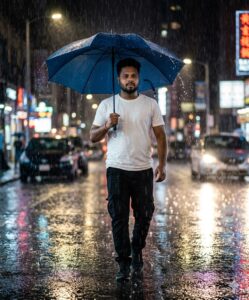
Ultra-realistic cinematic scene of a young man walking on a rainy street at night. He is holding a large dark blue Chinese umbrella, with raindrops splashing around it. The reference person’s face must match exactly, keeping his identity clear. He is wearing a white t-shirt and black mobile-style pants. The umbrella shields him from the heavy rain while reflections of streetlights shimmer on the wet road. The entire atmosphere feels cinematic, dramatic, and highly realistic, with detailed textures of rain, light, and water reflections.
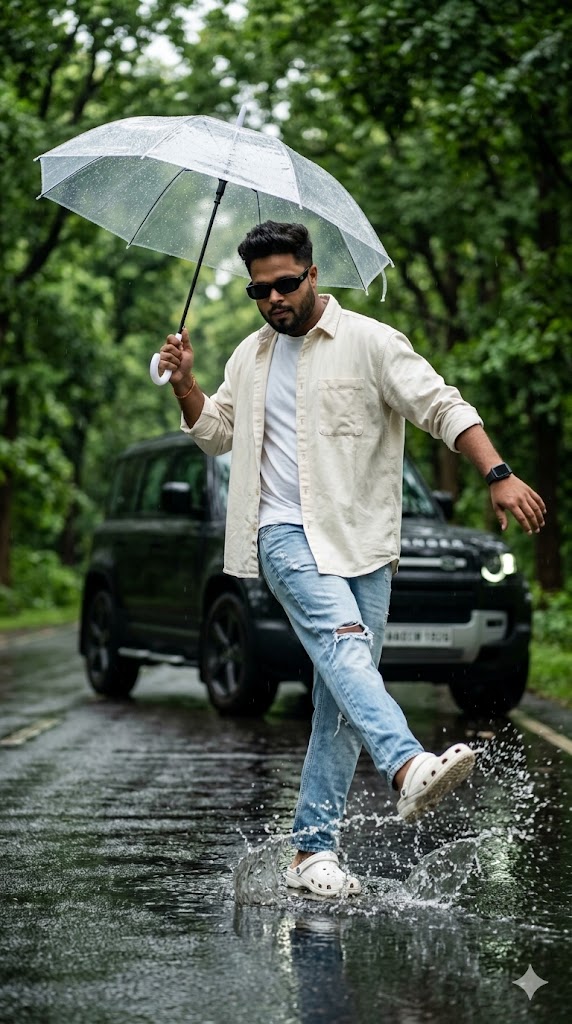
Create an ultra-realistic cinematic fashion photo of a young man dancing on a wet road during light rain.MAIN SUBJECT (YOUNG MAN):Stylish young manWearing black rectangle sunglassesblack Apple Smart Watch on left wrist (clean modern look)Off-white oversized open shirtWhite round-neck t-shirt insideloose light blue ripped denim jeansWhite Crocs footwearPOSE & ACTION:Dynamic dance pose mid-stopOne foot splashing water on the wet roadArms balanced in a freestyle dance motionNatural movement, frozen action shotConfident, carefree attitudeEXPRESSION:Focused, cool vibeLooking slightly downwardCalm confidence, no forced smileACCESSORIES:Holding a white transparent umbrella in one handUmbrella slightly tilted, rain droplets visibleBACKGROUND & ENVIRONMENT:Lush groen troe-lined roadSoft rainy atmosphereWet reflective road surfaceDefender slightly blurred forA black Land Rover Defender luxury SUV parked behind the subject, aspect ratio 9:16
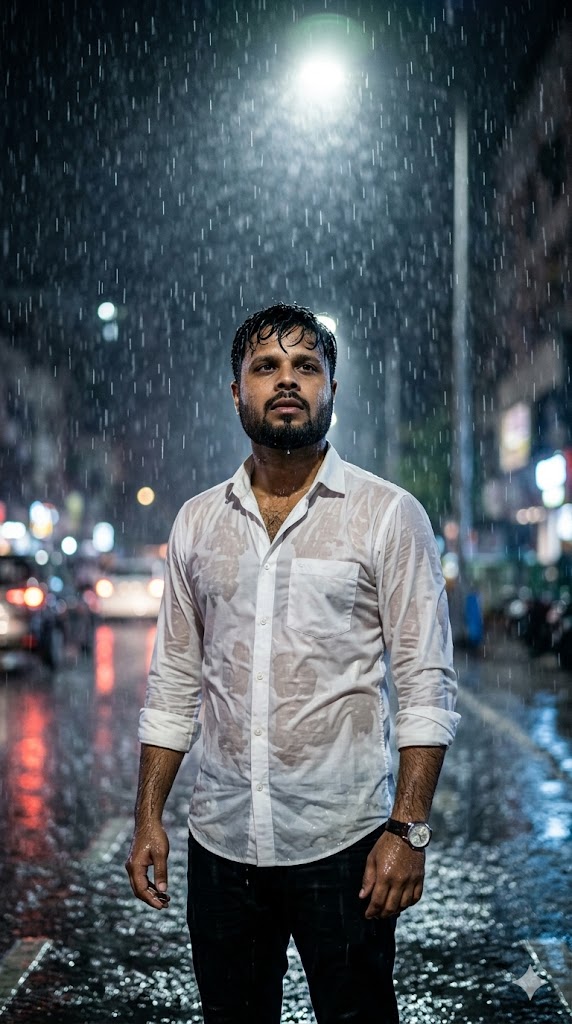
Ultra-realistic cinematic portrait of a young South Asian man standing alone in heavy rain at night on a city street. He has short wet black hair, a trimmed beard, and a serious emotional expression while looking slightly upward. He is wearing a wet white button-up shirt with sleeves rolled up, black pants, and a wristwatch. Rainwater is dripping from his hair and clothes.Dramatic street lighting from above creates a glowing halo through the falling rain. The background shows blurred city lights and bokeh from cars and street lamps, creating a moody atmosphere. Water droplets and reflections on the road surface enhance the rainy night feeling.Shot like professional DSLR photography, 85mm lens, shallow depth of field, cinematic lighting, high contrast, hyper realistic skin texture, rain droplets frozen in motion, dramatic mood, film still style, 4K ultra detailed.Aspect ratio 9:16, vertical composition, subject centered, full body portrait, night rain scene, cinematic color grading.
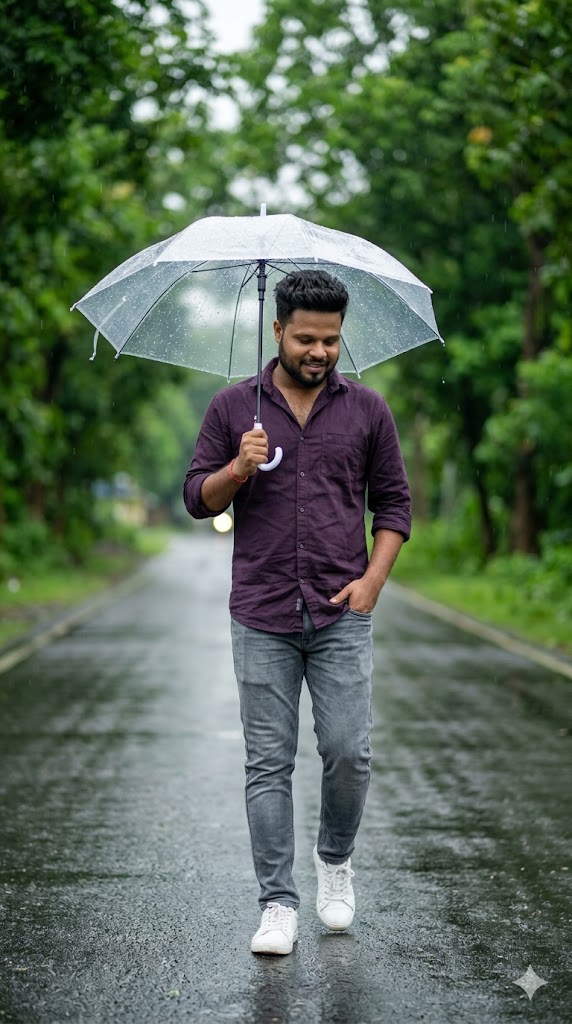
Ultra-realistic full body portrait of a young South Asian man walking on a wet road during light rain, holding a transparent umbrella above his head. He has short stylish black hair, light beard, and a calm gentle smile while looking slightly downward.He is wearing a dark purple button-up shirt with sleeves rolled up, grey slim-fit jeans, and white sneakers. One hand is holding the umbrella handle while the other hand is casually in his pocket.The environment is a peaceful rainy day with soft falling raindrops, wet road reflections, and lush green trees blurred in the background. Natural soft lighting, shallow depth of field, cinematic bokeh, and realistic rain droplets on the umbrella.Shot like professional DSLR photography, 85mm lens, ultra detailed skin texture, natural colors, soft cinematic mood, high realism, 4K quality.Vertical composition, full body centered, walking pose, rainy nature road background.Aspect ratio 9:16--ar 9:16 --style photorealistic --quality ultra
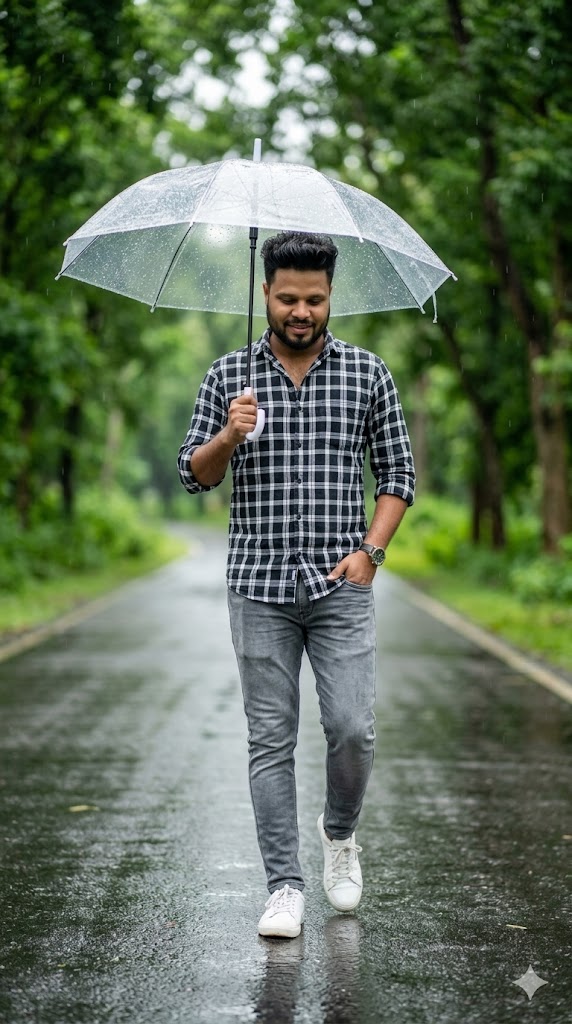
" A pakistan boy standing on a wet street during light rain, holding a transparent umbrella with his right hand. He is wearing a black with black checked shirt with sleeves rolled up, grey slim-flt jeans, and white chunky sneakers. His head is slightly tilted down, smiling subtly.His left hand is in his pocket with white watch, and his right leg pose forward in a playful kicking pose. The street is shiny from the rain, with a blurred background of green trees.
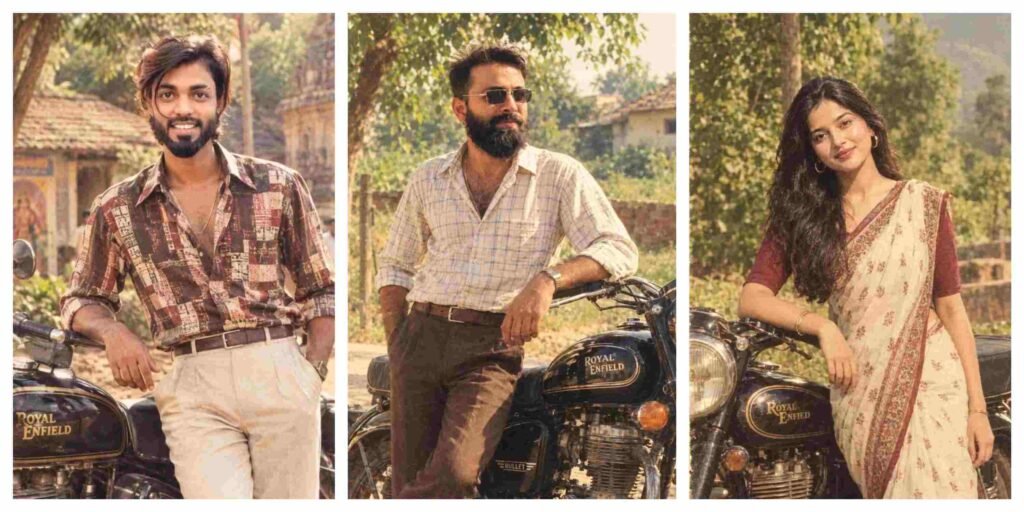
70s–80s Retro Indian Aesthetic Ai Photo Editing Prompts
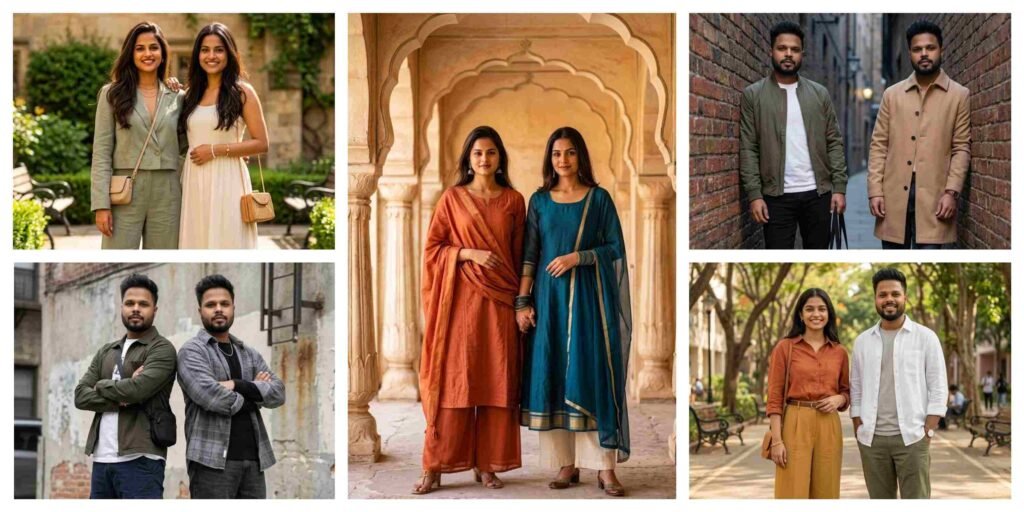
5 Best Gemini Prompt for Stylish Best Friends Photos 2026
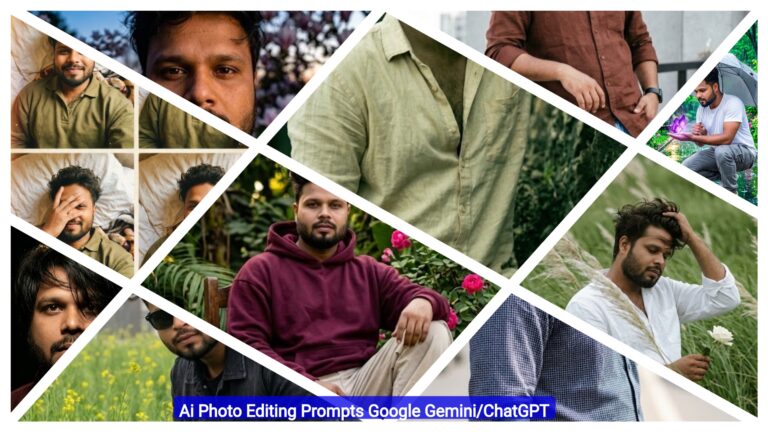
Top Boys Ai Photo Editing Prompts Google Gemini/ChatGPT 2026
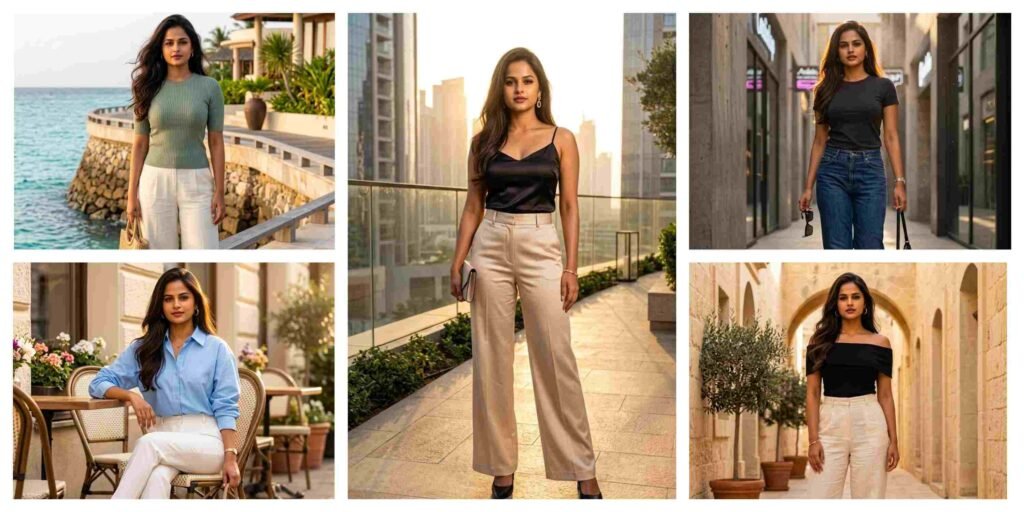
5 Best Gemini Prompt for Luxury Women Photos 2026
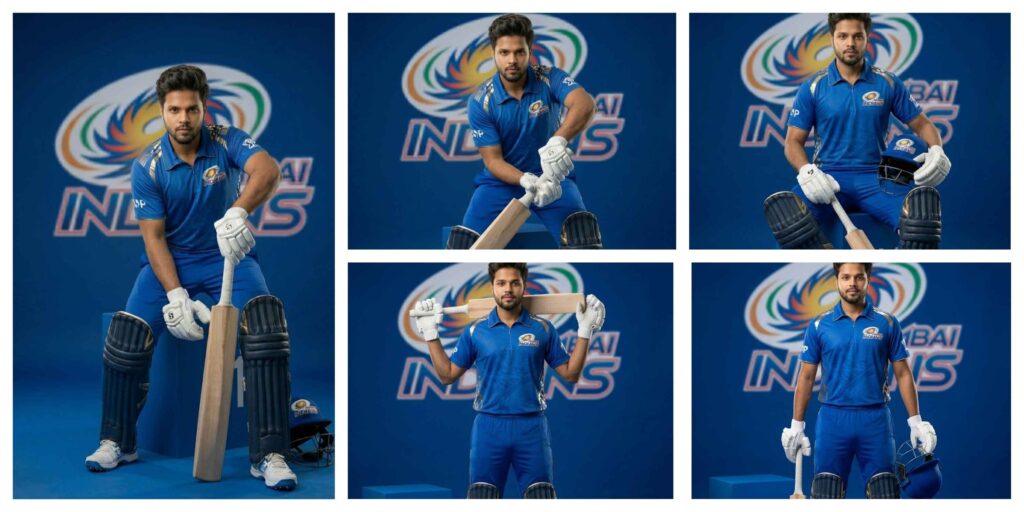
Mumbai Indians Jersey AI Photo Editing Prompt Gemini: AI Jerseys Instantly
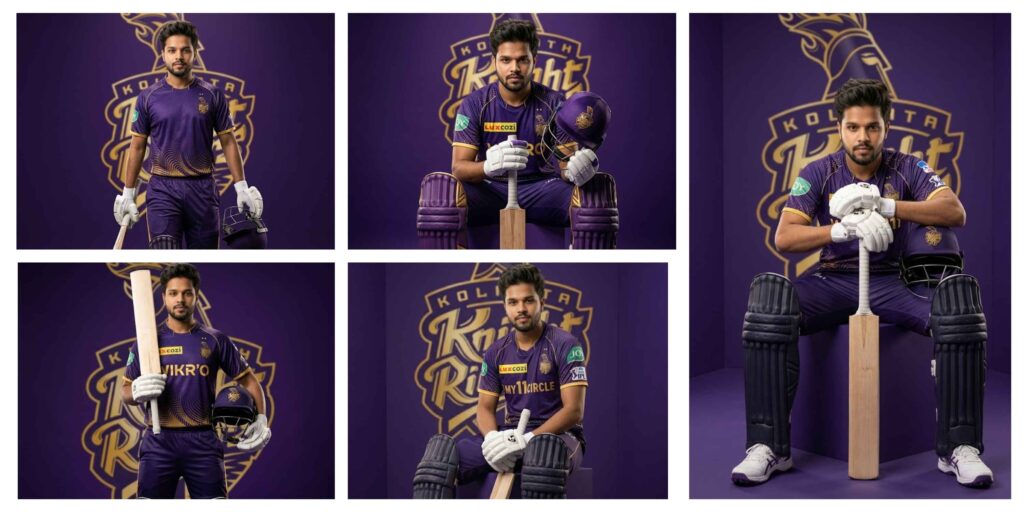
KKR Jersey Prompt for Gemini AI – Create Stunning IPL KKR AI Photos Editing
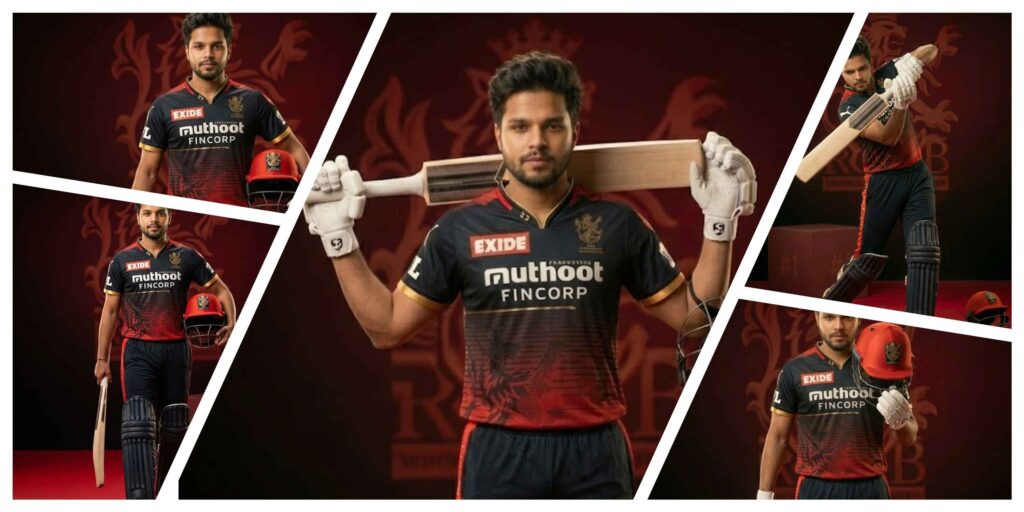
RCB Jersey Prompt | RCB Prompt for AI Photo Editing
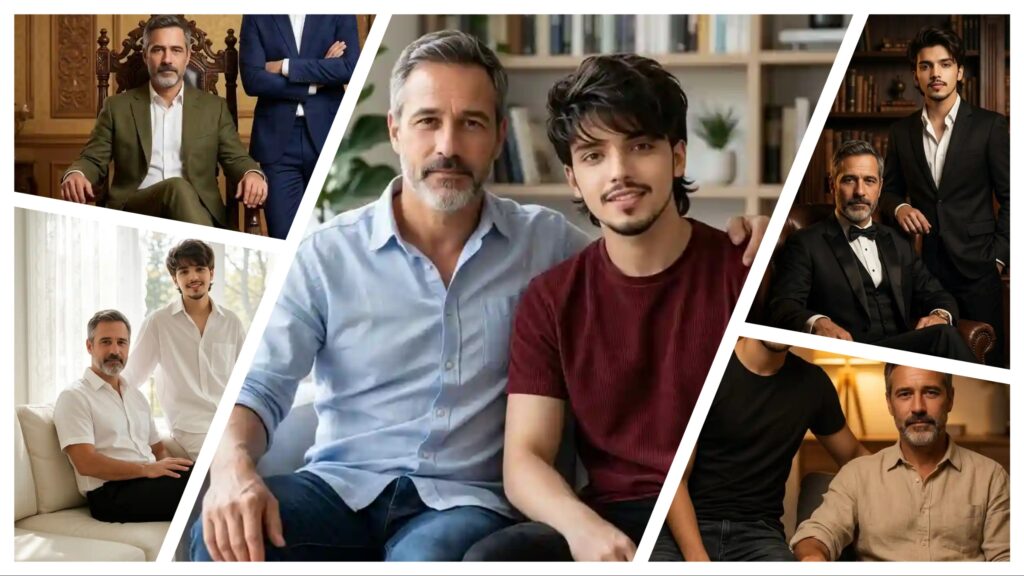
Father And Son Photo Editing Prompts | AI Image Generator for Business Marketing
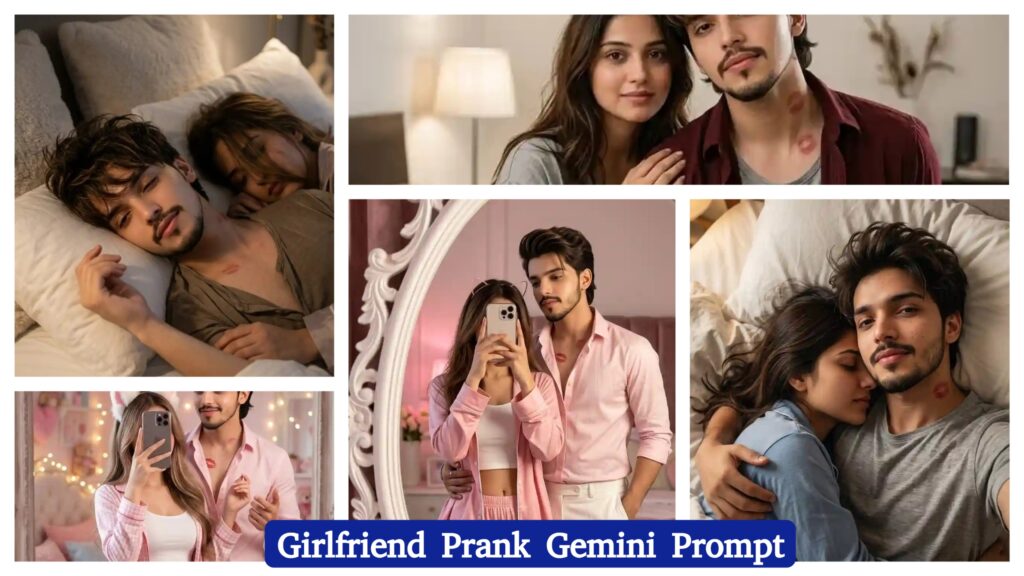
Girlfriend Prank AI Photo Editing Prompt | AI Image Generator for Business Marketing
With the rapid growth of AI tools like Google Gemini and ChatGPT, AI Photo Editing Anup Sagar techniques have become more powerful than ever. Creating stunning AI-generated photos is now easier, but the real secret behind high-quality results is using the right prompts. That’s why Anupsagar.co.in focuses on sharing step-by-step guides, detailed prompts, and trending ideas for AI Photo Editing Anup Sagar users.
On this website, you will discover high-quality prompts for portraits, gaming profiles, festival photos, Instagram-style edits, cinematic photography, and viral trending AI images. All prompts are specially designed for AI Photo Editing Anup Sagar workflows using Gemini and ChatGPT tools, ensuring sharp details, realistic lighting, and professional-quality outputs.
If you want to stay ahead in the world of AI photo editing trends in 2026, bookmark Anupsagar.co.in and explore our regularly updated collection of powerful AI prompts, editing tutorials, and creative ideas that help you transform simple photos into stunning AI masterpieces.
How To Use AI Photo Editing Prompts on Gemini and ChatGPT
Using AI Photo Editing Anup Sagar prompts on Gemini and ChatGPT is very simple. Just copy the prompt, upload your image (if needed), and generate stunning visuals within seconds. These prompts are perfect for creating cinematic portraits, travel photography, village scenes, and professional profile images with ease.
Step 1: Open Gemini or ChatGPT
First, open the Google Gemini AI tool or ChatGPT in your browser or mobile app. Make sure you are logged in with your Google or OpenAI account so you can use the image generation feature without any issues.
Step 2: Upload Your Photo (Optional)
If the prompt requires your face or a reference image, upload your photo first. Most AI photo editing prompts work best when you provide a clear image so the AI can generate a realistic result.
Step 3: Copy the AI Prompt
Now go back to this article and copy any prompt you like. We have shared prompts for different styles such as cinematic portraits, travel photography, mountain views, village lifestyle photos, and professional photoshoot images.
Step 4: Paste the Prompt
Paste the prompt inside Gemini or ChatGPT and make sure the instructions remain the same. If the prompt includes a line like “Use uploaded image as face reference”, keep it unchanged so the AI understands the request correctly.
Step 5: Generate the Image
After pasting the prompt, simply click Generate. Within a few seconds, the AI will create a high-quality edited image with realistic lighting, cinematic colors, and professional details.
Step 6: Download and Share
Once the image is generated, you can download the photo and use it for Instagram posts, gaming profiles, social media content, or personal projects.
Using these prompts on Gemini and ChatGPT allows anyone to create stunning AI photos without advanced editing skills. Just copy the prompt, upload your photo, and let the AI generate beautiful cinematic, travel, mountain, or professional-style images in seconds.
For more trending AI photo editing prompts in 2026, keep visiting Anupsagar.co.in where we regularly share the latest and most powerful prompts for creators and editors. ????
Benefits of AI Prompts for Photo Editing
AI prompts have completely transformed the way people create and edit images. With tools like Google Gemini and ChatGPT, anyone can generate professional-quality photos simply by using the right prompt. Instead of spending hours editing manually, AI prompts allow creators to produce stunning visuals in just a few seconds. Here are some of the main benefits of using AI prompts for photo editing.
1. Fast and Time-Saving Editing
One of the biggest advantages of AI photo editing prompts is speed. Traditional editing can take a long time, but with AI prompts, you can create cinematic portraits, travel photos, mountain landscapes, and professional profile images instantly.
2. No Professional Skills Required
You don’t need advanced editing knowledge to create amazing images. Even beginners can use AI prompts to generate high-quality photos with realistic lighting, detailed backgrounds, and creative styles.
3. High-Quality and Realistic Results
AI tools are designed to produce ultra-realistic images with professional lighting and sharp details. With the right prompt, you can create 4K cinematic photos, stylish portraits, and stunning nature scenes easily.
4. Endless Creative Possibilities
AI prompts allow you to experiment with different styles such as cinematic portraits, village lifestyle photos, travel photography, mountain views, neon gaming edits, and professional photoshoots. This gives creators unlimited opportunities to explore new ideas.
5. Perfect for Social Media and Profiles
AI-generated photos look unique and attractive, which makes them perfect for Instagram posts, gaming profiles, YouTube thumbnails, and personal branding.
6. Consistent and Professional Look
Using well-written prompts helps maintain a consistent style and quality in your photos. This is especially useful for content creators who want their images to look professional across all platforms.
Using AI prompts for photo editing is one of the easiest ways to create beautiful, high-quality images without complicated software. With platforms like Gemini and ChatGPT, anyone can transform a simple photo into a cinematic masterpiece in just a few seconds.
Final Words
AI photo editing is evolving rapidly, and AI Photo Editing Anup Sagar is becoming one of the most searched trends in 2026. In this article, we shared powerful prompts to help you create cinematic portraits, travel photos, mountain landscapes, village scenes, and professional edits easily.
At Anupsagar.co.in, our mission is to provide the best AI Photo Editing Anup Sagar prompts, tutorials, and creative ideas so that beginners and professionals can generate unique and high-quality images quickly.
If you found this article helpful, bookmark Anupsagar.co.in for more AI Photo Editing Anup Sagar prompts, trending edits, and creative inspiration.
Start using these prompts today and create stunning AI images that stand out. ✨
Start experimenting with these prompts today and create stunning AI photos that stand out from the crowd. ✨