Welcome to Anupsagar.co.in – The Ultimate Hub for AI Photo Editing Anup Sagar Prompts in 2026
If you are looking for the best AI Photo Editing Anup Sagar prompts for Google Gemini and ChatGPT, you are in the right place. At Anupsagar.co.in, we provide the latest and most trending AI photo editing prompts that help you create professional, cinematic, and ultra-realistic images in just a few seconds. Whether you want gaming profile photos, Free Fire AI edits, cinematic portraits, festival edits, neon backgrounds, or 4K ultra-realistic images, our carefully crafted prompts make the editing process simple and powerful.
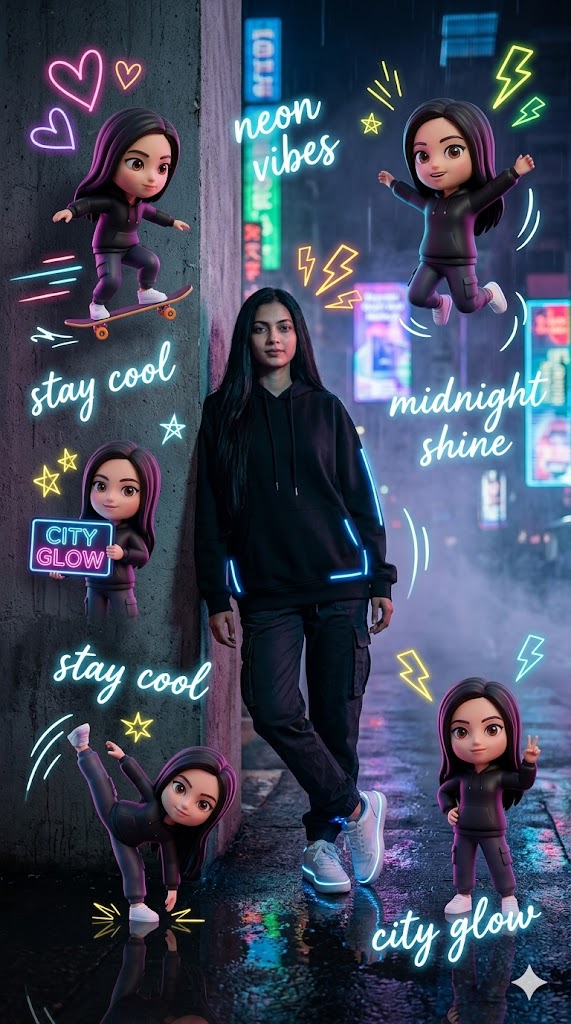
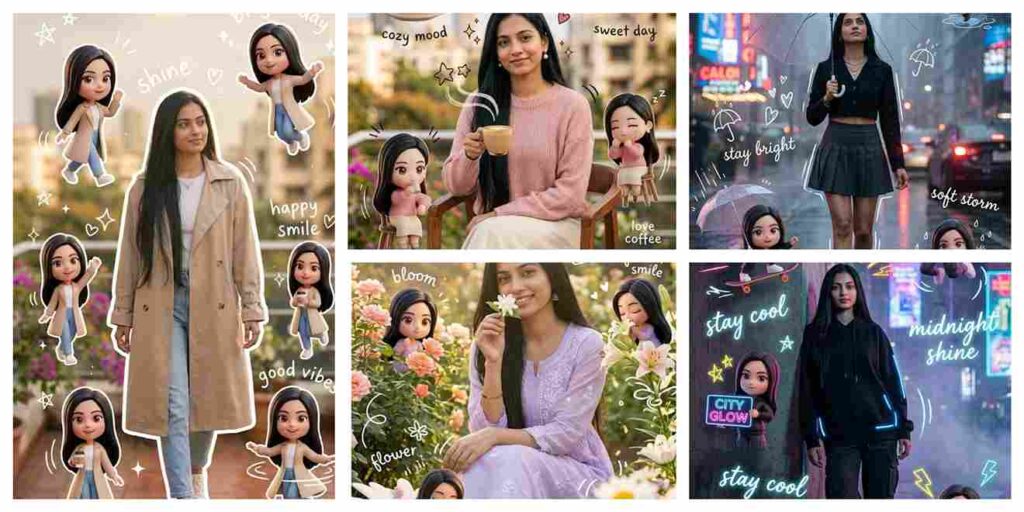
Use a real face as reference photo, maintain exact identity. Background is a neon-lit city street at night with reflections on wet ground, cyberpunk glow, cinematic fog, and high contrast lighting. The subject is standing confidently leaning slightly against a wall, arms relaxed, cool expression. Outfit: black oversized hoodie, cargo pants, white sneakers, glowing subtle accessories. Mini chibi versions: skateboarding, dancing, holding neon signs, jumping energetically, making peace signs. Add doodles: neon hearts, lightning bolts, glow stars, motion streaks. Handwriting: “neon vibes”, “stay cool”, “midnight shine”, “city glow”. Style: cyber neon cinematic aesthetic, glossy chibi 3D style, ultra-realistic DSLR 8K, high contrast lighting, viral Instagram look.
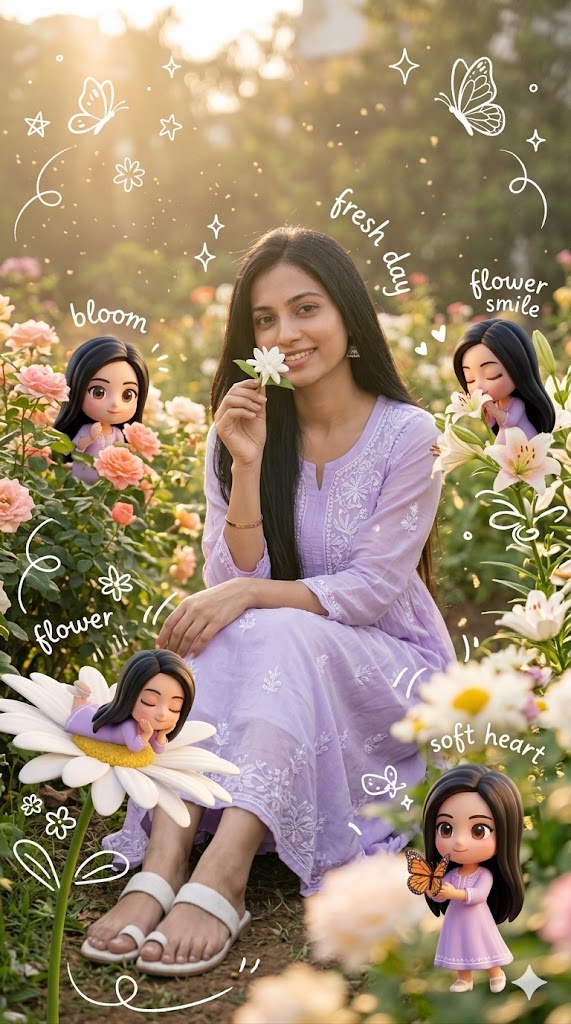
Use a real face as reference photo with exact facial identity preserved. Background is a lush flower garden with golden sunlight, soft cinematic haze, floating pollen dust, and dreamy atmosphere. The subject is sitting on grass surrounded by flowers, gently holding a flower near face with a peaceful smile. Outfit: light lavender dress with floral embroidery, soft white sandals, minimal jewelry. Mini chibi versions: hiding behind flowers, smelling blossoms, lying on petals, holding butterflies, playful garden interaction. Add doodles: butterflies, stars, floral sparkles, cute swirl motion lines. Handwriting: “bloom”, “fresh day”, “flower smile”, “soft heart”. Style: dreamy pastel garden aesthetic, glossy 3D chibi characters, soft cinematic glow, DSLR 8K ultra-realism, Instagram aesthetic composition.
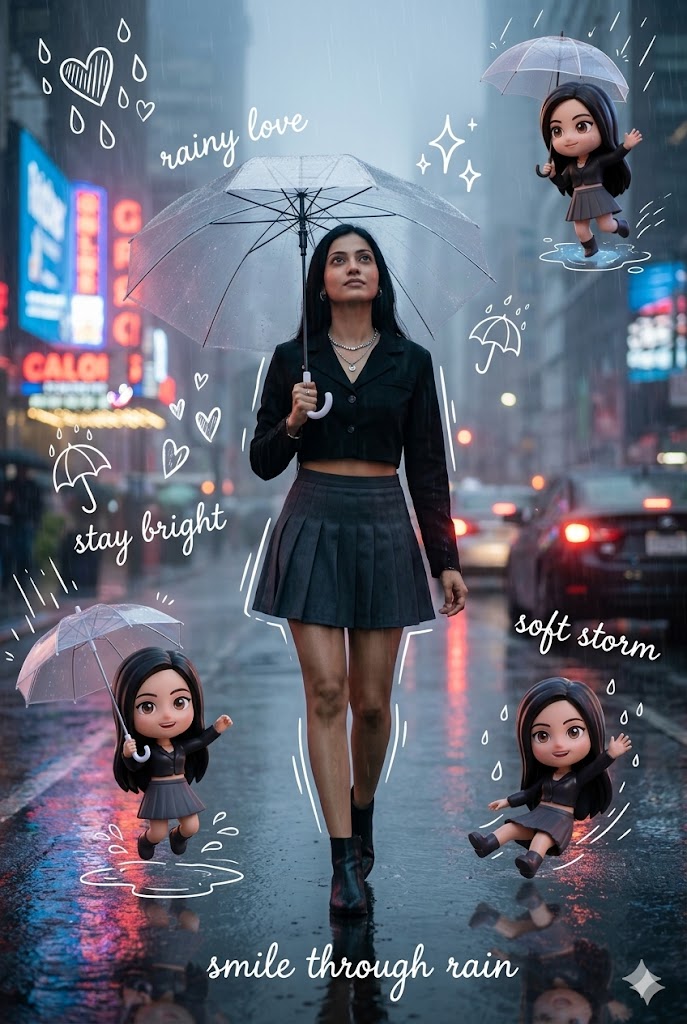
Use a real face as reference image. Keep identical facial structure and expression consistency. Background is a rainy urban street with reflections, neon glow, cinematic fog, and wet pavement lighting. The subject is walking under a transparent umbrella in the rain, slightly looking upward with a dreamy expression. Outfit: black crop jacket, dark grey pleated skirt, ankle boots, subtle silver jewelry. Mini chibi versions: holding tiny umbrellas, jumping in puddles, sliding on rainwater, waving with rain droplets, playful rainy mood. Add doodles: raindrop hearts, lightning sparkles, umbrella icons, motion rain lines. Handwriting: “rainy love”, “stay bright”, “soft storm”, “smile through rain”. Style: cinematic rainy aesthetic, neon reflections, glossy chibi 3D look, ultra-detailed DSLR 8K, dramatic lighting, Instagram viral mood.
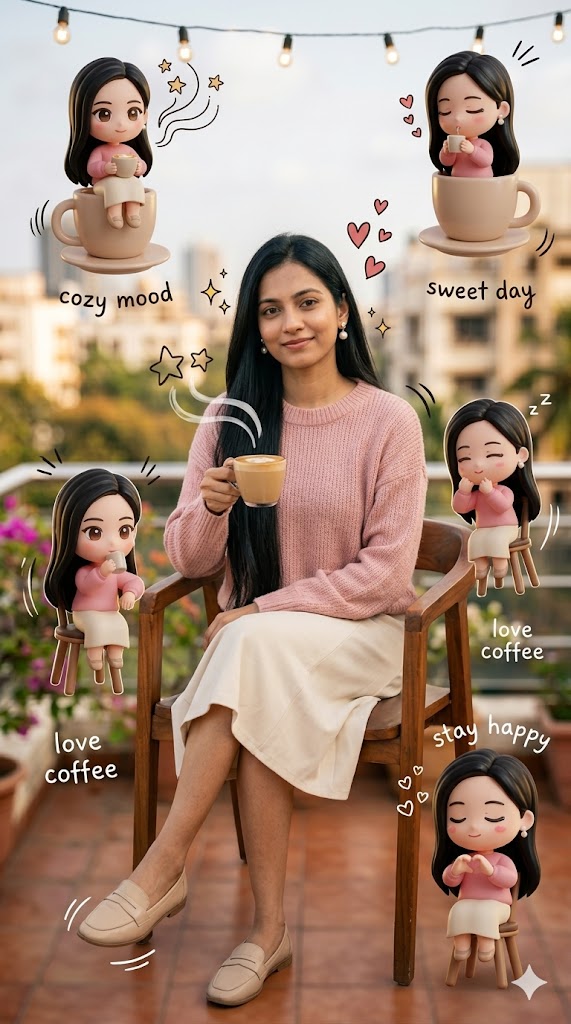
Use a real face as reference photo with 100% facial accuracy. Same background environment, enhanced with warm indoor-outdoor café lighting, soft reflections, and cinematic depth. The subject is sitting relaxed on a café chair, one hand holding a drink, gentle natural smile, calm and cozy vibe. Outfit: soft pink knitted sweater, cream skirt, beige loafers, pearl earrings. Mini chibi versions around the subject: sitting on cups, leaning on chairs, sipping drinks, making heart gestures, and cute sleepy expressions. Add doodles: hearts floating above drink, coffee steam shaped like stars, sparkles around face, motion lines. Handwriting elements: “cozy mood”, “sweet day”, “love coffee”, “stay happy”. Style: pastel cozy café aesthetic, glossy chibi 3D style, soft Korean Instagram look, warm cinematic lighting, ultra-realistic DSLR 8K, shallow depth of field.
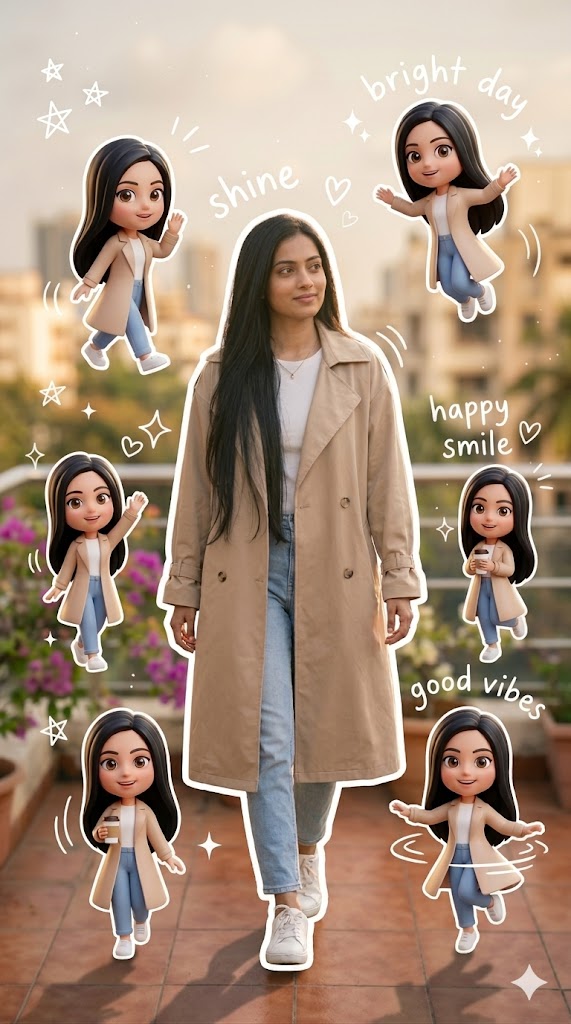
Use a real face as reference photo. Maintain exact facial features and identity. Background remains the same as the original image with warm golden-hour lighting, soft shadows, cinematic fog, and dust particles. The subject is captured walking forward on a dreamy street path, slightly turning the head with a confident soft smile. Outfit: beige oversized trench coat, white inner top, light blue denim jeans, white sneakers with subtle luxury accessories. Around the main subject, add multiple mini 3D chibi versions performing playful actions: walking, waving, jumping, holding a coffee cup, and spinning happily. Add hand-drawn white doodle elements: stars, hearts, sparkles, motion lines around walking direction.Add aesthetic handwriting: “shine”, “bright day”, “happy smile”, “good vibes” in casual doodle font. Style: clean aesthetic composition, white sticker outline, pastel tone, glossy 3D chibi look, Korean Instagram aesthetic, ultra-detailed skin texture, DSLR 8K cinematic realism, soft bokeh background.
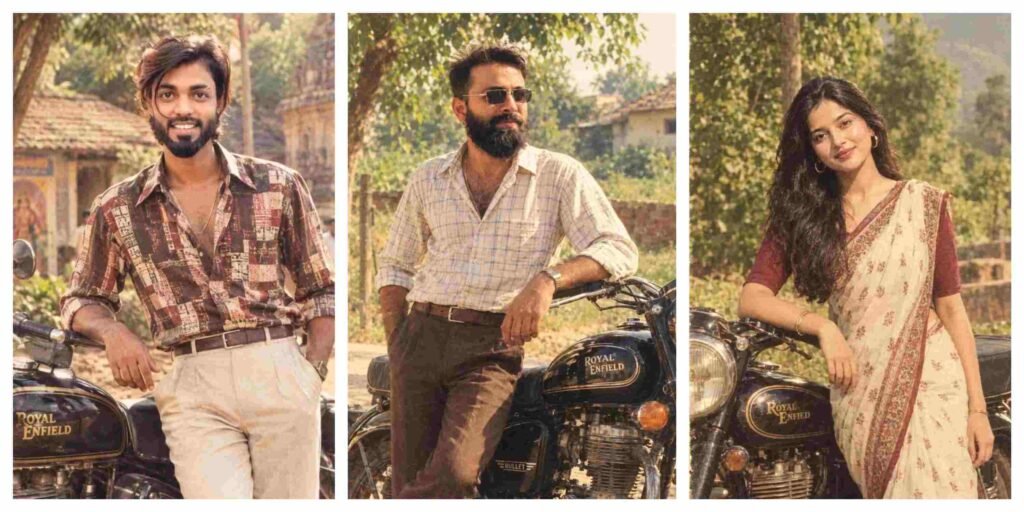
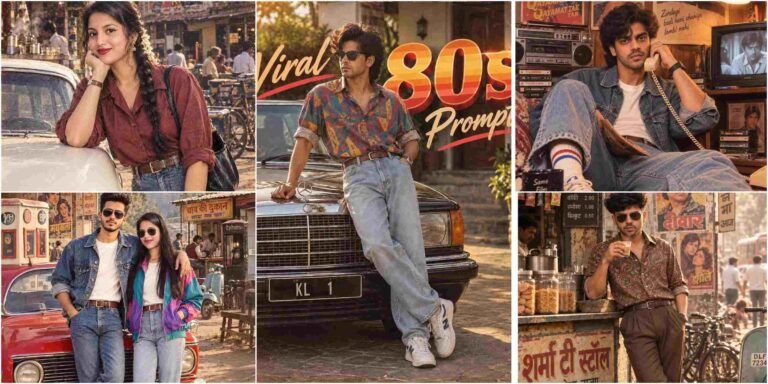
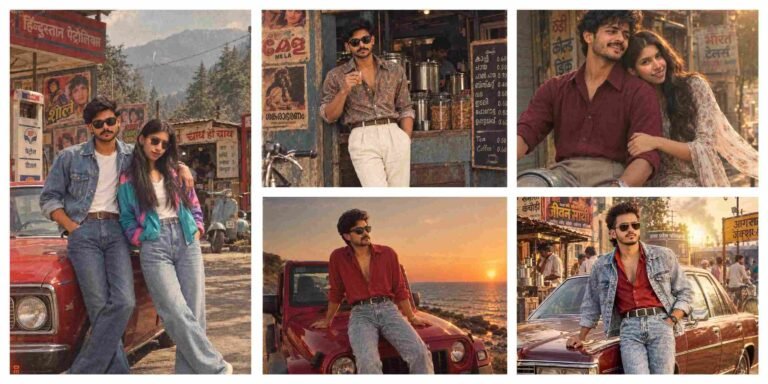
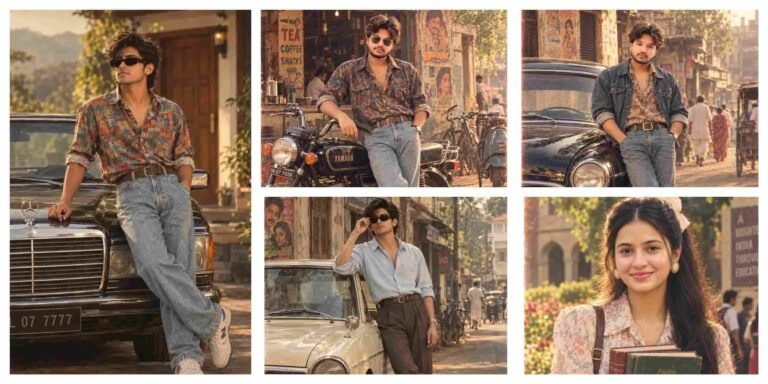
70s–80s Retro Indian Aesthetic Ai Photo Editing Prompts
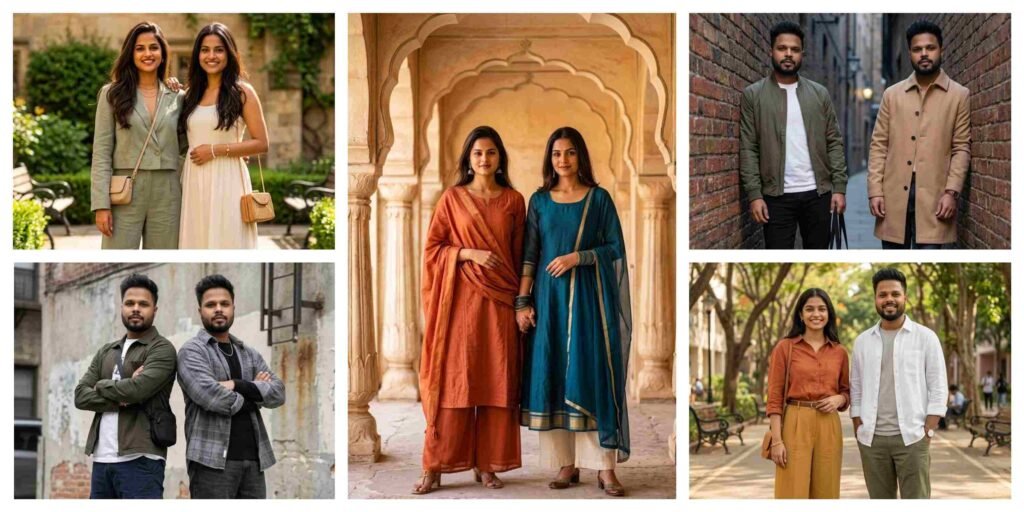
5 Best Gemini Prompt for Stylish Best Friends Photos 2026
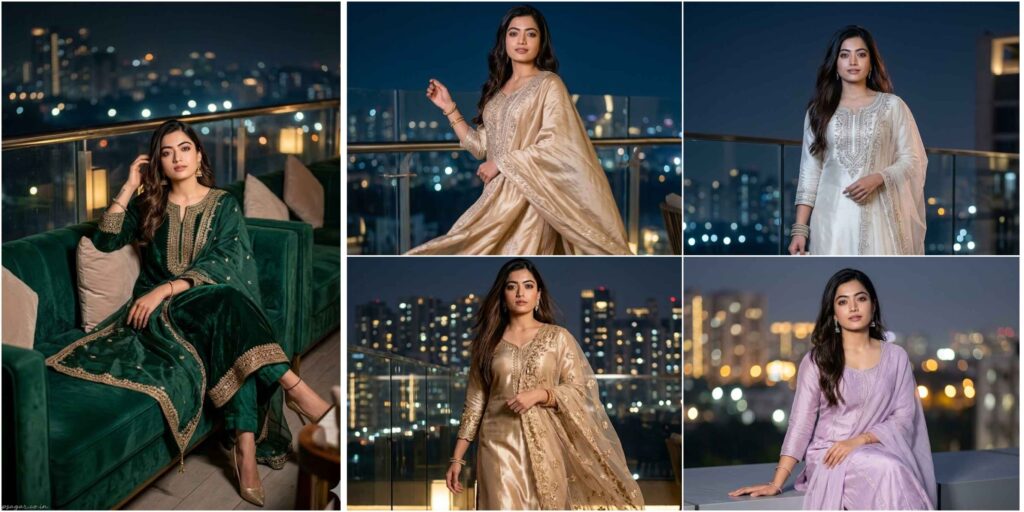
Rooftop Night Scene Ai Photo Editing Prompt
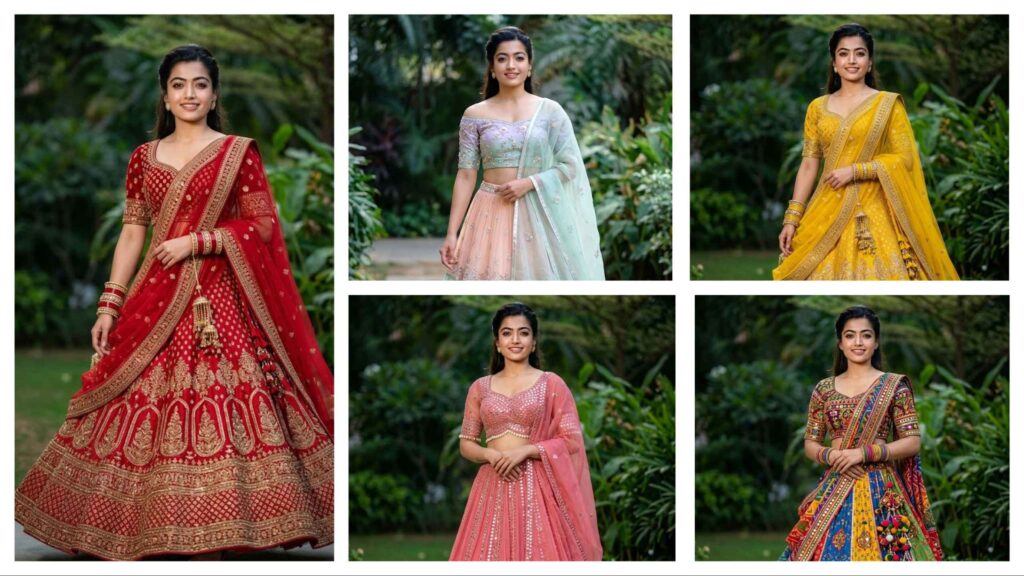
Gemini Prompts for Girls in Lehenga – Stunning AI Photo Editing
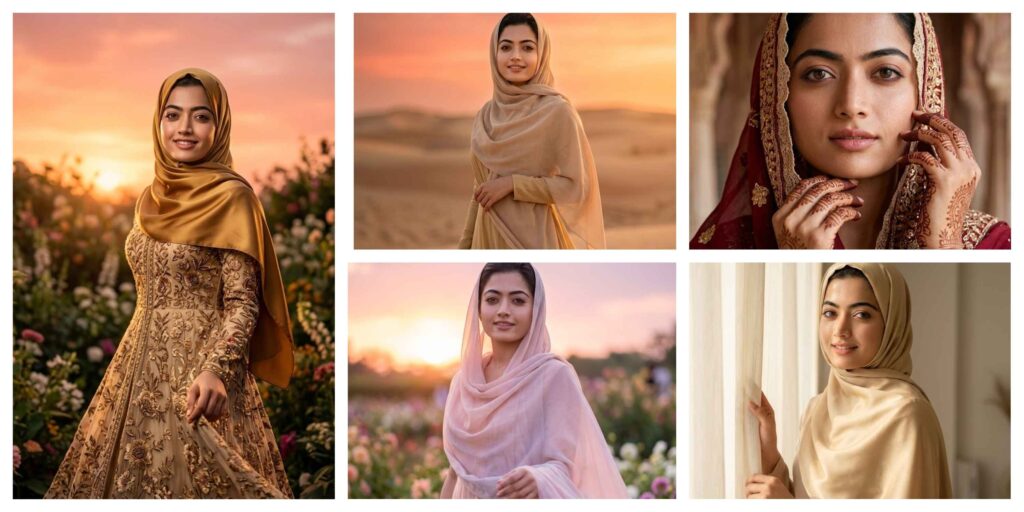
Gemini AI Photo Editing Prompts Muslim Hijab Girl Women
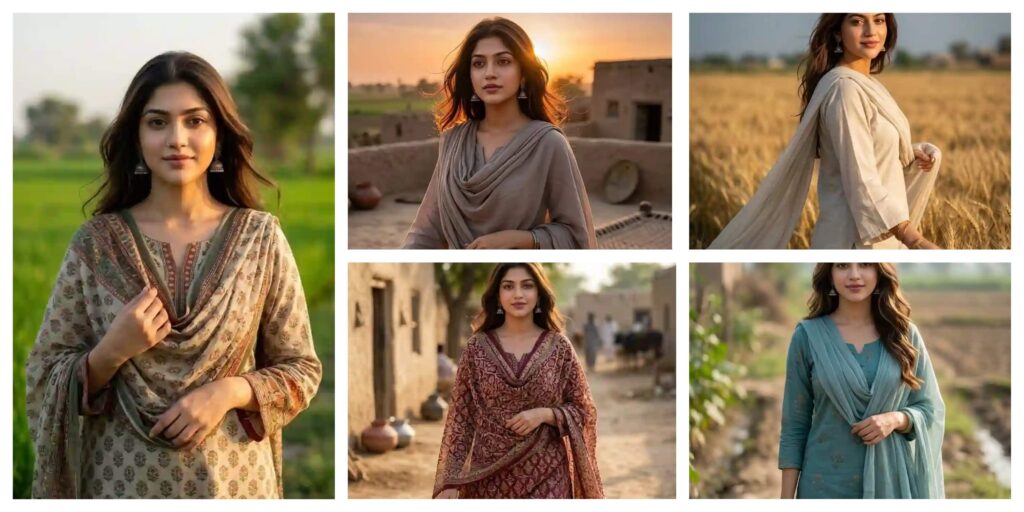
Best Gemini AI Photo Editing Prompt Pakistani Village Girl Look AI
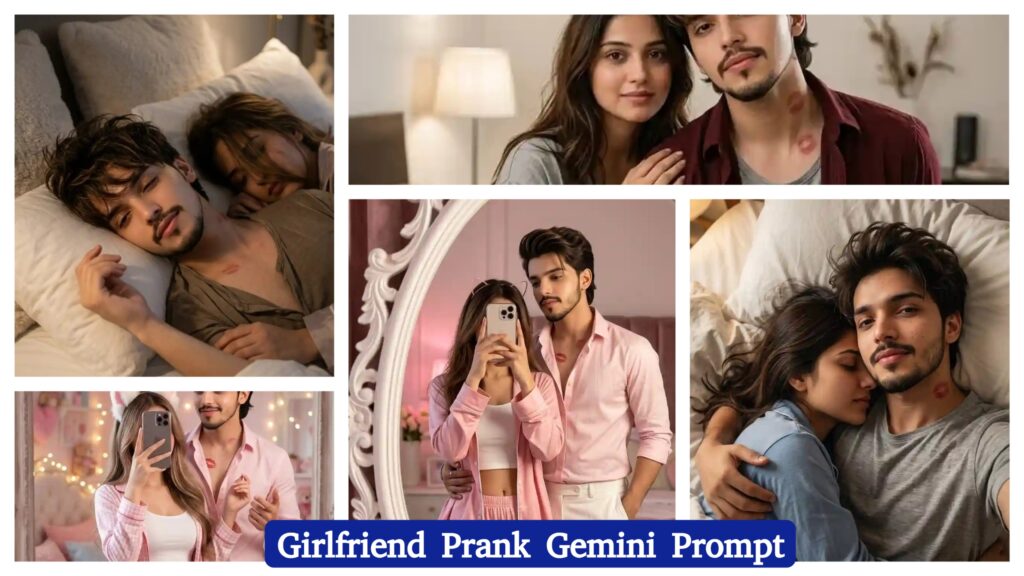
Girlfriend Prank AI Photo Editing Prompt | AI Image Generator for Business Marketing
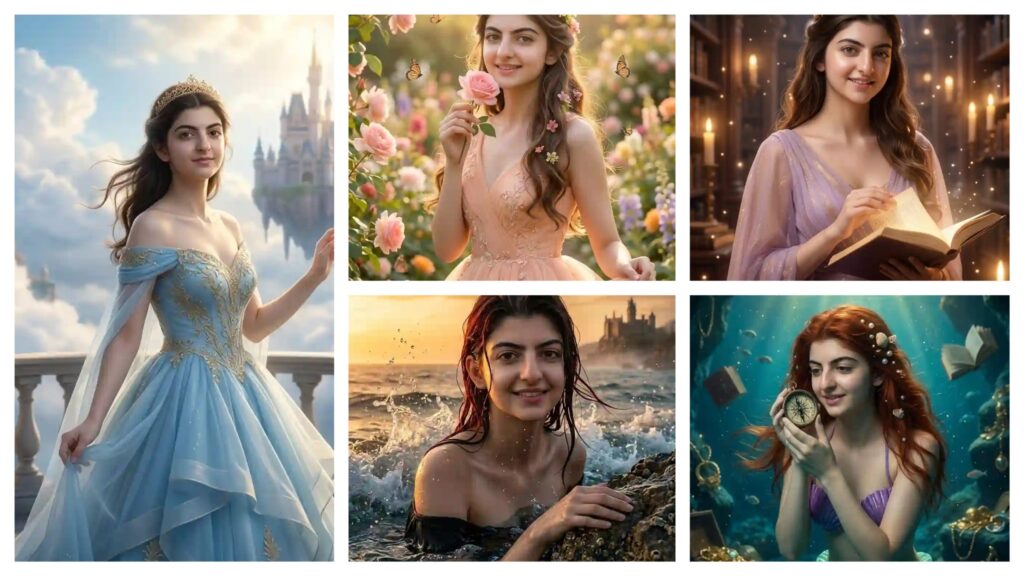
Disney Princess AI Photo Editing Prompts | AI Image Generator for Business Marketing
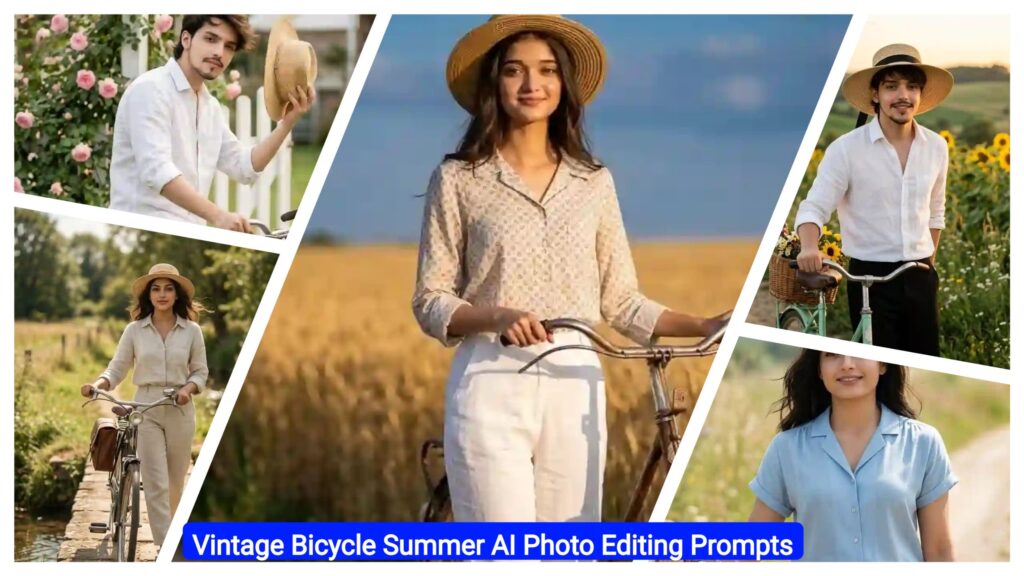
Vintage Bicycle Summer AI Photo Editing Prompts | AI Image Generator for Business Marketing
With the rapid growth of AI tools like Google Gemini and ChatGPT, AI Photo Editing Anup Sagar techniques have become more powerful than ever. Creating stunning AI-generated photos is now easier, but the real secret behind high-quality results is using the right prompts. That’s why Anupsagar.co.in focuses on sharing step-by-step guides, detailed prompts, and trending ideas for AI Photo Editing Anup Sagar users.
On this website, you will discover high-quality prompts for portraits, gaming profiles, festival photos, Instagram-style edits, cinematic photography, and viral trending AI images. All prompts are specially designed for AI Photo Editing Anup Sagar workflows using Gemini and ChatGPT tools, ensuring sharp details, realistic lighting, and professional-quality outputs.
If you want to stay ahead in the world of AI photo editing trends in 2026, bookmark Anupsagar.co.in and explore our regularly updated collection of powerful AI prompts, editing tutorials, and creative ideas that help you transform simple photos into stunning AI masterpieces.
How To Use AI Photo Editing Prompts on Gemini and ChatGPT
Using AI Photo Editing Anup Sagar prompts on Gemini and ChatGPT is very simple. Just copy the prompt, upload your image (if needed), and generate stunning visuals within seconds. These prompts are perfect for creating cinematic portraits, travel photography, village scenes, and professional profile images with ease.
Step 1: Open Gemini or ChatGPT
First, open the Google Gemini AI tool or ChatGPT in your browser or mobile app. Make sure you are logged in with your Google or OpenAI account so you can use the image generation feature without any issues.
Step 2: Upload Your Photo (Optional)
If the prompt requires your face or a reference image, upload your photo first. Most AI photo editing prompts work best when you provide a clear image so the AI can generate a realistic result.
Step 3: Copy the AI Prompt
Now go back to this article and copy any prompt you like. We have shared prompts for different styles such as cinematic portraits, travel photography, mountain views, village lifestyle photos, and professional photoshoot images.
Step 4: Paste the Prompt
Paste the prompt inside Gemini or ChatGPT and make sure the instructions remain the same. If the prompt includes a line like “Use uploaded image as face reference”, keep it unchanged so the AI understands the request correctly.
Step 5: Generate the Image
After pasting the prompt, simply click Generate. Within a few seconds, the AI will create a high-quality edited image with realistic lighting, cinematic colors, and professional details.
Step 6: Download and Share
Once the image is generated, you can download the photo and use it for Instagram posts, gaming profiles, social media content, or personal projects.
Using these prompts on Gemini and ChatGPT allows anyone to create stunning AI photos without advanced editing skills. Just copy the prompt, upload your photo, and let the AI generate beautiful cinematic, travel, mountain, or professional-style images in seconds.
For more trending AI photo editing prompts in 2026, keep visiting Anupsagar.co.in where we regularly share the latest and most powerful prompts for creators and editors. ????
Benefits of AI Prompts for Photo Editing
AI prompts have completely transformed the way people create and edit images. With tools like Google Gemini and ChatGPT, anyone can generate professional-quality photos simply by using the right prompt. Instead of spending hours editing manually, AI prompts allow creators to produce stunning visuals in just a few seconds. Here are some of the main benefits of using AI prompts for photo editing.
1. Fast and Time-Saving Editing
One of the biggest advantages of AI photo editing prompts is speed. Traditional editing can take a long time, but with AI prompts, you can create cinematic portraits, travel photos, mountain landscapes, and professional profile images instantly.
2. No Professional Skills Required
You don’t need advanced editing knowledge to create amazing images. Even beginners can use AI prompts to generate high-quality photos with realistic lighting, detailed backgrounds, and creative styles.
3. High-Quality and Realistic Results
AI tools are designed to produce ultra-realistic images with professional lighting and sharp details. With the right prompt, you can create 4K cinematic photos, stylish portraits, and stunning nature scenes easily.
4. Endless Creative Possibilities
AI prompts allow you to experiment with different styles such as cinematic portraits, village lifestyle photos, travel photography, mountain views, neon gaming edits, and professional photoshoots. This gives creators unlimited opportunities to explore new ideas.
5. Perfect for Social Media and Profiles
AI-generated photos look unique and attractive, which makes them perfect for Instagram posts, gaming profiles, YouTube thumbnails, and personal branding.
6. Consistent and Professional Look
Using well-written prompts helps maintain a consistent style and quality in your photos. This is especially useful for content creators who want their images to look professional across all platforms.
Using AI prompts for photo editing is one of the easiest ways to create beautiful, high-quality images without complicated software. With platforms like Gemini and ChatGPT, anyone can transform a simple photo into a cinematic masterpiece in just a few seconds.
Final Words
AI photo editing is evolving rapidly, and AI Photo Editing Anup Sagar is becoming one of the most searched trends in 2026. In this article, we shared powerful prompts to help you create cinematic portraits, travel photos, mountain landscapes, village scenes, and professional edits easily.
At Anupsagar.co.in, our mission is to provide the best AI Photo Editing Anup Sagar prompts, tutorials, and creative ideas so that beginners and professionals can generate unique and high-quality images quickly.
If you found this article helpful, bookmark Anupsagar.co.in for more AI Photo Editing Anup Sagar prompts, trending edits, and creative inspiration.
Start using these prompts today and create stunning AI images that stand out. ✨
Start experimenting with these prompts today and create stunning AI photos that stand out from the crowd. ✨