

Welcome to Anupsagar.co.in – The Ultimate Hub for AI Photo Editing Anup Sagar Prompts in 2026
If you are searching for the best AI Photo Editing Anup Sagar prompts for Google Gemini and ChatGPT, you have come to the right place. At Anupsagar.co.in, we provide the latest, trending, and highly optimized AI photo editing prompts that help you create professional, cinematic, and ultra-realistic images within seconds. Whether you need gaming profile photos, Free Fire AI edits, cinematic portraits, festival edits, neon backgrounds, or stunning 4K ultra-HD images, our expertly crafted prompts make the editing process simple, fast, and powerful.
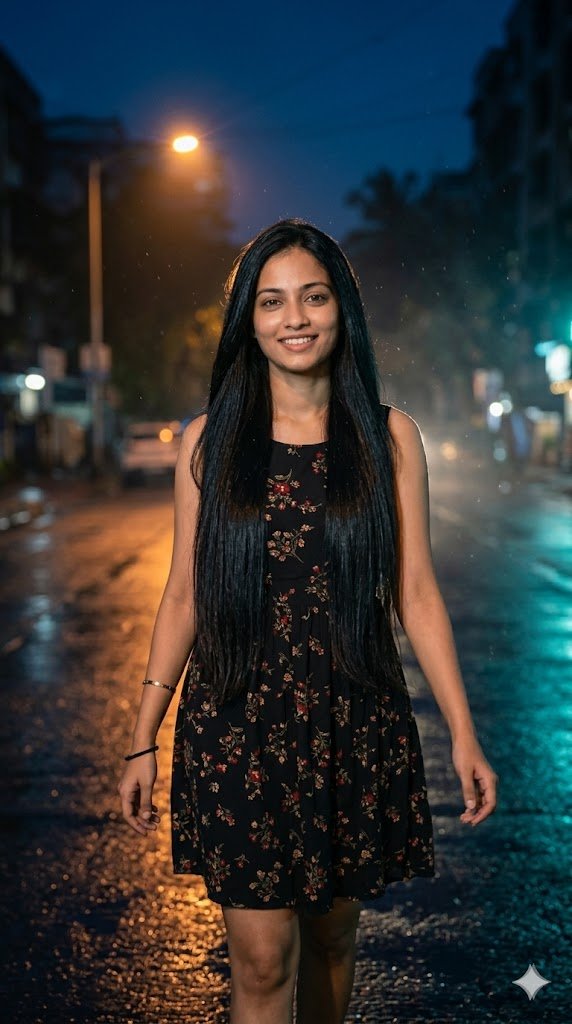
WALKING – “Neon Rain Street Dusk” Transform the uploaded image into a cinematic “Lofi Dusk Glow” night portrait in 4K Ultra HD, aspect ratio 9:16, ultra-realistic cinematic lighting, DSLR bokeh effect, golden-hour dusk fusion, hyper-detailed skin texture, dramatic shadows, Instagram viral aesthetic, cinematic fog + dust particles, NOT IMAGE. POSE & STYLE• Subject walking slowly through a narrow wet city street• Slight motion blur on background only (subject remains sharp)• Natural arm swing, confident relaxed movement COLOR PALETTE• Deep navy blue shadows• Wet asphalt reflections with amber streetlight glow• Subtle teal highlights in background bokeh LIGHTING• Backlit streetlamp rim light outlining hair and shoulders• Soft front DSLR flash for face clarity• Neon reflections bouncing off wet ground
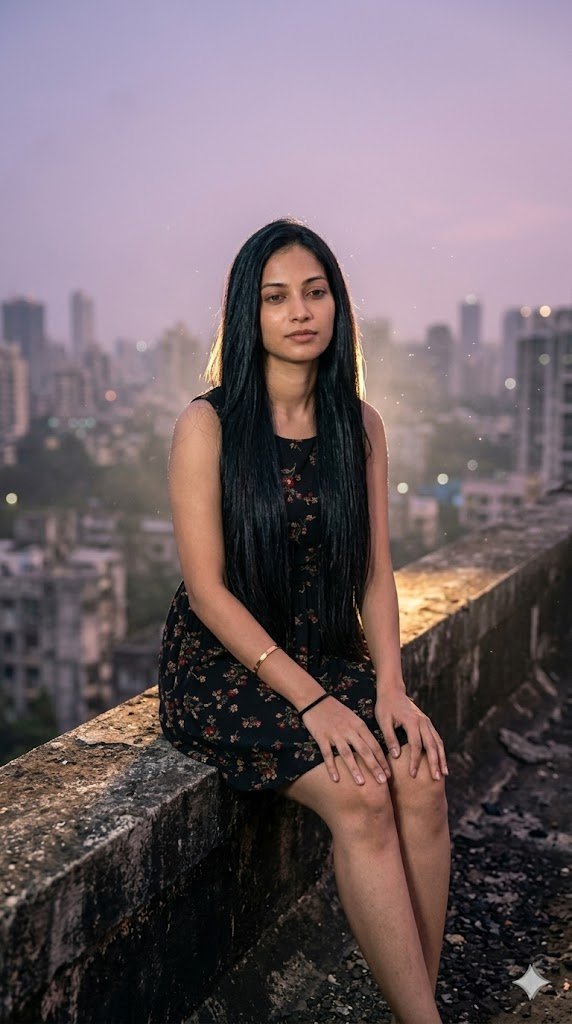
SITTING – “Rooftop Silent Dusk Mood” Transform the uploaded image into a cinematic “Lofi Dusk Glow” night portrait in 4K Ultra HD, aspect ratio 9:16, ultra-realistic cinematic lighting, DSLR bokeh effect, golden-hour glow fading into night, hyper-detailed skin texture, dramatic shadows, Instagram aesthetic, cinematic fog + dust particles, NOT IMAGE. POSE & STYLE• Subject sitting on a rooftop edge or low wall• Slight forward lean, hands resting naturally on knees• Calm introspective mood COLOR PALETTE• Soft lavender dusk sky tones• Warm peach highlights on face• Deep charcoal city shadows below LIGHTING• Strong back rim light from skyline glow• Soft ambient sky diffusion• Gentle DSLR flash fill for facial detail
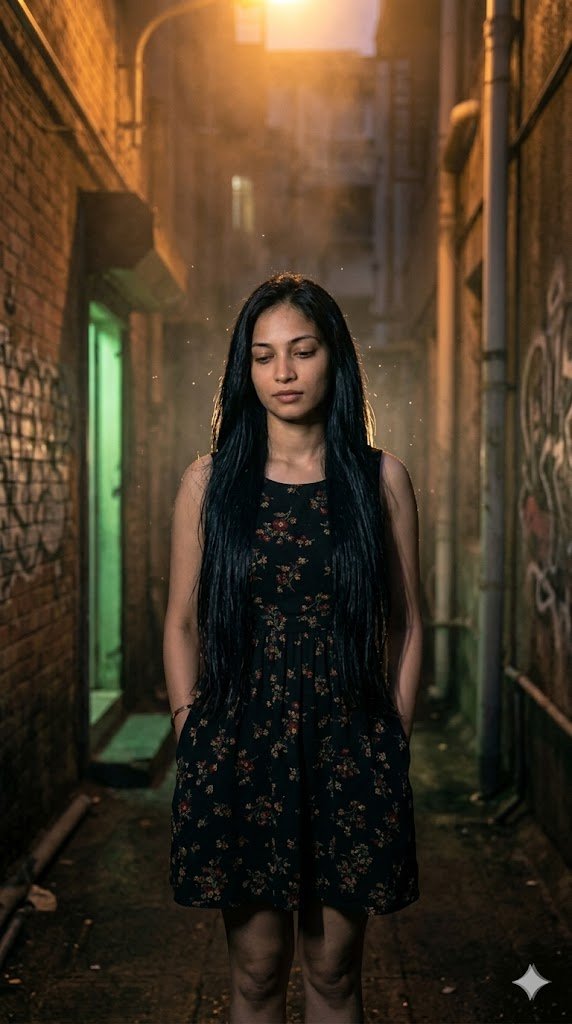
STANDING STILL – “Cinematic Alley Silence” Transform the uploaded image into a cinematic “Lofi Dusk Glow” night portrait in 4K Ultra HD, aspect ratio 9:16, ultra-realistic cinematic lighting, DSLR bokeh effect, golden-hour glow, hyper-detailed skin texture, dramatic shadows, Instagram viral aesthetic, cinematic fog + dust particles, NOT IMAGE. POSE & STYLE• Subject standing still in a narrow alley• Slight head tilt downward, emotional calm expression• Hands in pockets or relaxed by sides COLOR PALETTE• Desaturated olive green + warm amber tones• Dark concrete textures with soft haze• Muted cinematic blacks LIGHTING• Strong overhead rim light cutting through fog• Subtle side light from doorway glow• Soft flash highlighting facial structure
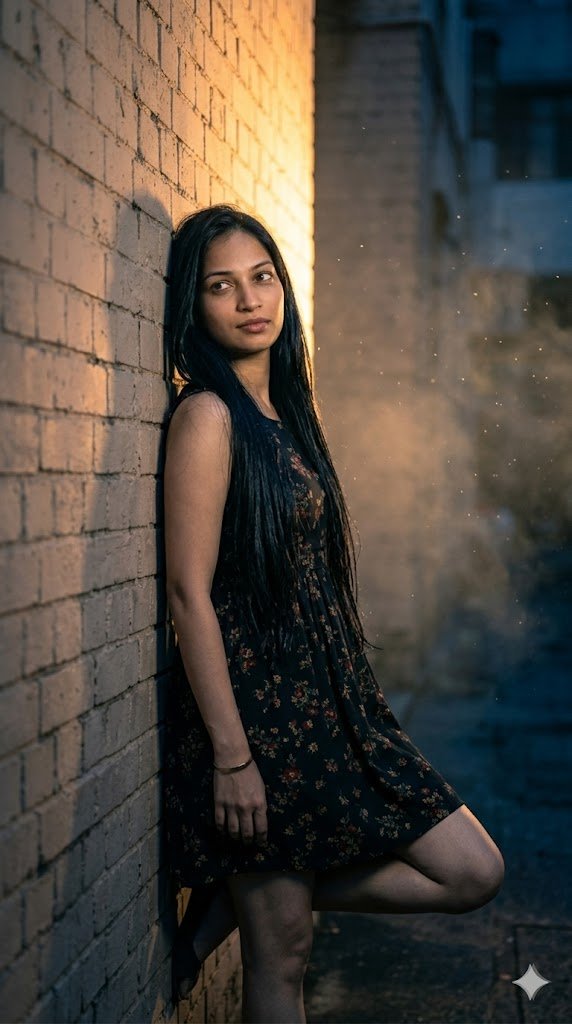
LEANING – “Urban Wall Golden Hour Fade” Transform the uploaded image into a cinematic “Lofi Dusk Glow” night portrait in 4K Ultra HD, aspect ratio 9:16, ultra-realistic cinematic lighting, DSLR bokeh effect, golden-hour glow, hyper-detailed skin texture, dramatic shadows, Instagram aesthetic, cinematic fog + dust particles, NOT IMAGE. POSE & STYLE• Subject leaning casually against a textured wall• One leg bent, relaxed confident posture• Slight sideways glance COLOR PALETTE• Warm golden-orange highlights• Cool blue shadow contrast• Soft dusty beige wall tones LIGHTING• Strong rim light from behind wall edge• Warm sunset spill light from one side• Controlled DSLR flash for crisp subject detail
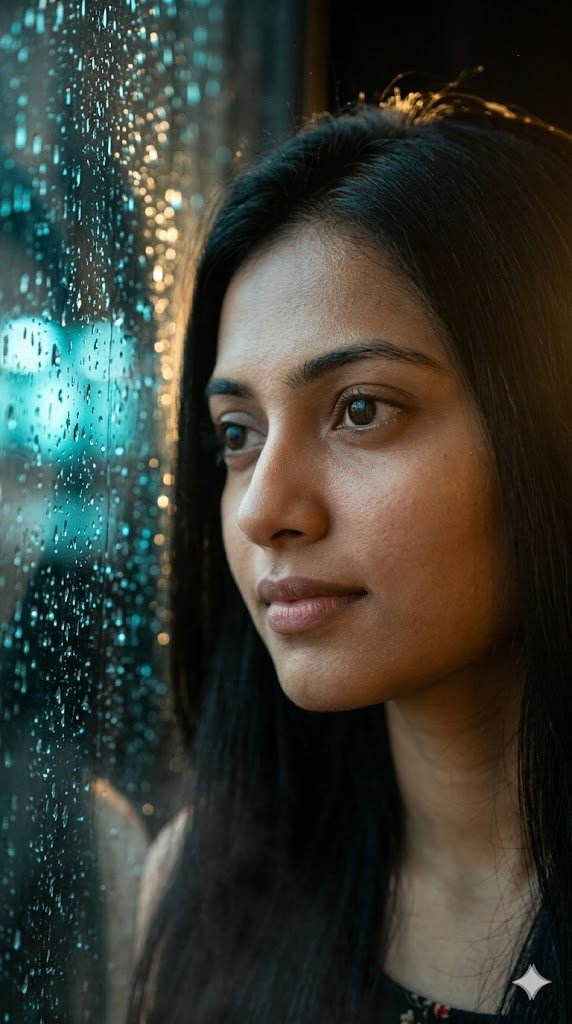
CLOSE-UP PORTRAIT – “Rainy Window Reflection Mood” Transform the uploaded image into a cinematic “Lofi Dusk Glow” night portrait in 4K Ultra HD, aspect ratio 9:16, ultra-realistic cinematic lighting, DSLR bokeh effect, golden-hour glow, hyper-detailed skin texture, dramatic shadows, Instagram viral aesthetic, cinematic fog + dust particles, NOT IMAGE. POSE & STYLE• Tight portrait framing close to face• Subject near a rain-covered window or glass surface• Soft emotional expression, eyes reflecting light COLOR PALETTE• Cool cyan reflections on glass• Warm skin highlights contrasting cold environment• Deep black blurred background LIGHTING• Backlight diffused through wet glass• Strong rim glow on hair edges• Subtle front flash for cinematic sharpness
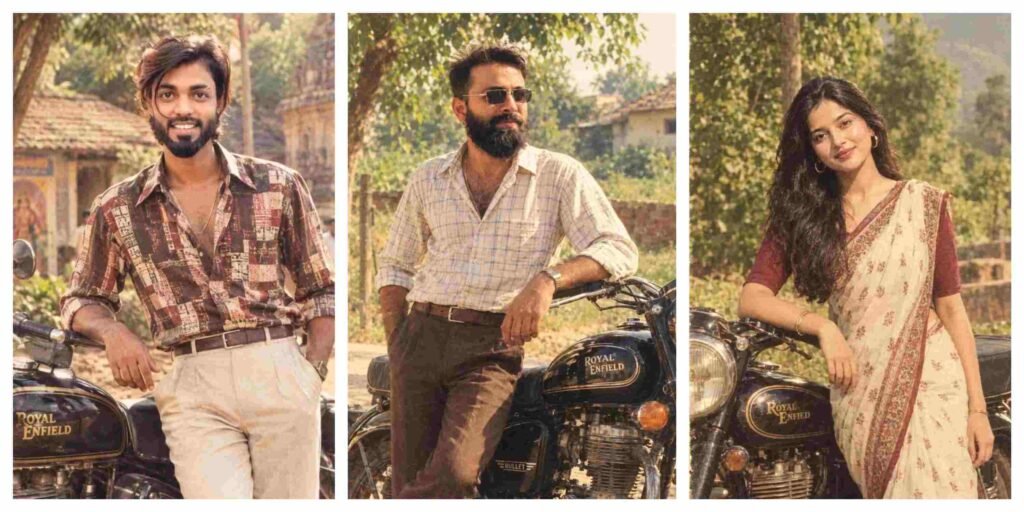
70s–80s Retro Indian Aesthetic Ai Photo Editing Prompts
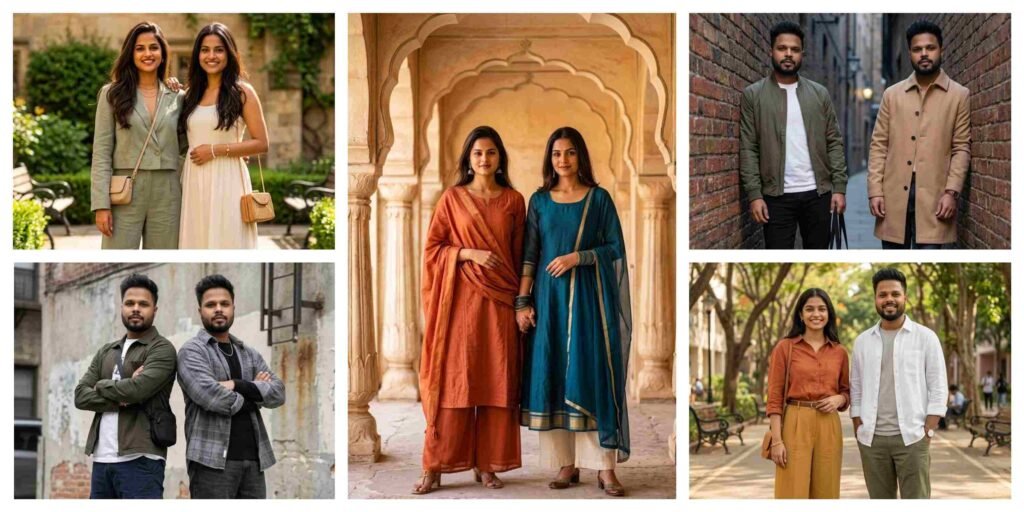
5 Best Gemini Prompt for Stylish Best Friends Photos 2026
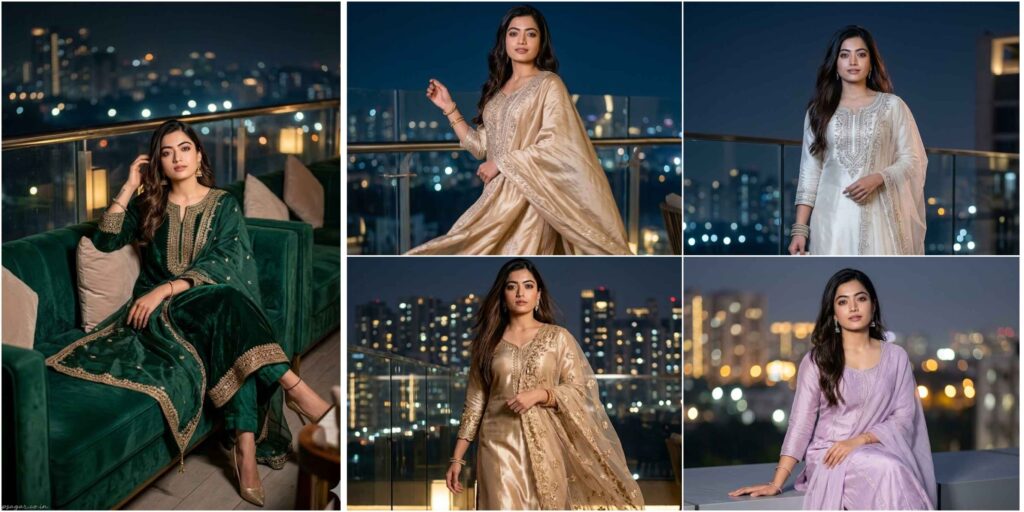
Rooftop Night Scene Ai Photo Editing Prompt
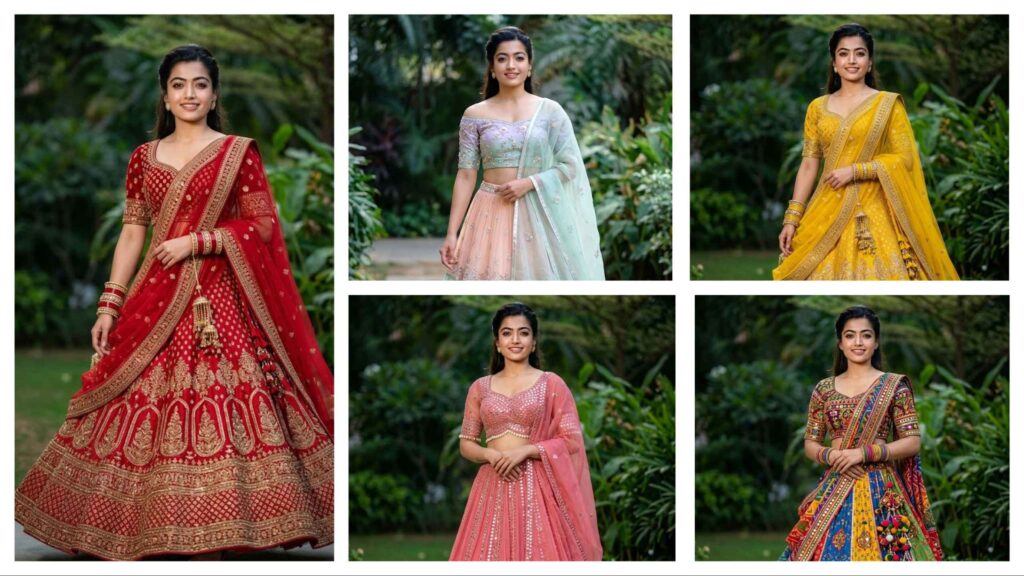
Gemini Prompts for Girls in Lehenga – Stunning AI Photo Editing
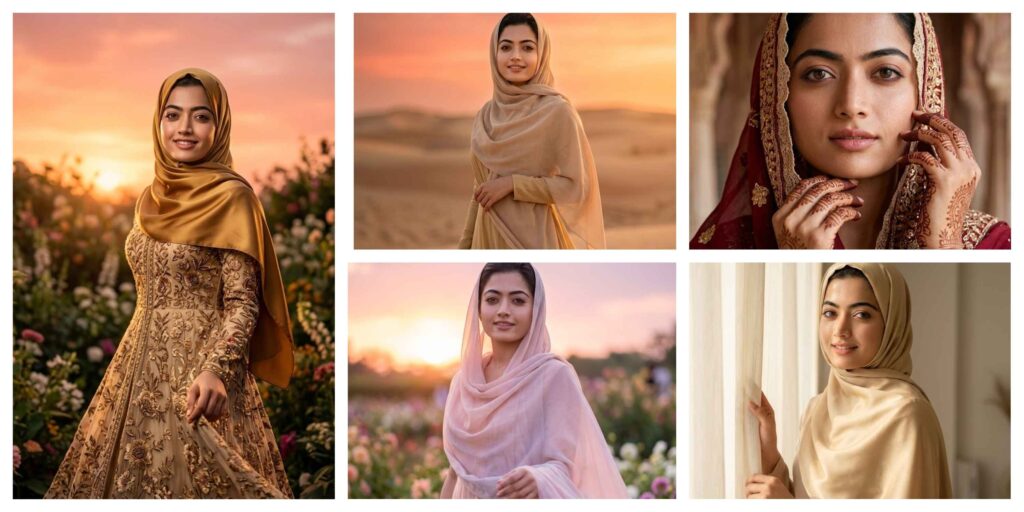
Gemini AI Photo Editing Prompts Muslim Hijab Girl Women
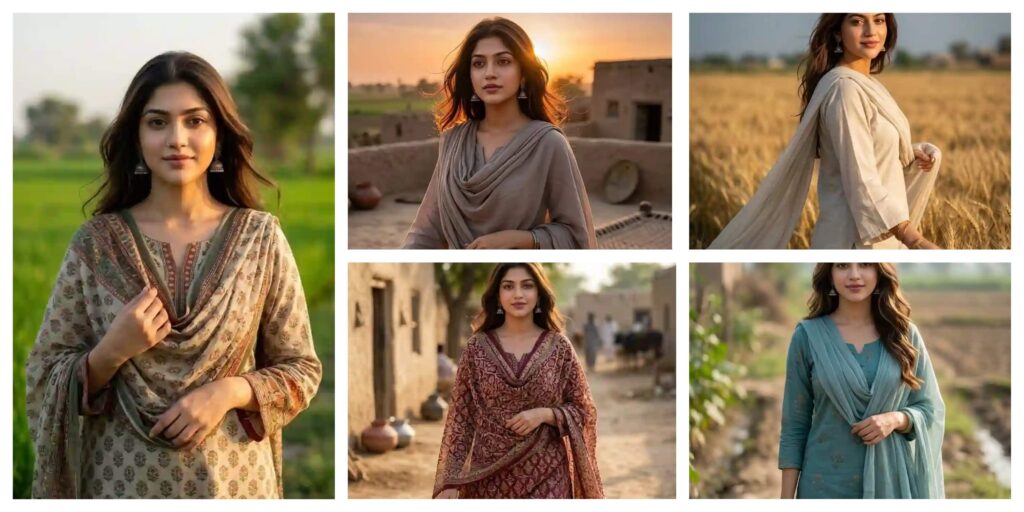
Best Gemini AI Photo Editing Prompt Pakistani Village Girl Look AI
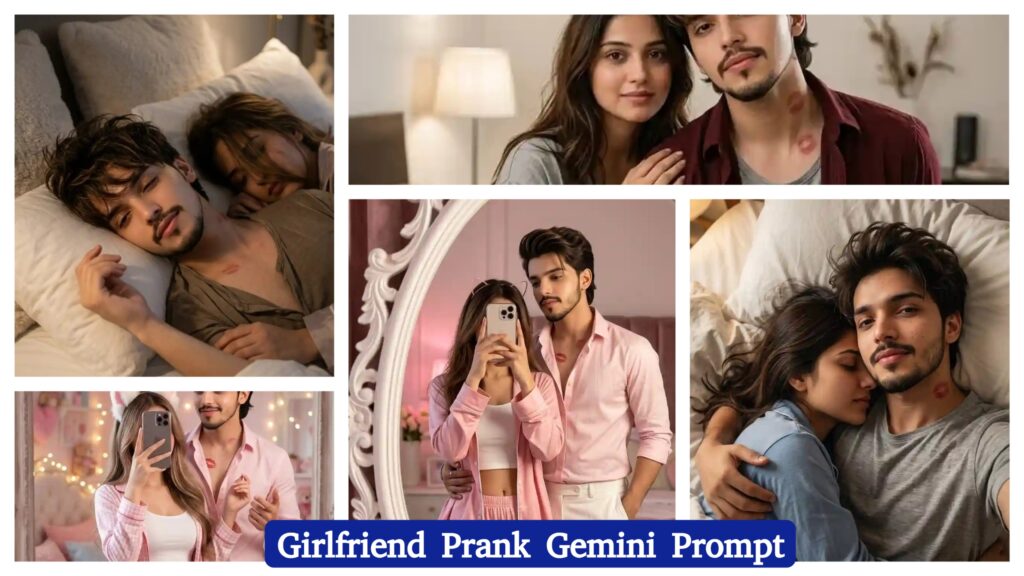
Girlfriend Prank AI Photo Editing Prompt | AI Image Generator for Business Marketing
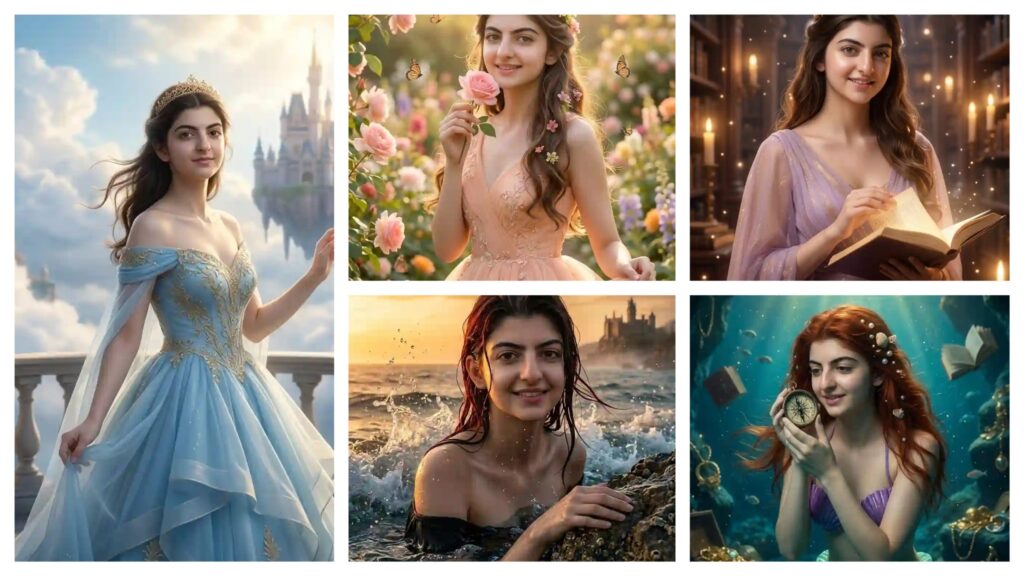
Disney Princess AI Photo Editing Prompts | AI Image Generator for Business Marketing
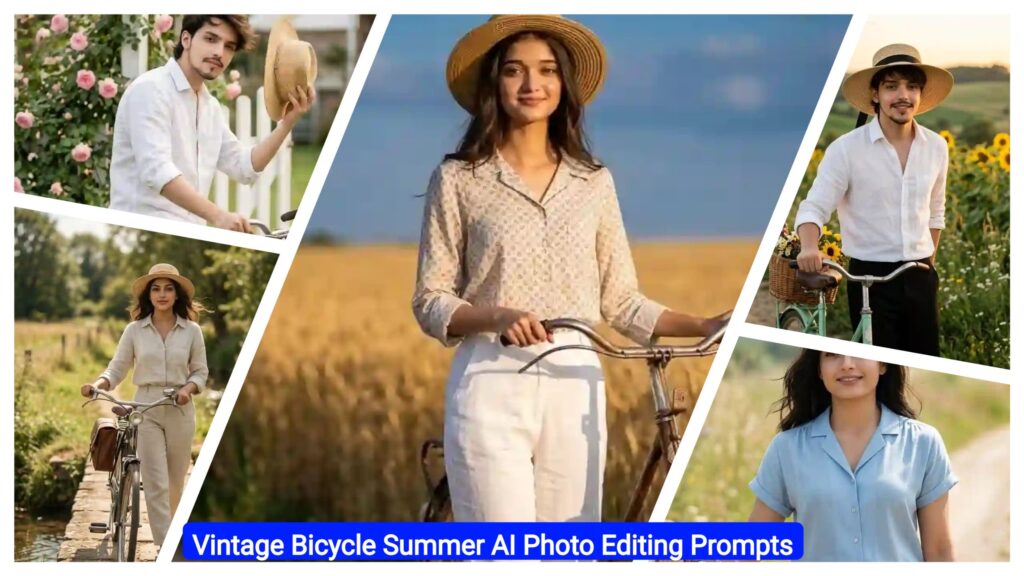
Vintage Bicycle Summer AI Photo Editing Prompts | AI Image Generator for Business Marketing
With the rapid advancement of AI tools like Google Gemini and ChatGPT, AI Photo Editing Anup Sagar techniques have become more advanced and accessible than ever before. While creating AI-generated photos is now easy, the real secret behind high-quality, viral results lies in using the right prompts. That’s why Anupsagar.co.in focuses on delivering step-by-step guides, detailed prompt collections, and trending ideas specially designed for AI Photo Editing Anup Sagar users.
On this website, you will explore high-quality AI prompts for portraits, gaming profiles, festival edits, Instagram-style photos, cinematic photography, and viral AI images. All prompts are carefully optimized for AI Photo Editing Anup Sagar workflows using Gemini and ChatGPT, ensuring sharp details, realistic lighting, and professional-grade outputs.
If you want to stay ahead in the world of AI photo editing trends in 2026, bookmark Anupsagar.co.in and explore our regularly updated collection of powerful AI prompts, editing tutorials, and creative ideas that transform ordinary photos into stunning AI masterpieces.
How To Use AI Photo Editing Prompts on Gemini and ChatGPT
Using AI Photo Editing Anup Sagar prompts on Gemini and ChatGPT is simple and beginner-friendly. Just copy the prompt, upload your image (if required), and generate high-quality visuals in seconds. These prompts are perfect for creating cinematic portraits, travel photography, village scenes, and professional profile images effortlessly.
Step 1: Open Gemini or ChatGPT
First, open Google Gemini or ChatGPT on your browser or mobile app. Make sure you are logged in with your account to access image generation features without interruption.
Step 2: Upload Your Photo (Optional)
If the prompt requires a face reference or image input, upload your photo. A clear and high-quality image will help the AI generate more realistic and accurate results.
Step 3: Copy the AI Prompt
Go back to this article and copy any prompt you like. We provide prompts for multiple styles such as cinematic portraits, travel photography, mountain views, village lifestyle edits, and professional photoshoots.
Step 4: Paste the Prompt
Paste the prompt into Gemini or ChatGPT exactly as it is. If the prompt includes instructions like “Use uploaded image as face reference,” do not modify it for best results.
Step 5: Generate the Image
Click on Generate, and within seconds, the AI will create a high-quality image with cinematic lighting, realistic colors, and professional details.
Step 6: Download and Share
Download your generated image and use it for Instagram posts, gaming profiles, social media content, or personal branding.
Using these AI prompts, anyone can create stunning images without advanced editing skills. Simply copy, paste, and generate cinematic, travel, or professional-style photos instantly.
For more trending AI photo editing prompts in 2026, keep visiting Anupsagar.co.in for the latest updates and powerful prompt collections. 🚀
Benefits of AI Prompts for Photo Editing
AI prompts have completely transformed the way images are created and edited. With tools like Gemini and ChatGPT, anyone can generate professional-quality photos using simple text prompts. Instead of spending hours editing manually, AI allows creators to produce stunning visuals instantly.
1. Fast and Time-Saving Editing
AI photo editing prompts significantly reduce editing time. You can create cinematic portraits, travel photos, and professional images within seconds.
2. No Professional Skills Required
Even beginners can create high-quality images without any prior editing knowledge. AI handles lighting, background, and styling automatically.
3. High-Quality and Realistic Results
With the right prompts, AI generates ultra-realistic images with sharp details, cinematic lighting, and 4K quality output.
4. Endless Creative Possibilities
You can experiment with multiple styles such as cinematic edits, village photography, travel scenes, neon gaming edits, and professional photoshoots.
5. Perfect for Social Media and Profiles
AI-generated images are visually appealing and ideal for Instagram, YouTube thumbnails, gaming profiles, and personal branding.
6. Consistent and Professional Look
Using optimized prompts ensures consistency in style, making your content look professional across all platforms.
AI prompts are one of the easiest and most effective ways to create high-quality images without complex software or editing tools.
Final Words
AI photo editing is evolving rapidly, and AI Photo Editing Anup Sagar is becoming one of the most trending and searched topics in 2026. In this article, we shared powerful prompts to help you create cinematic portraits, travel photos, mountain landscapes, village scenes, and professional edits easily.
At Anupsagar.co.in, our mission is to provide the best AI Photo Editing Anup Sagar prompts, tutorials, and creative ideas so that both beginners and professionals can generate unique, high-quality images quickly.
If you found this article useful, bookmark Anupsagar.co.in for more AI Photo Editing Anup Sagar prompts, trending edits, and creative inspiration.
Start using these prompts today and create stunning AI images that truly stand out. ✨
Start experimenting now and turn your ideas into eye-catching AI photos that grab attention instantly. ✨
