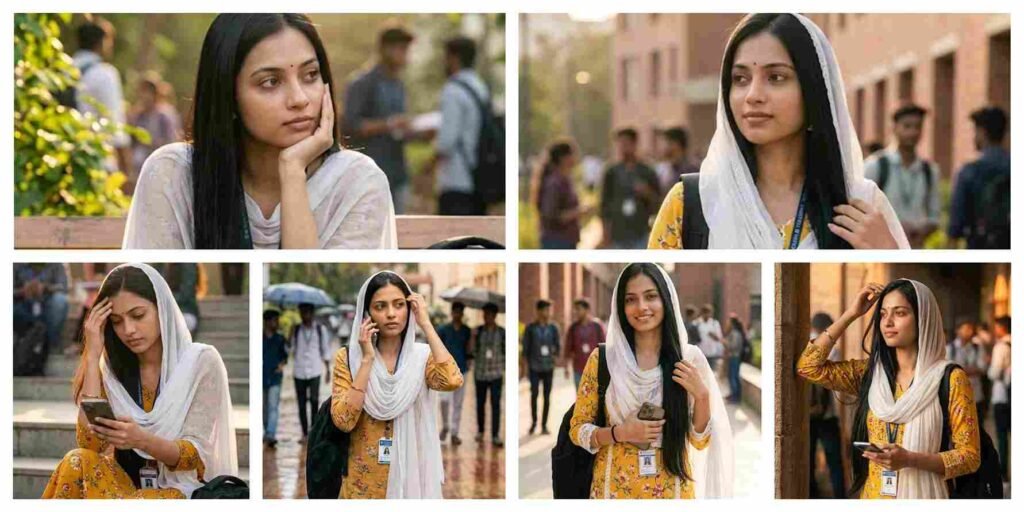
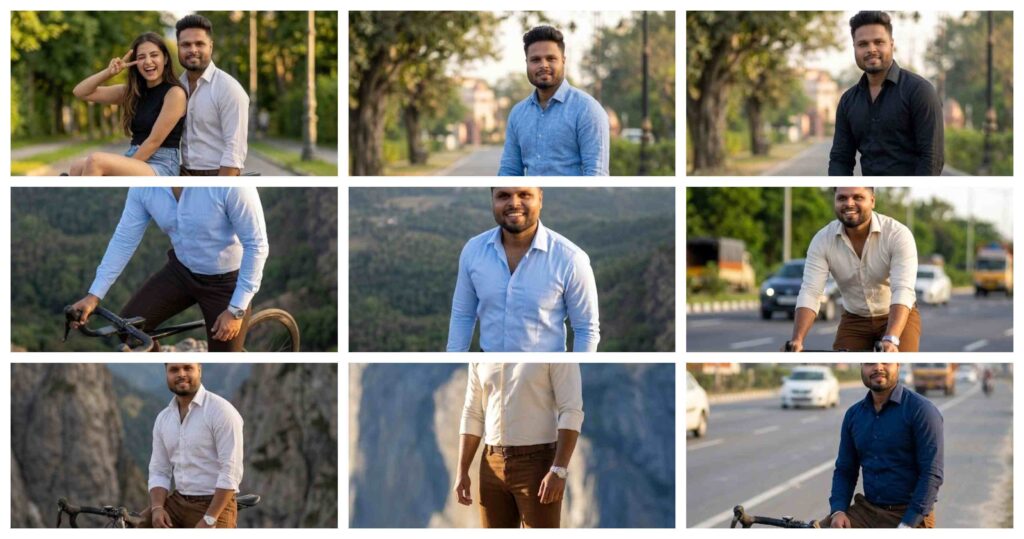
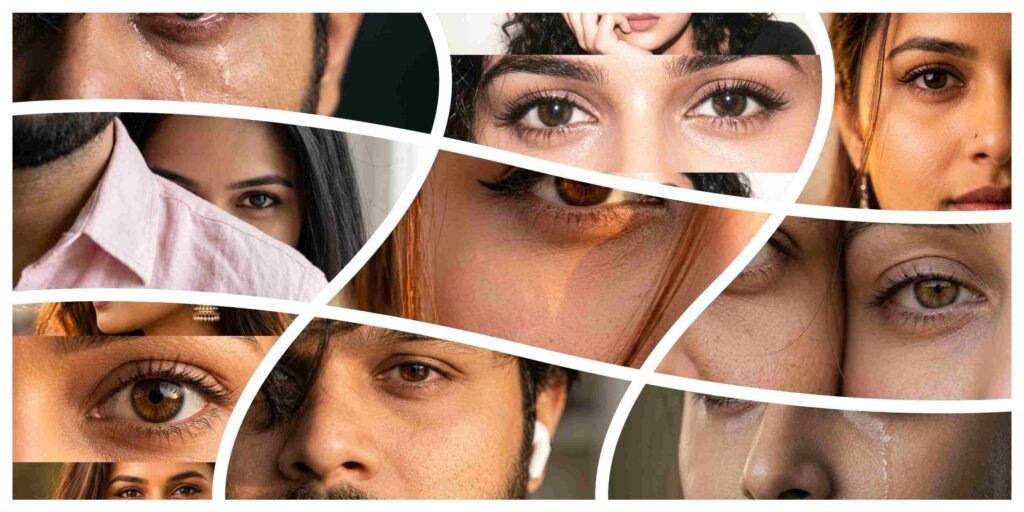
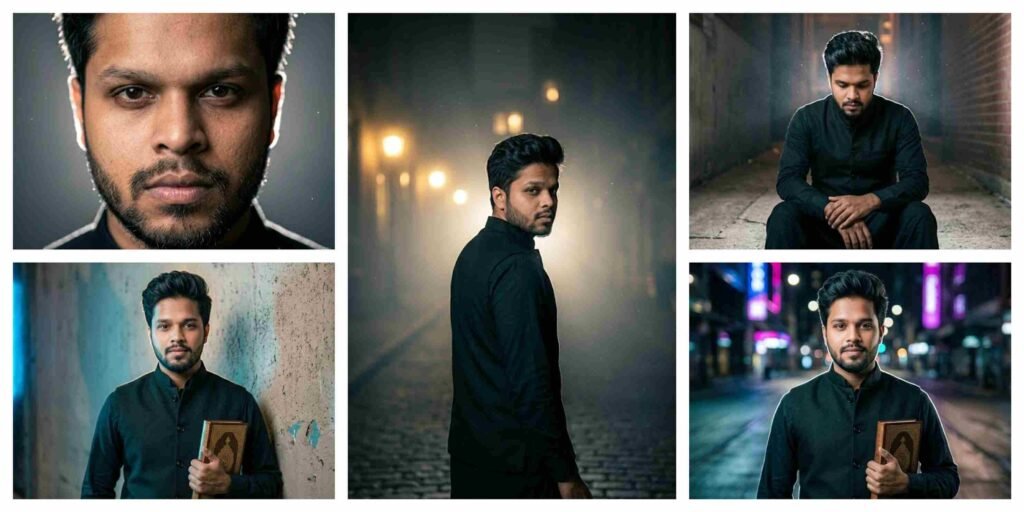
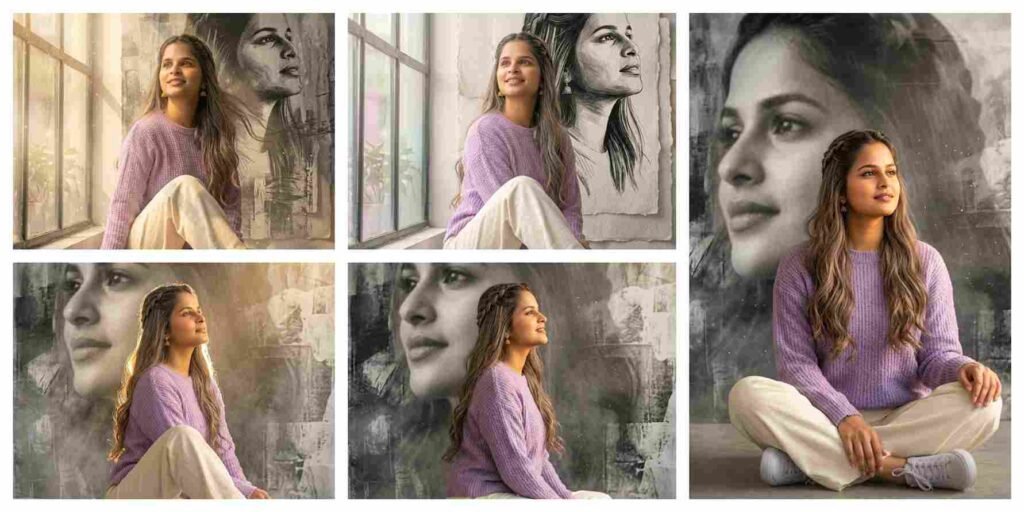
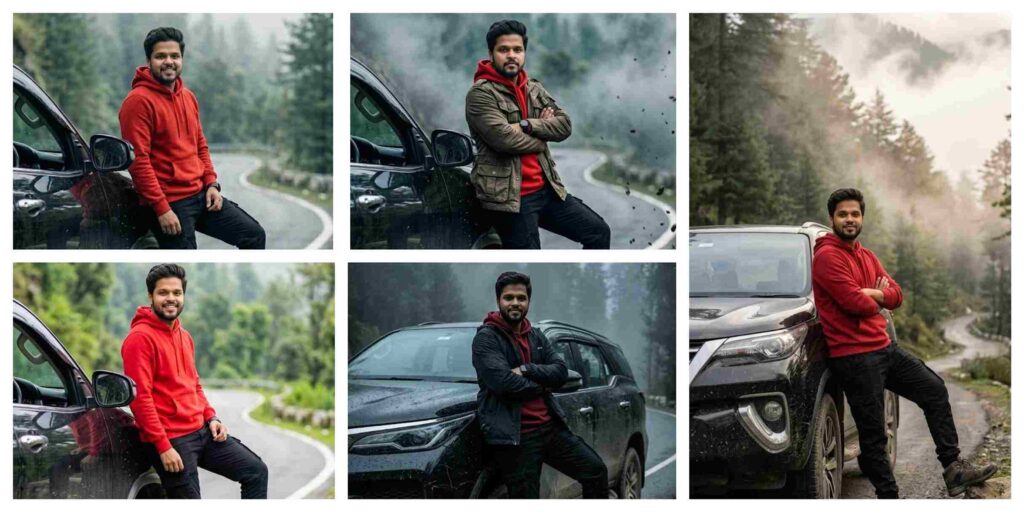
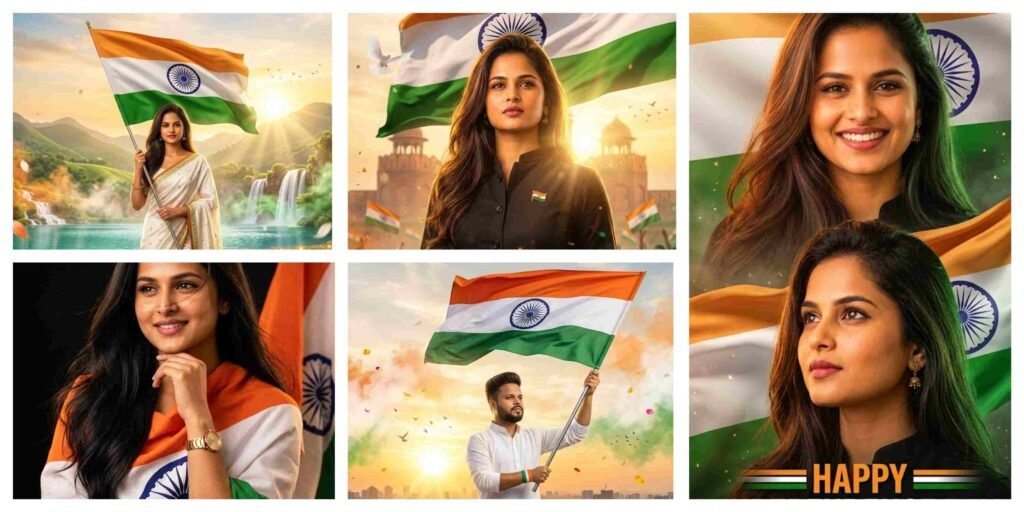
Welcome to Anupsagar.co.in – The Ultimate Hub for AI Photo Editing Anup Sagar Prompts in 2026
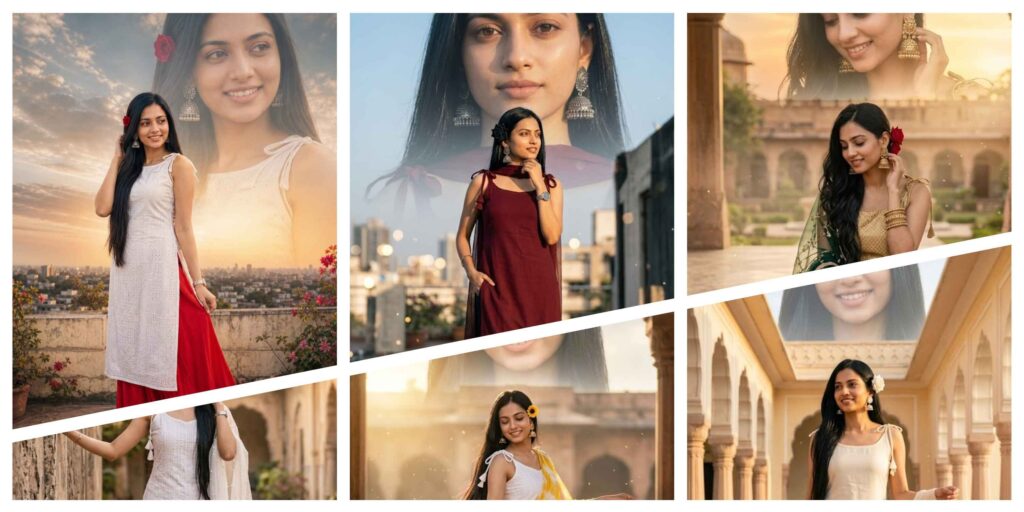
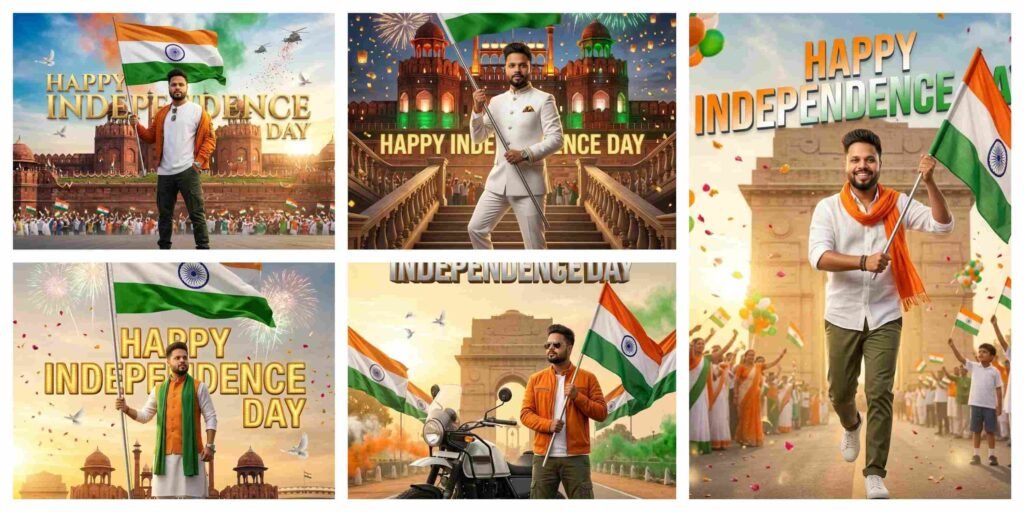
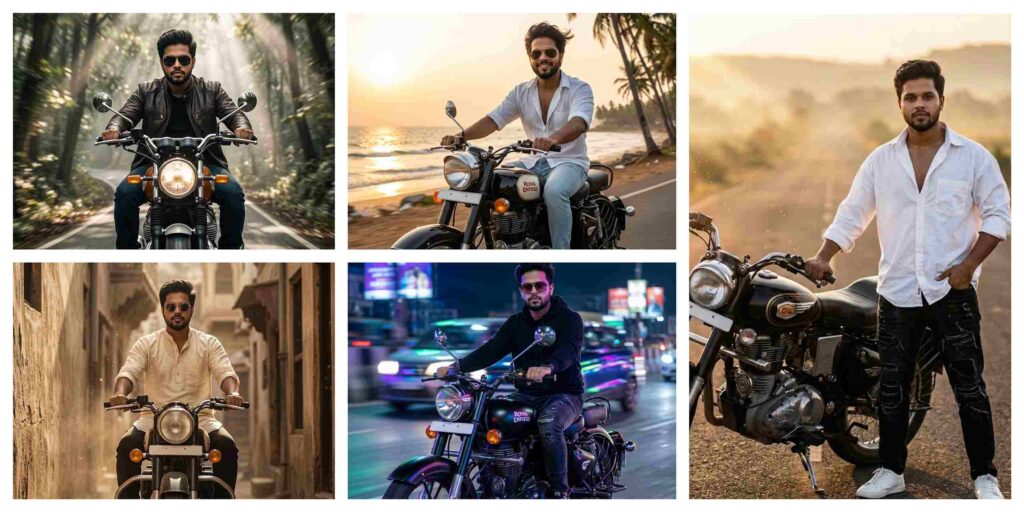
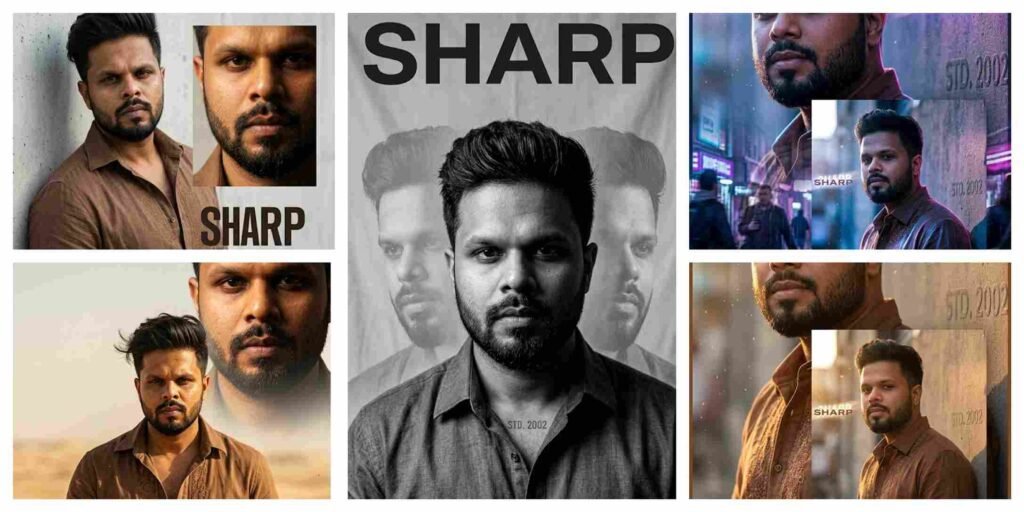
If you are looking for the best AI Photo Editing Anup Sagar prompts for Google Gemini and ChatGPT, you are in the right place. At Anupsagar.co.in, we provide the latest and most trending AI photo editing prompts that help you create professional, cinematic, and ultra-realistic images in just a few seconds. Whether you want gaming profile photos, Free Fire AI edits, cinematic portraits, festival edits, neon backgrounds, or 4K ultra-realistic images, our carefully crafted prompts make the editing process simple and powerful.
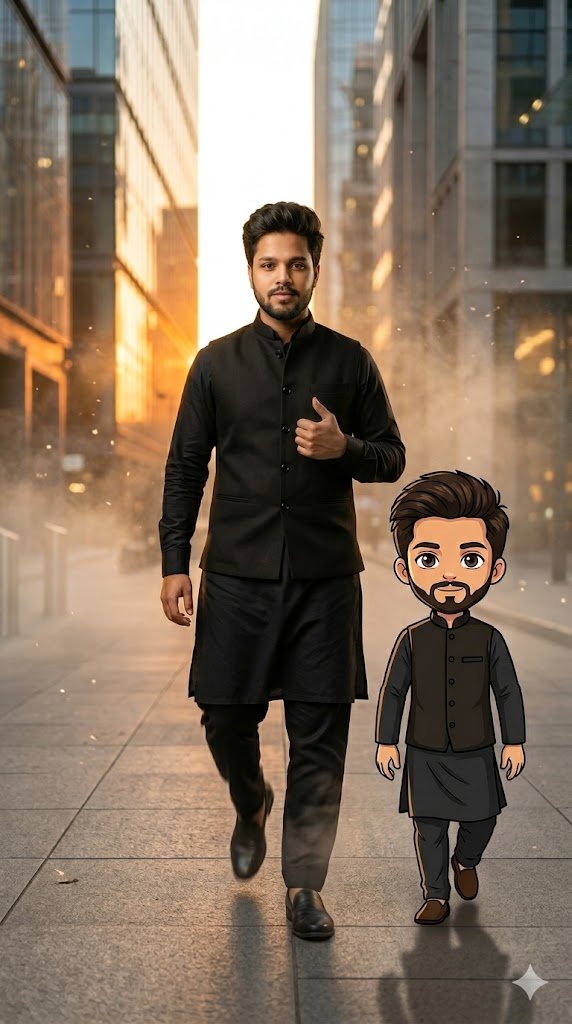
Create a full-body “mini-me” cartoon of the person in the uploaded image and place it beside him like a stylish companion while walking confidently through a modern urban street at golden hour. The real person is mid-stride with natural motion blur on one leg, wearing the exact same outfit recreated with perfect detail — matching colors, textures, shoes, accessories, hairstyle, beard, and facial expression accurately. The mini-me character walks beside him holding the same attitude and energy, designed in a cute masculine hand-drawn style with clean outlines, soft shading, expressive larger eyes, and slightly exaggerated features. Warm orange sunlight reflects off buildings, cinematic fog and floating dust particles fill the scene, ultra realistic DSLR depth of field, creamy bokeh lights in the background, hyper-detailed skin texture, dramatic shadows, luxury Instagram viral aesthetic, realistic soft shadow beneath the cartoon character for natural blending, polished composition, 8K ultra realistic cinematic lighting, high-fashion editorial look, aspect ratio 9:16.
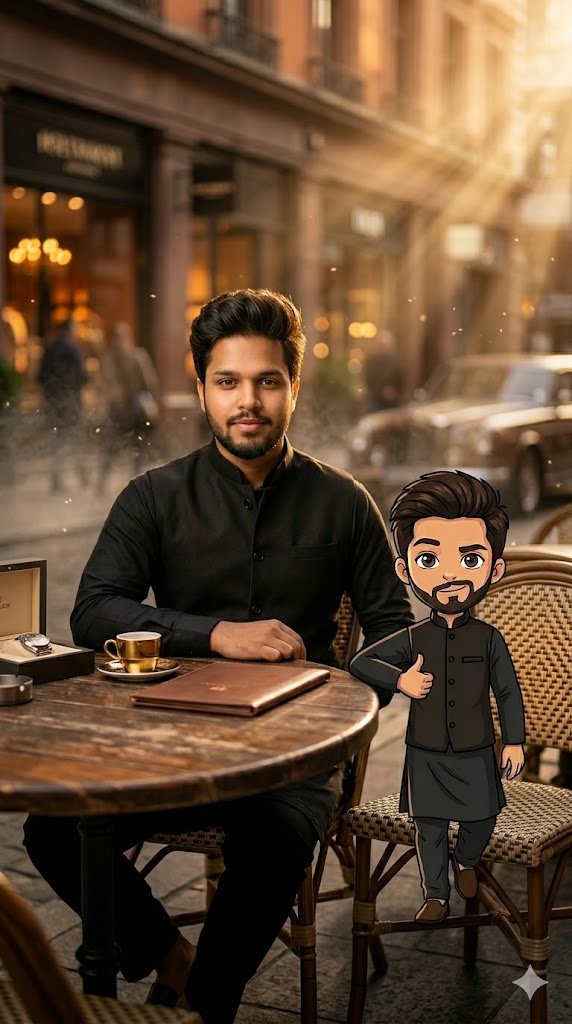
Create a cinematic full-body portrait of the uploaded person sitting casually at an outdoor luxury café during golden hour, with a cute “mini-me” cartoon companion sitting beside him on the chair edge. The mini character should perfectly match the real person’s hairstyle, skin tone, beard, outfit details, shoes, accessories, and facial vibe while appearing in a polished hand-drawn cartoon style with masculine charm, clean outlines, soft shadows, and slightly oversized expressive eyes. The real person rests one arm on the table while the mini-me mirrors the pose playfully. Add warm sunlight rays, DSLR bokeh background with blurred café lights, cinematic fog, floating dust particles, rich orange and brown tones, dramatic shadows, hyper-detailed realistic skin texture, luxury lifestyle aesthetic, realistic grounding shadow under the cartoon character, Instagram viral editorial mood, ultra realistic 8K cinematic photography, aspect ratio 9:16.
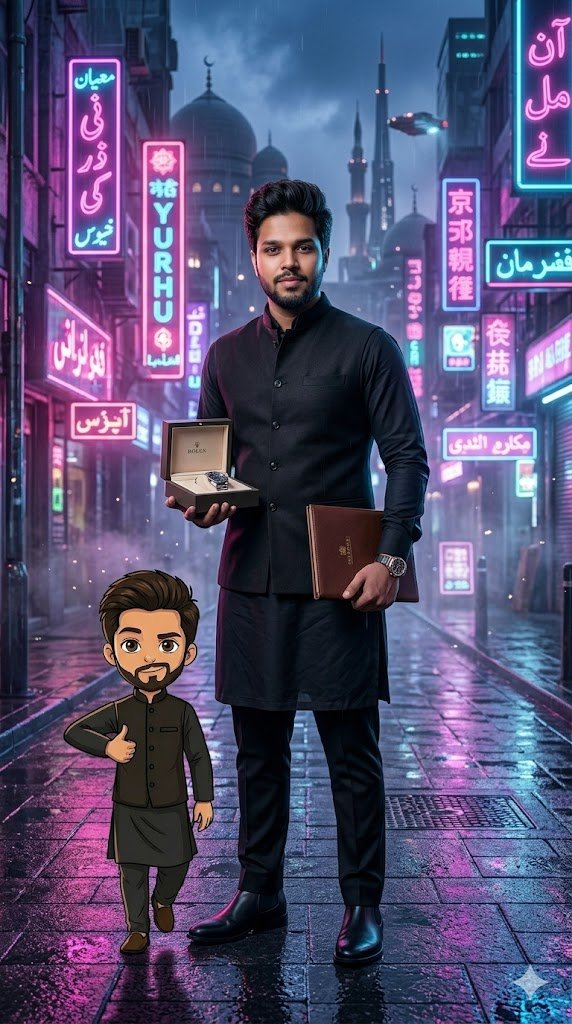
Create a full-body cinematic cyberpunk portrait of the uploaded person standing confidently in a rainy neon-lit city street at night with a “mini-me” cartoon beside him like a futuristic sidekick. Recreate the exact same outfit with full accuracy including fabric details, colors, shoes, hairstyle, beard, accessories, and facial expression. The mini character should look masculine, cute, and hand-drawn with clean outlines, soft cel shading, exaggerated expressive eyes, and a stylish animated look. Add glowing neon pink, blue, and purple reflections across the wet ground, dramatic cinematic shadows, realistic rain mist, floating dust and fog particles, DSLR bokeh from neon signs, moody high-contrast lighting, ultra realistic skin texture, reflective surfaces, soft realistic shadow under the cartoon character, polished Instagram viral aesthetic, luxury futuristic vibe, 8K ultra detailed cinematic realism, aspect ratio 9:16.
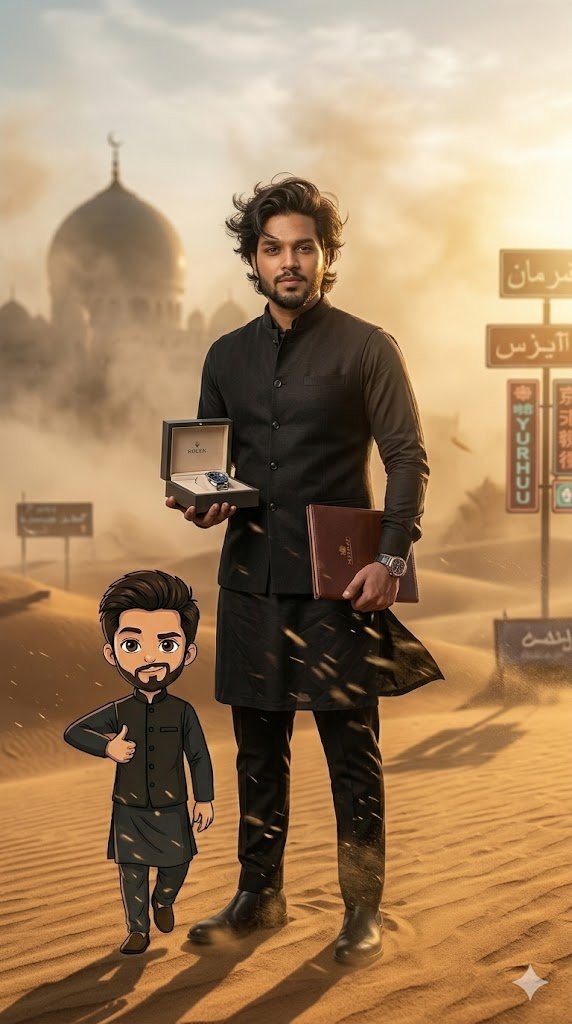
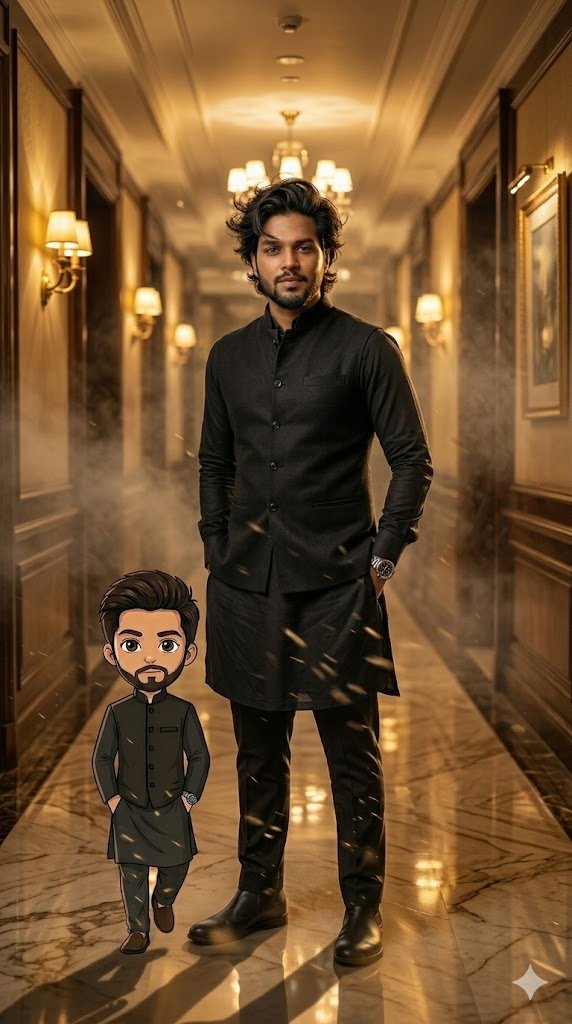
Create a luxury editorial-style full-body portrait of the uploaded person wearing the exact same outfit recreated perfectly while standing in a high-end hotel corridor with a cute “mini-me” cartoon companion beside him. The mini character should mirror the same hairstyle, beard, skin tone, expression, shoes, and accessories in a polished masculine cartoon style with clean ink outlines, soft gradients, and expressive larger eyes. The real person stands confidently with hands in pockets while the mini-me copies the pose in a playful simplified way. Add cinematic corridor lighting, glossy floor reflections, warm golden ambient glow, dramatic shadows, cinematic fog, floating dust particles, DSLR bokeh lights in the distance, ultra realistic skin texture, soft realistic shadow beneath the cartoon, luxury fashion magazine vibe, Instagram viral aesthetic, 8K ultra detailed cinematic realism, aspect ratio 9:16.
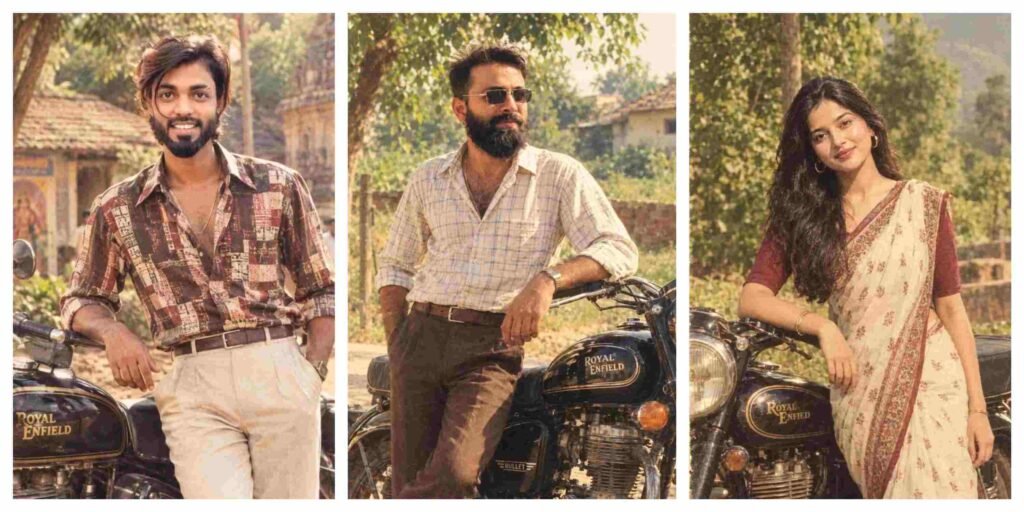
70s–80s Retro Indian Aesthetic Ai Photo Editing Prompts
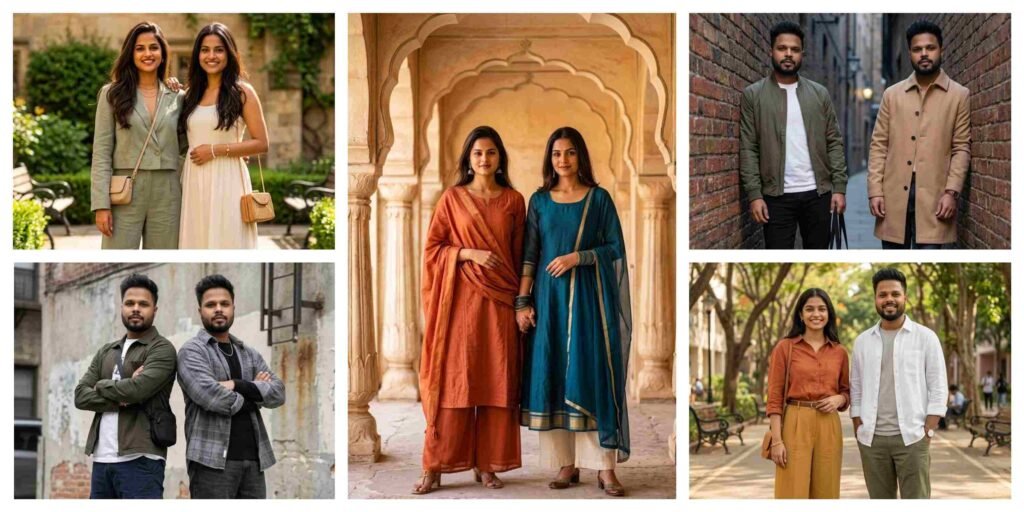
5 Best Gemini Prompt for Stylish Best Friends Photos 2026
Top Boys Ai Photo Editing Prompts Google Gemini/ChatGPT 2026
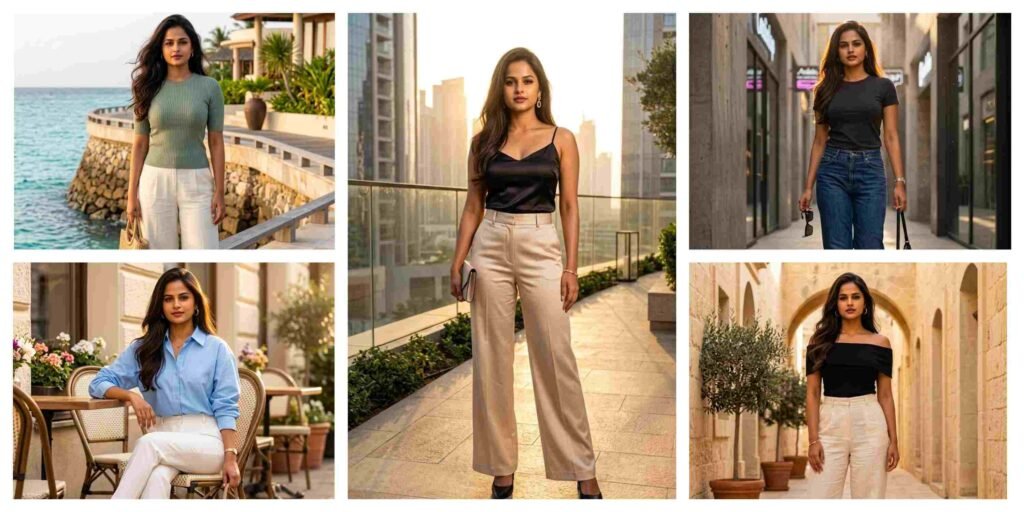
5 Best Gemini Prompt for Luxury Women Photos 2026
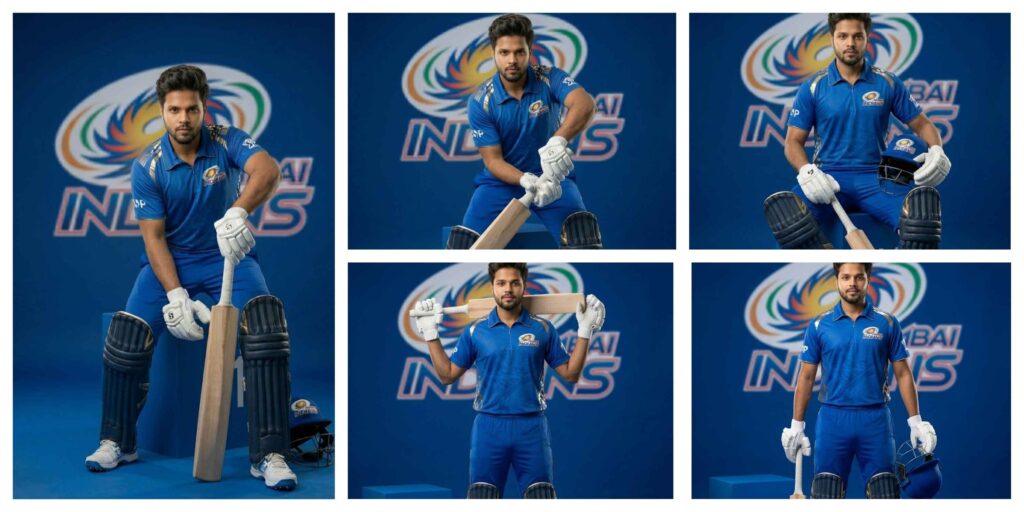
Mumbai Indians Jersey AI Photo Editing Prompt Gemini: AI Jerseys Instantly
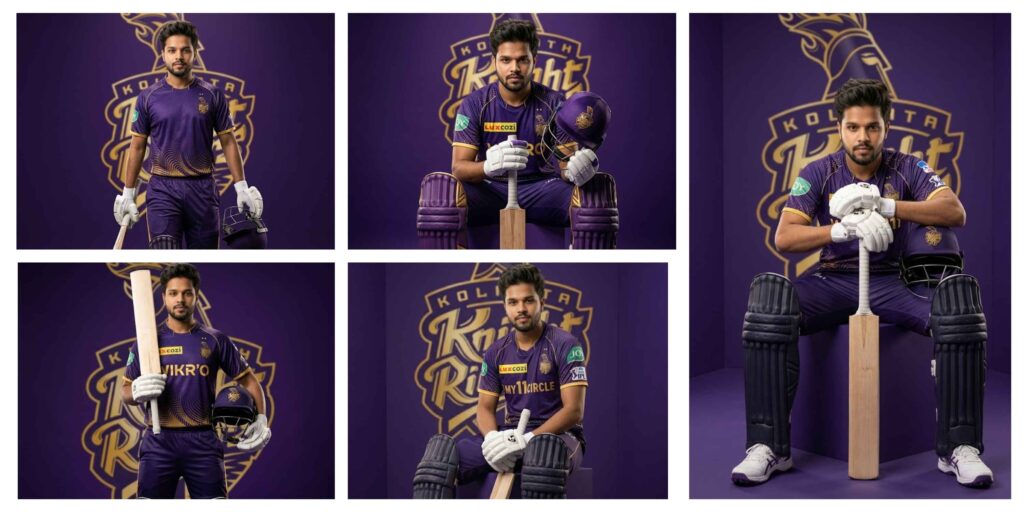
KKR Jersey Prompt for Gemini AI – Create Stunning IPL KKR AI Photos Editing
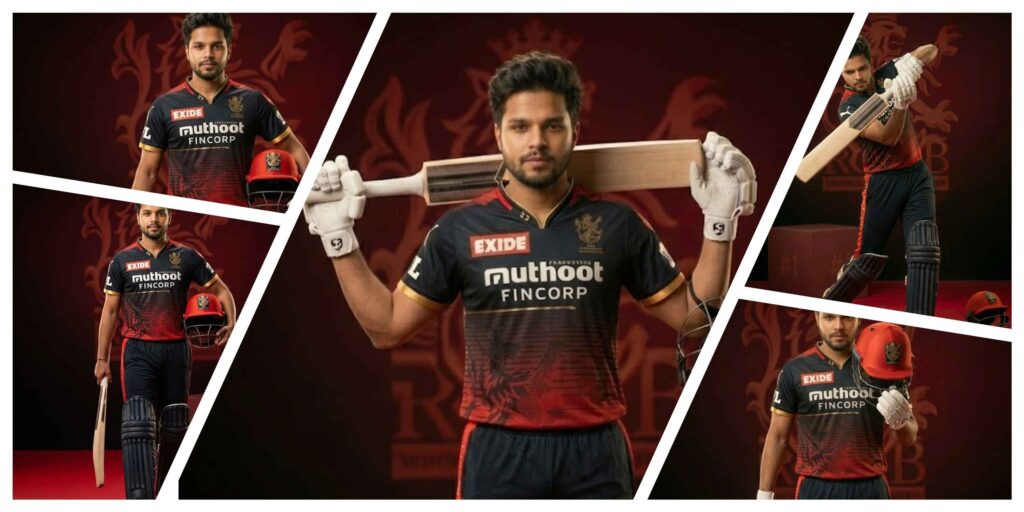
RCB Jersey Prompt | RCB Prompt for AI Photo Editing
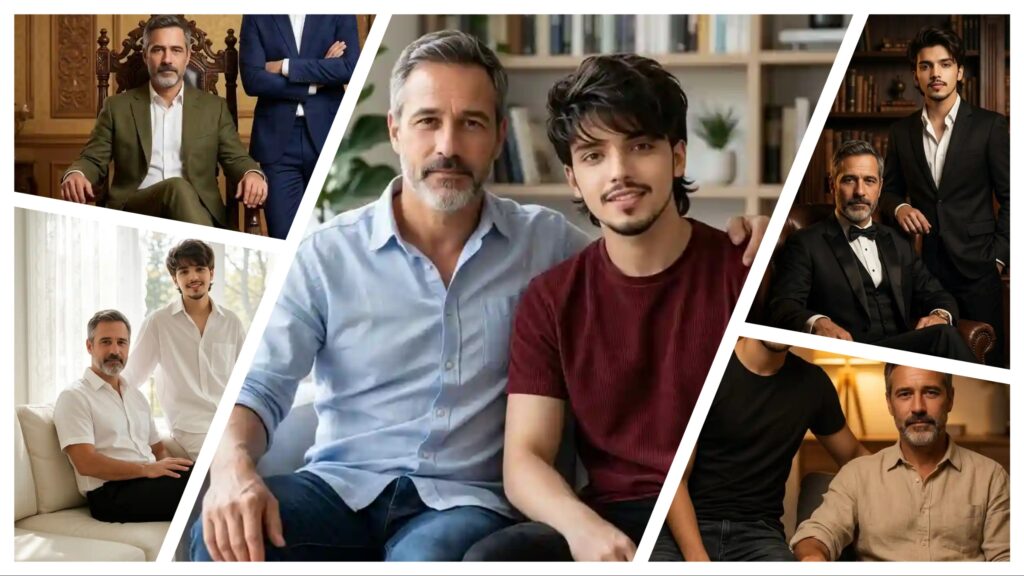
Father And Son Photo Editing Prompts | AI Image Generator for Business Marketing
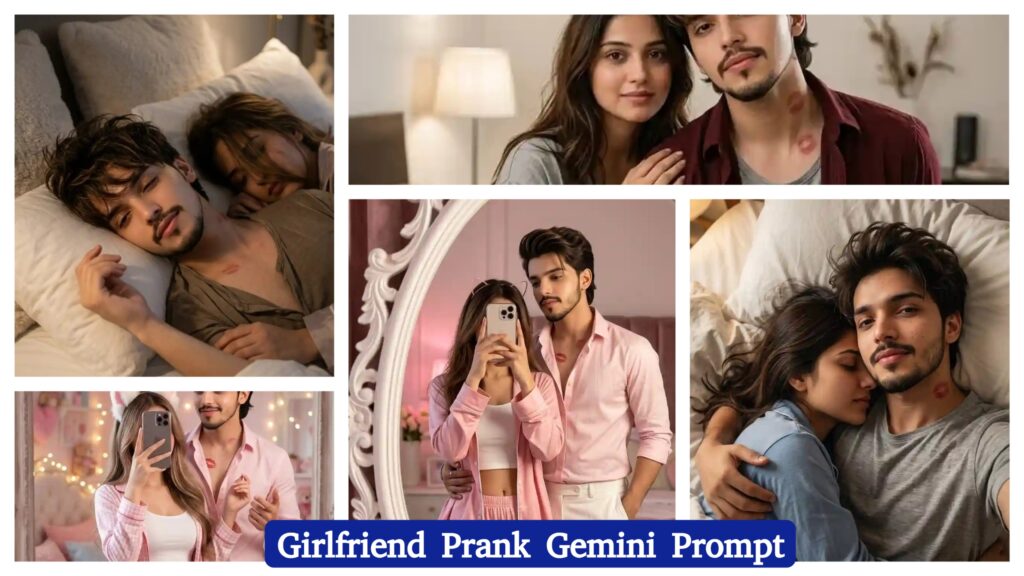
Girlfriend Prank AI Photo Editing Prompt | AI Image Generator for Business Marketing
With the rapid growth of AI tools like Google Gemini and ChatGPT, AI Photo Editing Anup Sagar techniques have become more powerful than ever. Creating stunning AI-generated photos is now easier, but the real secret behind high-quality results is using the right prompts. That’s why Anupsagar.co.in focuses on sharing step-by-step guides, detailed prompts, and trending ideas for AI Photo Editing Anup Sagar users.
On this website, you will discover high-quality prompts for portraits, gaming profiles, festival photos, Instagram-style edits, cinematic photography, and viral trending AI images. All prompts are specially designed for AI Photo Editing Anup Sagar workflows using Gemini and ChatGPT tools, ensuring sharp details, realistic lighting, and professional-quality outputs.
If you want to stay ahead in the world of AI photo editing trends in 2026, bookmark Anupsagar.co.in and explore our regularly updated collection of powerful AI prompts, editing tutorials, and creative ideas that help you transform simple photos into stunning AI masterpieces.
How To Use AI Photo Editing Prompts on Gemini and ChatGPT
Using AI Photo Editing Anup Sagar prompts on Gemini and ChatGPT is very simple. Just copy the prompt, upload your image (if needed), and generate stunning visuals within seconds. These prompts are perfect for creating cinematic portraits, travel photography, village scenes, and professional profile images with ease.
Step 1: Open Gemini or ChatGPT
First, open the Google Gemini AI tool or ChatGPT in your browser or mobile app. Make sure you are logged in with your Google or OpenAI account so you can use the image generation feature without any issues.
Step 2: Upload Your Photo (Optional)
If the prompt requires your face or a reference image, upload your photo first. Most AI photo editing prompts work best when you provide a clear image so the AI can generate a realistic result.
Step 3: Copy the AI Prompt
Now go back to this article and copy any prompt you like. We have shared prompts for different styles such as cinematic portraits, travel photography, mountain views, village lifestyle photos, and professional photoshoot images.
Step 4: Paste the Prompt
Paste the prompt inside Gemini or ChatGPT and make sure the instructions remain the same. If the prompt includes a line like “Use uploaded image as face reference”, keep it unchanged so the AI understands the request correctly.
Step 5: Generate the Image
After pasting the prompt, simply click Generate. Within a few seconds, the AI will create a high-quality edited image with realistic lighting, cinematic colors, and professional details.
Step 6: Download and Share
Once the image is generated, you can download the photo and use it for Instagram posts, gaming profiles, social media content, or personal projects.
Using these prompts on Gemini and ChatGPT allows anyone to create stunning AI photos without advanced editing skills. Just copy the prompt, upload your photo, and let the AI generate beautiful cinematic, travel, mountain, or professional-style images in seconds.
For more trending AI photo editing prompts in 2026, keep visiting Anupsagar.co.in where we regularly share the latest and most powerful prompts for creators and editors. 🚀
Benefits of AI Prompts for Photo Editing
AI prompts have completely transformed the way people create and edit images. With tools like Google Gemini and ChatGPT, anyone can generate professional-quality photos simply by using the right prompt. Instead of spending hours editing manually, AI prompts allow creators to produce stunning visuals in just a few seconds. Here are some of the main benefits of using AI prompts for photo editing.
1. Fast and Time-Saving Editing
One of the biggest advantages of AI photo editing prompts is speed. Traditional editing can take a long time, but with AI prompts, you can create cinematic portraits, travel photos, mountain landscapes, and professional profile images instantly.
2. No Professional Skills Required
You don’t need advanced editing knowledge to create amazing images. Even beginners can use AI prompts to generate high-quality photos with realistic lighting, detailed backgrounds, and creative styles.
3. High-Quality and Realistic Results
AI tools are designed to produce ultra-realistic images with professional lighting and sharp details. With the right prompt, you can create 4K cinematic photos, stylish portraits, and stunning nature scenes easily.
4. Endless Creative Possibilities
AI prompts allow you to experiment with different styles such as cinematic portraits, village lifestyle photos, travel photography, mountain views, neon gaming edits, and professional photoshoots. This gives creators unlimited opportunities to explore new ideas.
5. Perfect for Social Media and Profiles
AI-generated photos look unique and attractive, which makes them perfect for Instagram posts, gaming profiles, YouTube thumbnails, and personal branding.
6. Consistent and Professional Look
Using well-written prompts helps maintain a consistent style and quality in your photos. This is especially useful for content creators who want their images to look professional across all platforms.
Using AI prompts for photo editing is one of the easiest ways to create beautiful, high-quality images without complicated software. With platforms like Gemini and ChatGPT, anyone can transform a simple photo into a cinematic masterpiece in just a few seconds.
Final Words
AI photo editing is evolving rapidly, and AI Photo Editing Anup Sagar is becoming one of the most searched trends in 2026. In this article, we shared powerful prompts to help you create cinematic portraits, travel photos, mountain landscapes, village scenes, and professional edits easily.
At Anupsagar.co.in, our mission is to provide the best AI Photo Editing Anup Sagar prompts, tutorials, and creative ideas so that beginners and professionals can generate unique and high-quality images quickly.
If you found this article helpful, bookmark Anupsagar.co.in for more AI Photo Editing Anup Sagar prompts, trending edits, and creative inspiration.
Start using these prompts today and create stunning AI images that stand out. ✨
Start experimenting with these prompts today and create stunning AI photos that stand out from the crowd. ✨