Welcome to Anupsagar.co.in – The Ultimate Hub for AI Photo Editing Anup Sagar Prompts in 2026
If you are searching for the best AI Photo Editing Anup Sagar prompts for Google Gemini and ChatGPT, you have come to the right place. At Anupsagar.co.in, we provide the latest, trending, and highly optimized AI photo editing prompts that help you create professional, cinematic, and ultra-realistic images within seconds. Whether you need gaming profile photos, Free Fire AI edits, cinematic portraits, festival edits, neon backgrounds, or stunning 4K ultra-HD images, our expertly crafted prompts make the editing process simple, fast, and powerful.
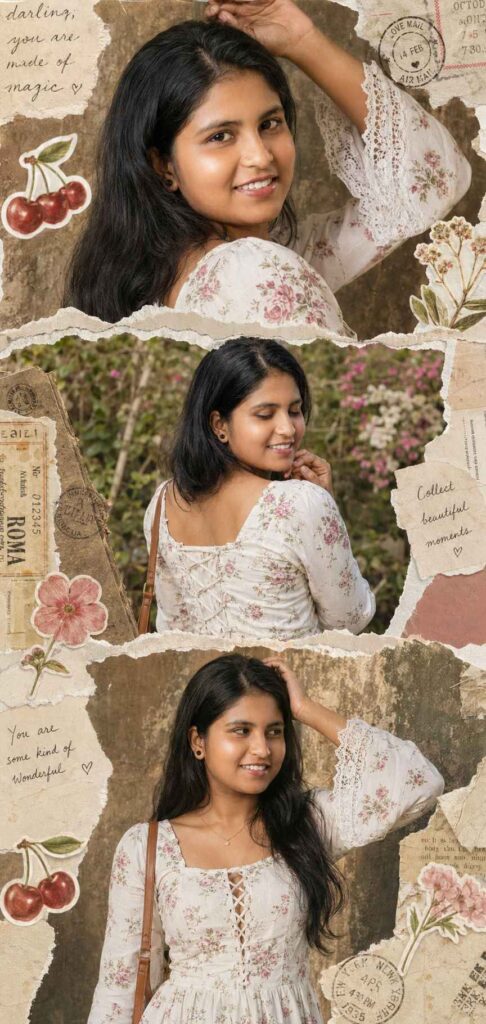
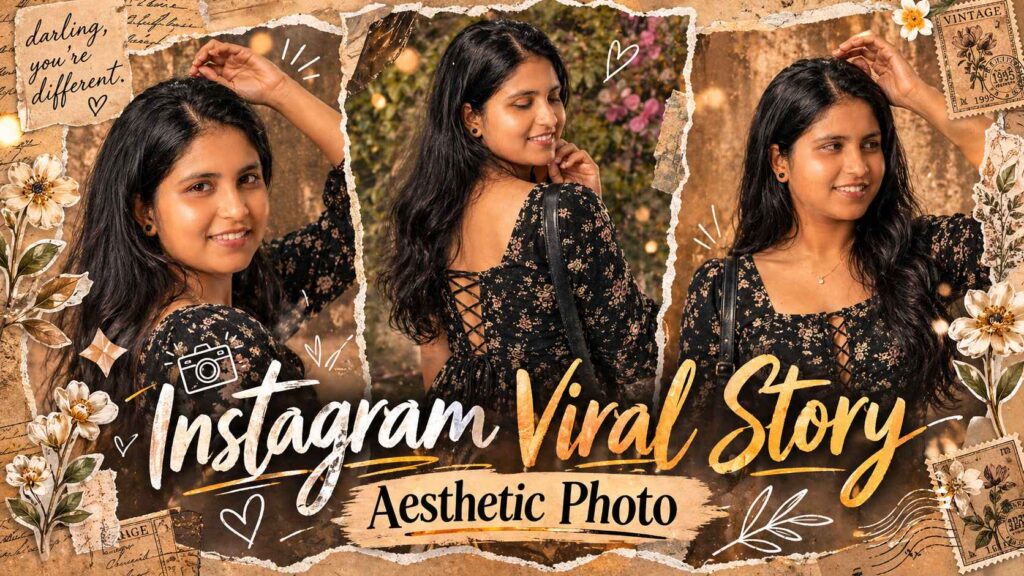
Use only the uploaded face (identical in all panels).Create an ultra-realistic 3-panel vertical collage (top/middle/bottom) of the same young woman.Outfit: White floral cotton kurti, square neckline (front/back), fited bodice withcorset lace-up, long bell sleeves with lacetrim. Minimal gold jewelry + shoulderhandbag. Same hair (long, slightlyvoluminous) and styling in all panels.Top: Close-up side pose, one arm raised, soft confident expression, warm lighting, textured background.Middle: Back pose, hand under chin, eyes closed smiling, natural daylight, outdoor garden.Bottom: Mid-shot front pose, hand on head, looking sideways, warm sunlight, slightly grainy backdrop.Style: Ultra-realistic scrapbook collage with torn paper edges, vintage textures, stickers (cherries/flowers), stamps, handwritten notes. Cohesive across all pannel
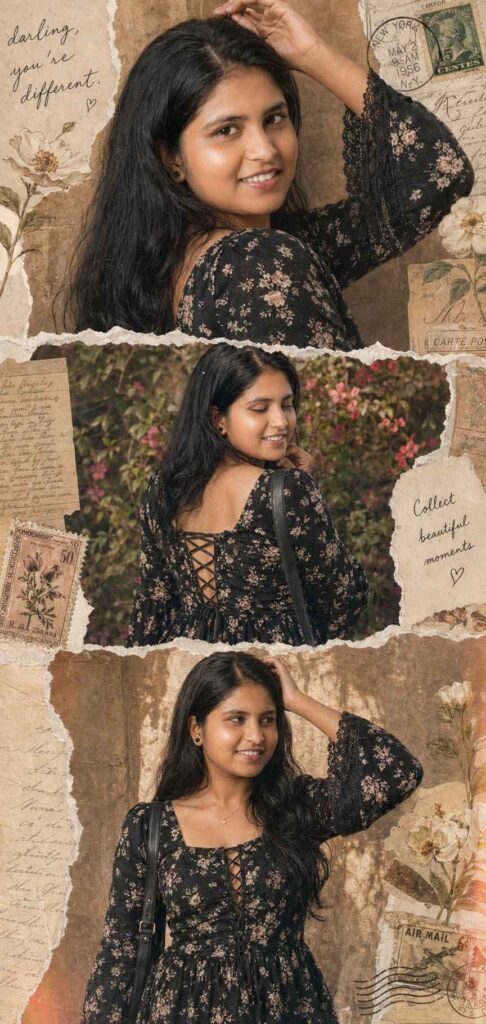
A high-definition vertical collage with a vintage scrapbook aesthetic, featuring three distinct panels of a woman with long, wavy dark hair. She is wearing a black floral-print dress with bell sleeves and an intricate lace-up corset detail on the back. The panels are separated by realistic white torn-paper edges. The background is filled with nostalgic elements: aged parchment paper, botanical sketches of white flowers, vintage postage stamps, and handwritten cursive notes like “darling, you’re different.” The lighting is warm and soft with a subtle film grain and light leaks, creating a dreamy, 90s-inspired cinematic mood. with same face & vertical
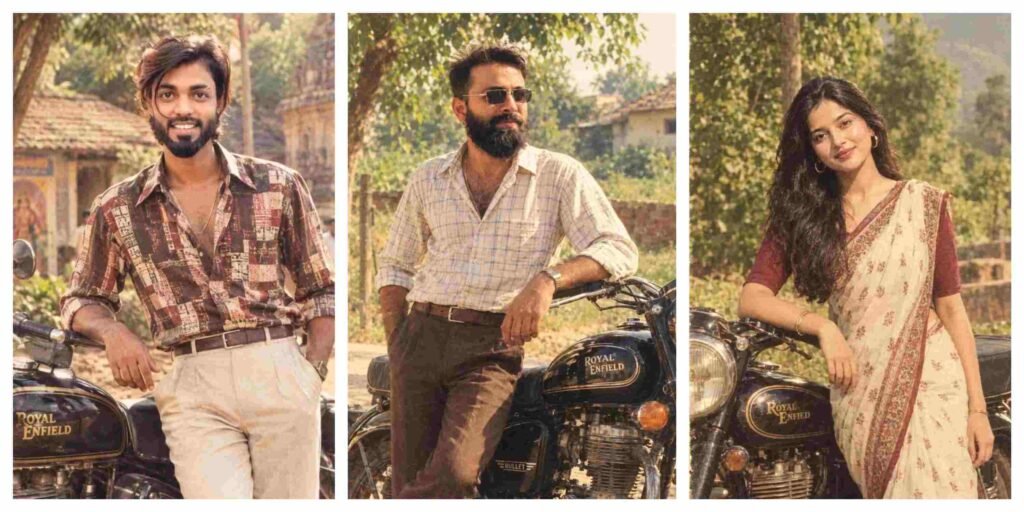
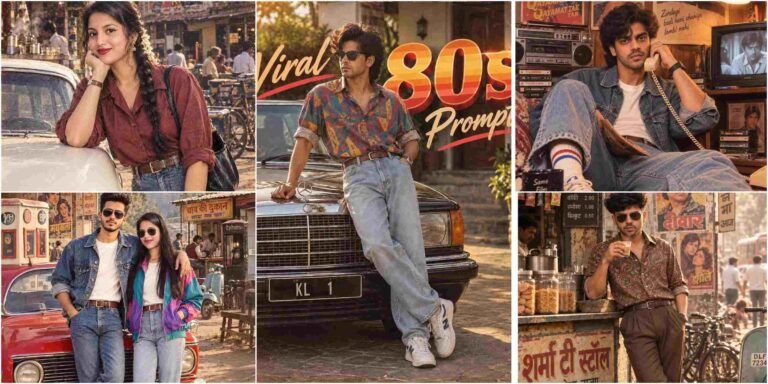
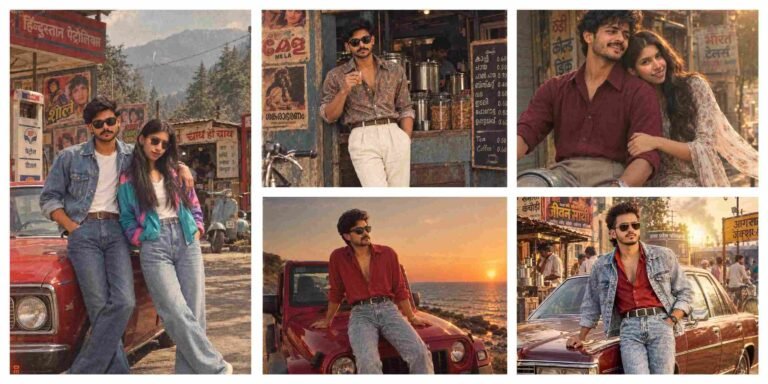
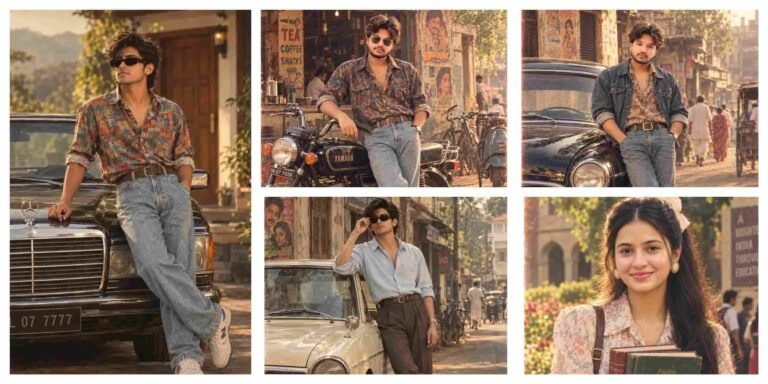
70s–80s Retro Indian Aesthetic Ai Photo Editing Prompts
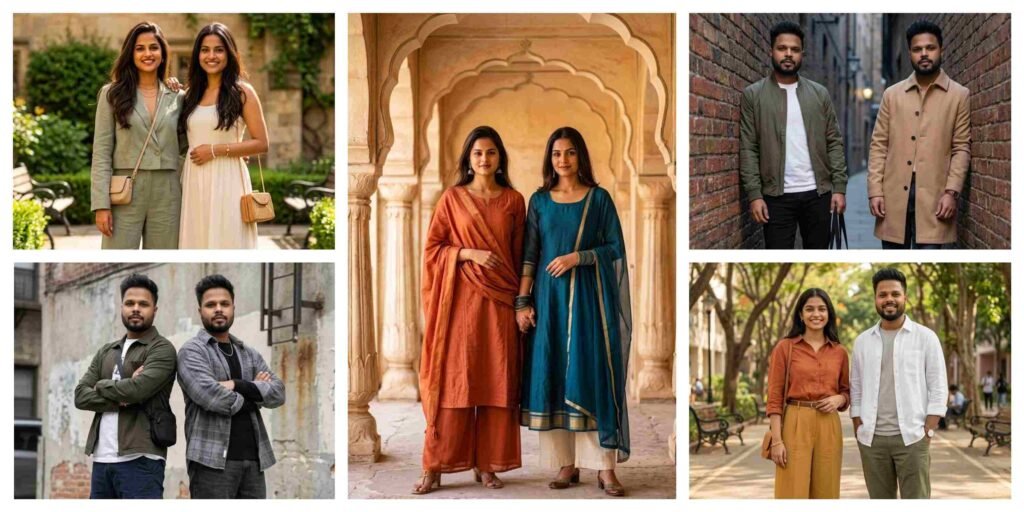
5 Best Gemini Prompt for Stylish Best Friends Photos 2026
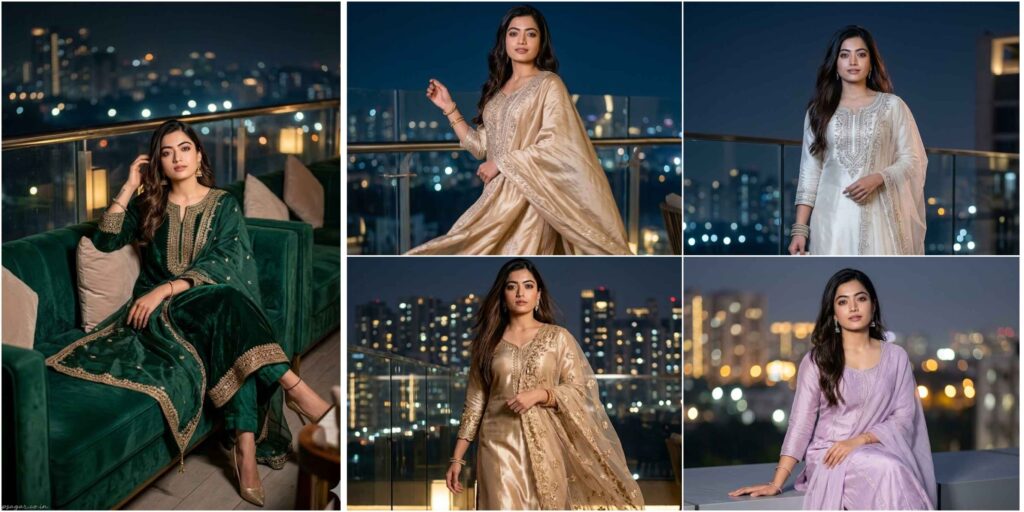
Rooftop Night Scene Ai Photo Editing Prompt
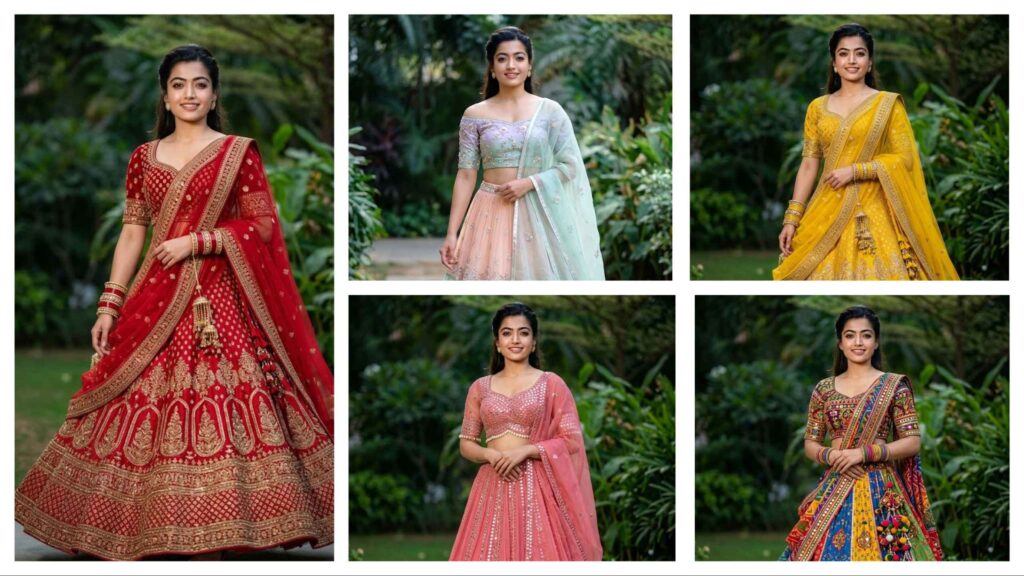
Gemini Prompts for Girls in Lehenga – Stunning AI Photo Editing
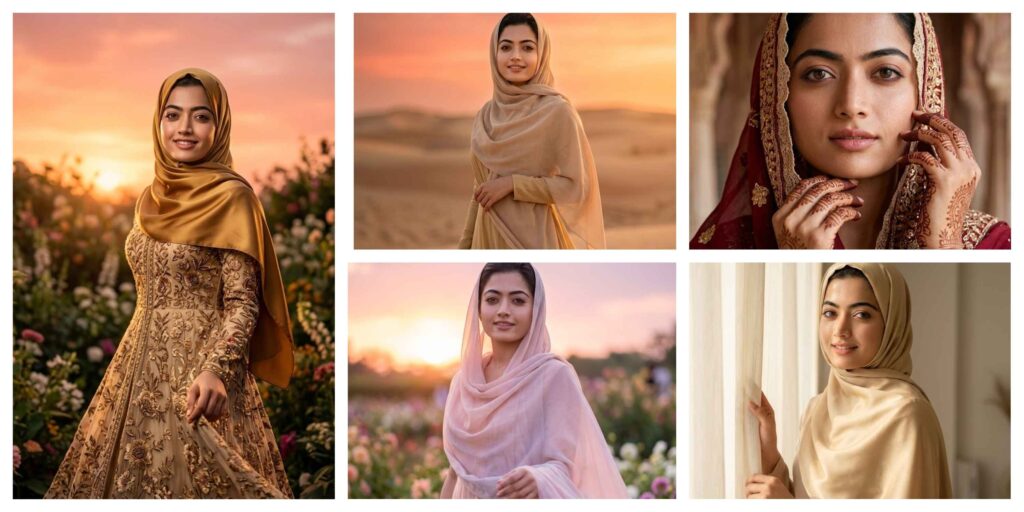
Gemini AI Photo Editing Prompts Muslim Hijab Girl Women
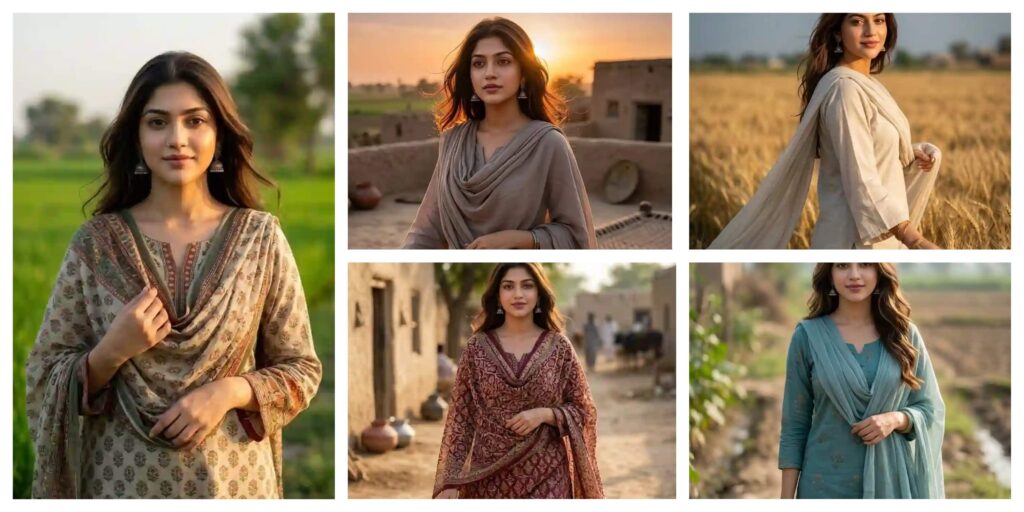
Best Gemini AI Photo Editing Prompt Pakistani Village Girl Look AI
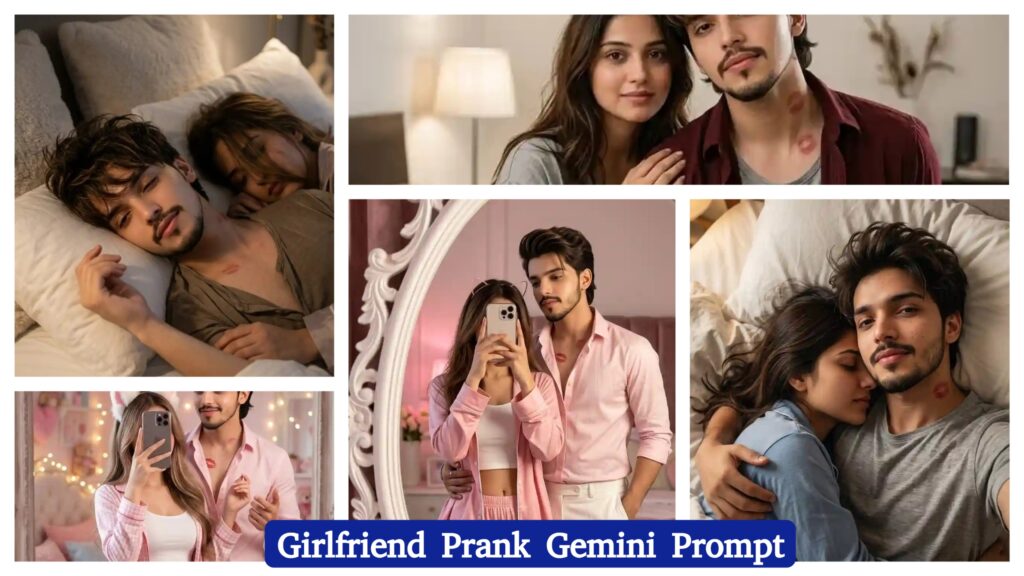
Girlfriend Prank AI Photo Editing Prompt | AI Image Generator for Business Marketing
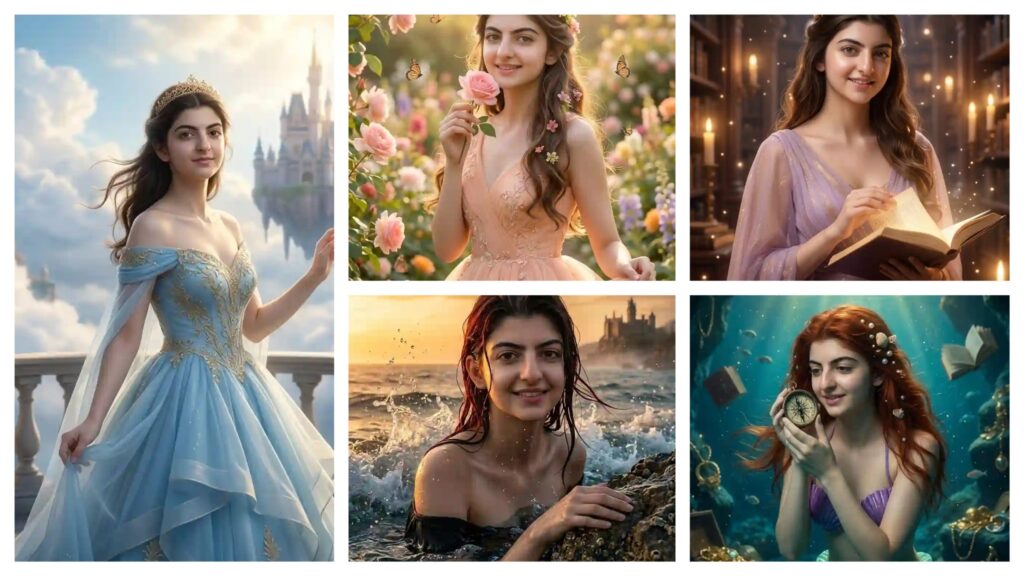
Disney Princess AI Photo Editing Prompts | AI Image Generator for Business Marketing
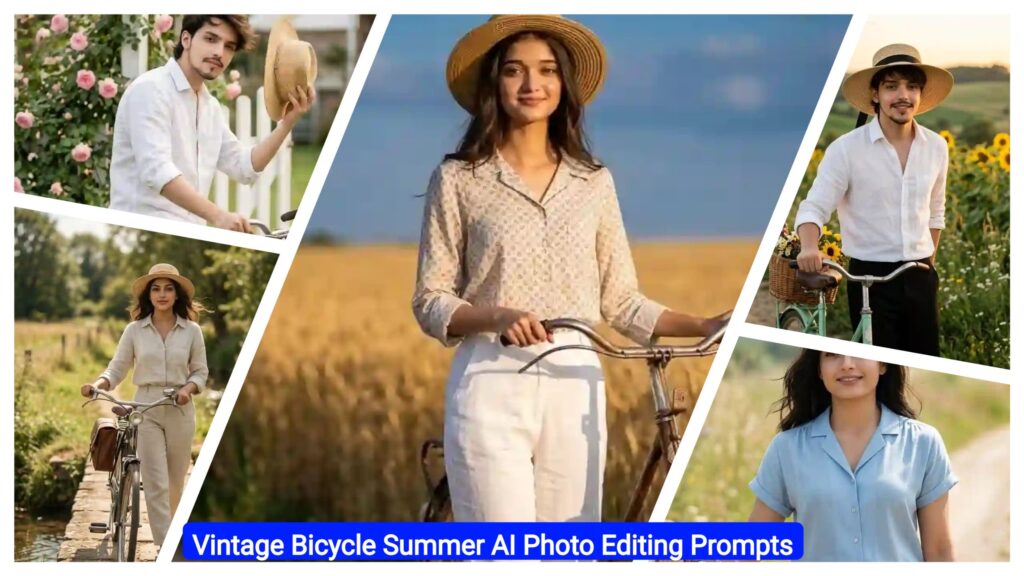
Vintage Bicycle Summer AI Photo Editing Prompts | AI Image Generator for Business Marketing
With the rapid advancement of AI tools like Google Gemini and ChatGPT, AI Photo Editing Anup Sagar techniques have become more advanced and accessible than ever before. While creating AI-generated photos is now easy, the real secret behind high-quality, viral results lies in using the right prompts. That’s why Anupsagar.co.in focuses on delivering step-by-step guides, detailed prompt collections, and trending ideas specially designed for AI Photo Editing Anup Sagar users.
On this website, you will explore high-quality AI prompts for portraits, gaming profiles, festival edits, Instagram-style photos, cinematic photography, and viral AI images. All prompts are carefully optimized for AI Photo Editing Anup Sagar workflows using Gemini and ChatGPT, ensuring sharp details, realistic lighting, and professional-grade outputs.
If you want to stay ahead in the world of AI photo editing trends in 2026, bookmark Anupsagar.co.in and explore our regularly updated collection of powerful AI prompts, editing tutorials, and creative ideas that transform ordinary photos into stunning AI masterpieces.
How To Use AI Photo Editing Prompts on Gemini and ChatGPT
Using AI Photo Editing Anup Sagar prompts on Gemini and ChatGPT is simple and beginner-friendly. Just copy the prompt, upload your image (if required), and generate high-quality visuals in seconds. These prompts are perfect for creating cinematic portraits, travel photography, village scenes, and professional profile images effortlessly.
Step 1: Open Gemini or ChatGPT
First, open Google Gemini or ChatGPT on your browser or mobile app. Make sure you are logged in with your account to access image generation features without interruption.
Step 2: Upload Your Photo (Optional)
If the prompt requires a face reference or image input, upload your photo. A clear and high-quality image will help the AI generate more realistic and accurate results.
Step 3: Copy the AI Prompt
Go back to this article and copy any prompt you like. We provide prompts for multiple styles such as cinematic portraits, travel photography, mountain views, village lifestyle edits, and professional photoshoots.
Step 4: Paste the Prompt
Paste the prompt into Gemini or ChatGPT exactly as it is. If the prompt includes instructions like “Use uploaded image as face reference,” do not modify it for best results.
Step 5: Generate the Image
Click on Generate, and within seconds, the AI will create a high-quality image with cinematic lighting, realistic colors, and professional details.
Step 6: Download and Share
Download your generated image and use it for Instagram posts, gaming profiles, social media content, or personal branding.
Using these AI prompts, anyone can create stunning images without advanced editing skills. Simply copy, paste, and generate cinematic, travel, or professional-style photos instantly.
For more trending AI photo editing prompts in 2026, keep visiting Anupsagar.co.in for the latest updates and powerful prompt collections. ????
Benefits of AI Prompts for Photo Editing
AI prompts have completely transformed the way images are created and edited. With tools like Gemini and ChatGPT, anyone can generate professional-quality photos using simple text prompts. Instead of spending hours editing manually, AI allows creators to produce stunning visuals instantly.
1. Fast and Time-Saving Editing
AI photo editing prompts significantly reduce editing time. You can create cinematic portraits, travel photos, and professional images within seconds.
2. No Professional Skills Required
Even beginners can create high-quality images without any prior editing knowledge. AI handles lighting, background, and styling automatically.
3. High-Quality and Realistic Results
With the right prompts, AI generates ultra-realistic images with sharp details, cinematic lighting, and 4K quality output.
4. Endless Creative Possibilities
You can experiment with multiple styles such as cinematic edits, village photography, travel scenes, neon gaming edits, and professional photoshoots.
5. Perfect for Social Media and Profiles
AI-generated images are visually appealing and ideal for Instagram, YouTube thumbnails, gaming profiles, and personal branding.
6. Consistent and Professional Look
Using optimized prompts ensures consistency in style, making your content look professional across all platforms.
AI prompts are one of the easiest and most effective ways to create high-quality images without complex software or editing tools.
Final Words
AI photo editing is evolving rapidly, and AI Photo Editing Anup Sagar is becoming one of the most trending and searched topics in 2026. In this article, we shared powerful prompts to help you create cinematic portraits, travel photos, mountain landscapes, village scenes, and professional edits easily.
At Anupsagar.co.in, our mission is to provide the best AI Photo Editing Anup Sagar prompts, tutorials, and creative ideas so that both beginners and professionals can generate unique, high-quality images quickly.
If you found this article useful, bookmark Anupsagar.co.in for more AI Photo Editing Anup Sagar prompts, trending edits, and creative inspiration.
Start using these prompts today and create stunning AI images that truly stand out. ✨
Start experimenting now and turn your ideas into eye-catching AI photos that grab attention instantly. ✨