In the past, improving a photo meant spending hours inside complex software, adjusting brightness, contrast, sharpness, and colors manually. Today, AI photo enhancement has completely changed that process. With just one click, artificial intelligence can transform a dull, blurry image into a high-quality, professional-looking photo.
Let’s break it down in a simple, human-friendly way.
What is AI Photo Enhancement?
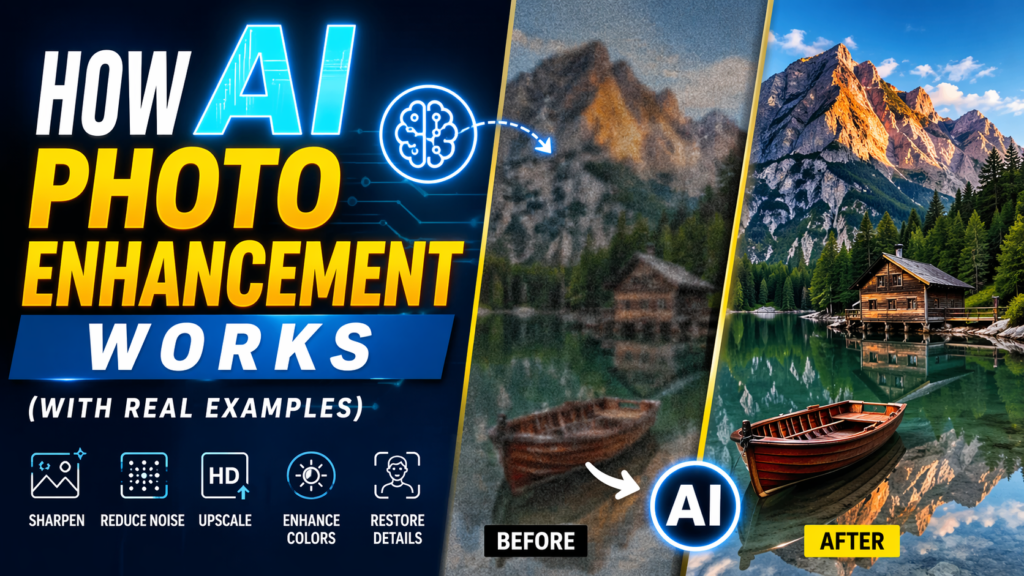
AI photo enhancement is the process of using artificial intelligence to automatically improve the quality of an image. Instead of manually editing every detail, AI analyzes the image and applies smart adjustments based on patterns it has learned from millions of photos.
These enhancements can include:
- Improving image sharpness
- Reducing noise and blur
- Enhancing colors and lighting
- Restoring old or damaged photos
- Upscaling low-resolution images
Popular tools like Adobe Photoshop (with AI features), Remini, and Canva use advanced AI models to perform these tasks instantly.
How AI Photo Enhancement Works (Step-by-Step)
1. Image Analysis
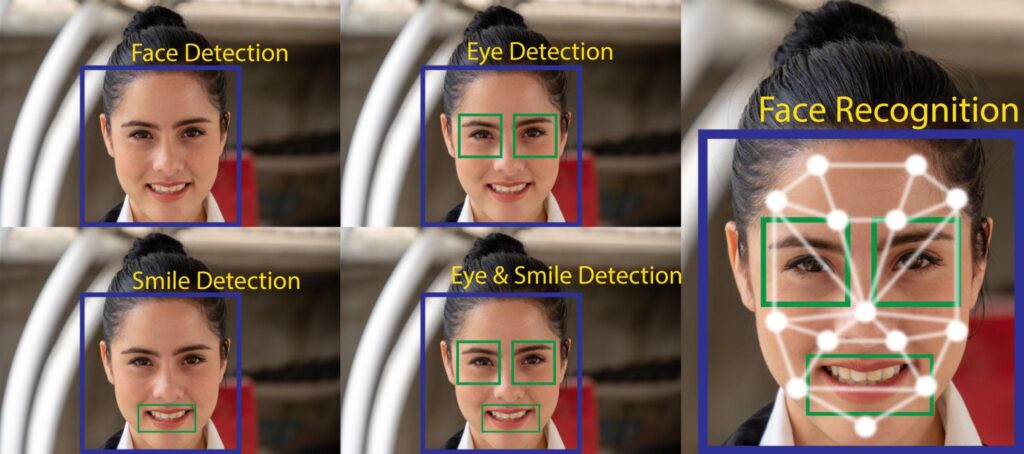
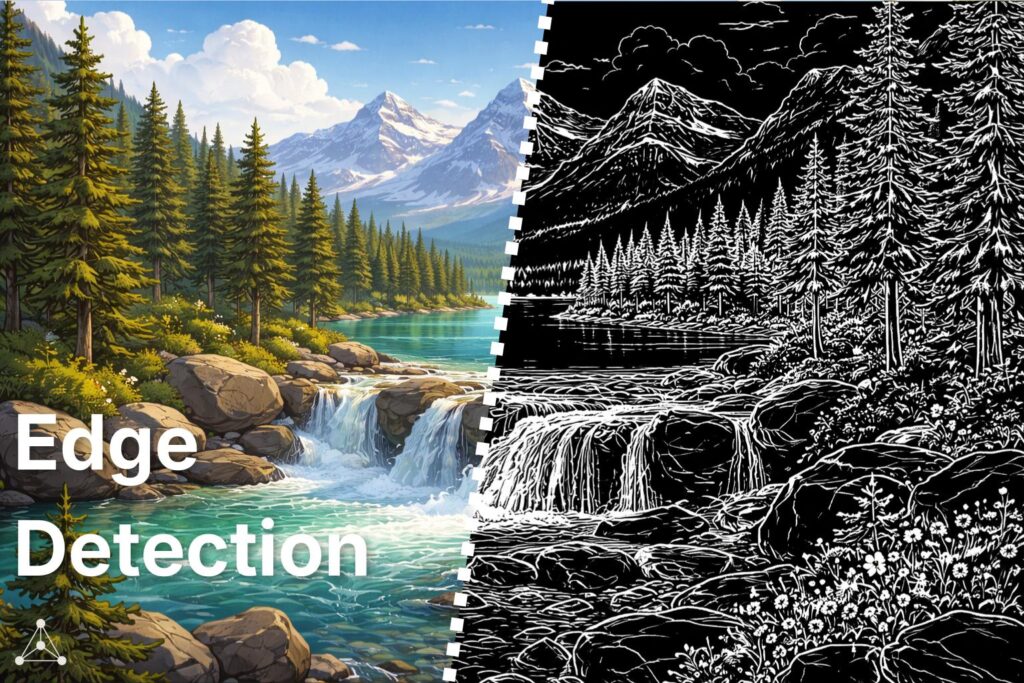
The first step is image analysis. AI scans your photo to understand what it contains—faces, objects, background, lighting, and even emotions.
This process is powered by a field called Computer Vision. It allows machines to “see” and interpret images like humans.
For example:
- If the AI detects a face, it will focus on improving skin texture and details
- If it finds a landscape, it enhances colors, sky, and contrast
2. Noise Reduction and Sharpening
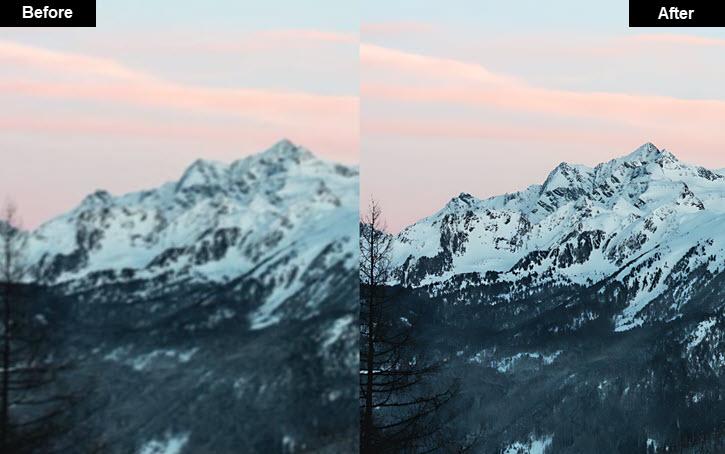
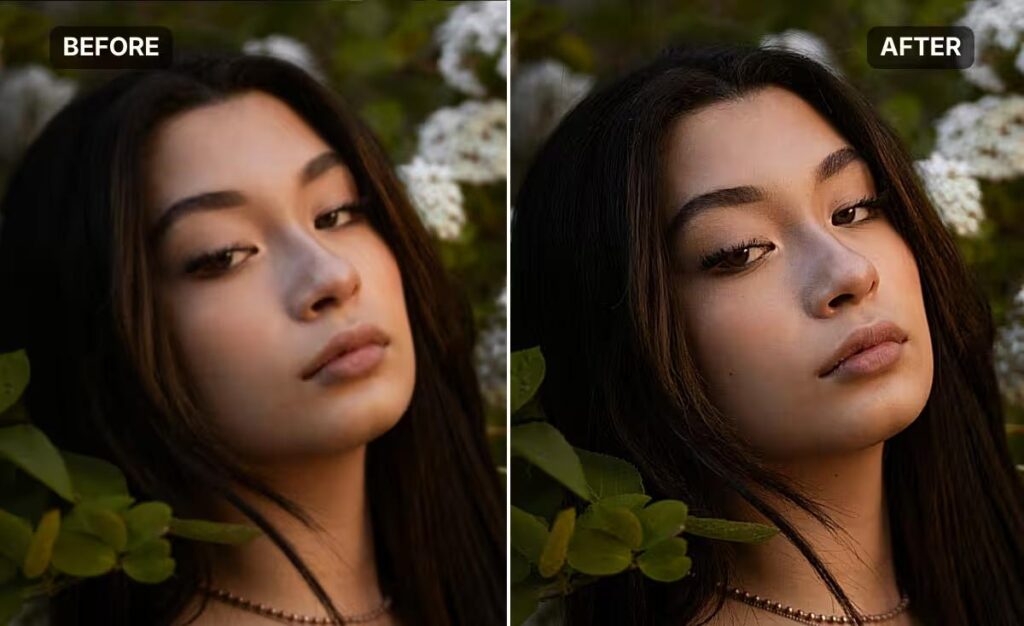
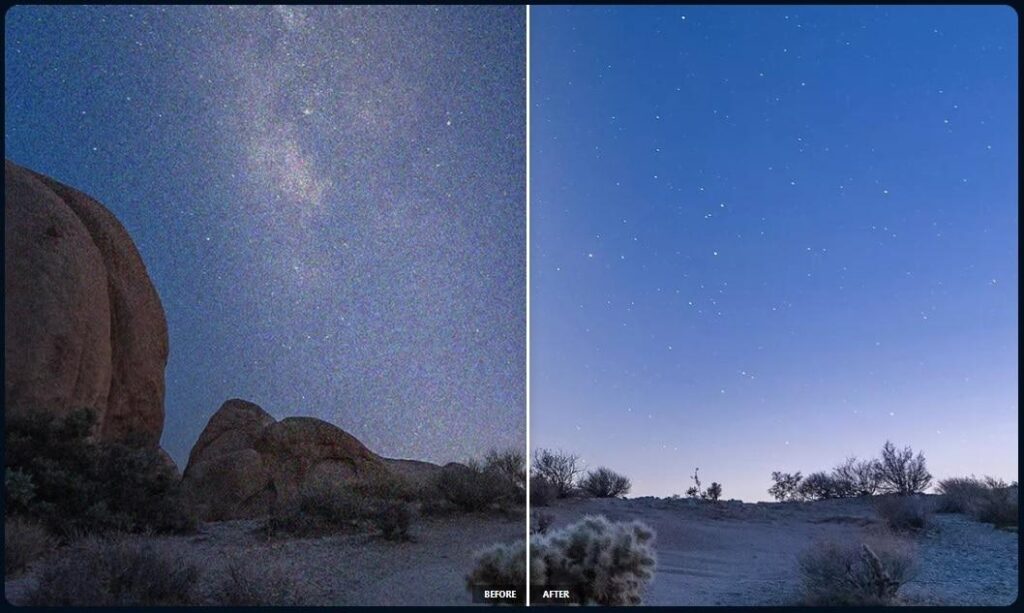
Low-quality photos often contain noise (grainy dots) or blur. AI removes these imperfections using deep learning models trained on high-quality images.
For instance:
- A night photo with heavy grain gets cleaned up
- A slightly blurry image becomes sharper and clearer
AI doesn’t just blur the noise—it intelligently reconstructs details based on learned patterns.
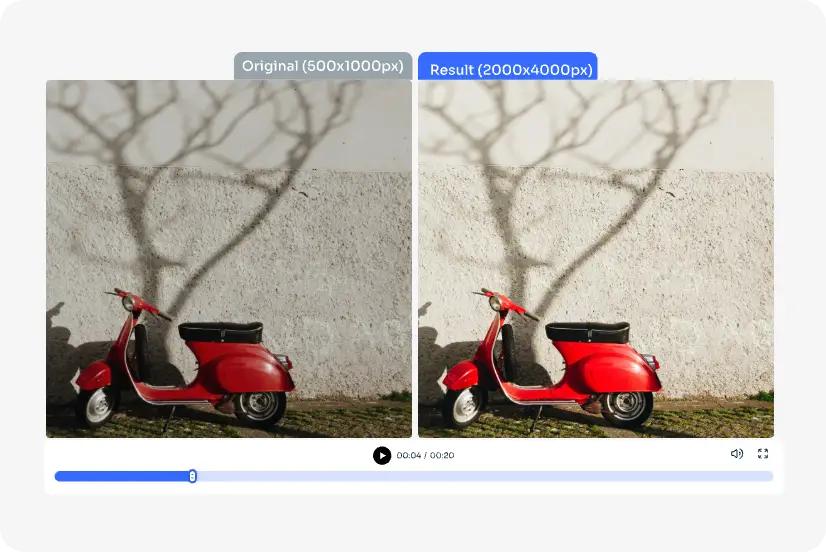
3. Resolution Enhancement (Upscaling)
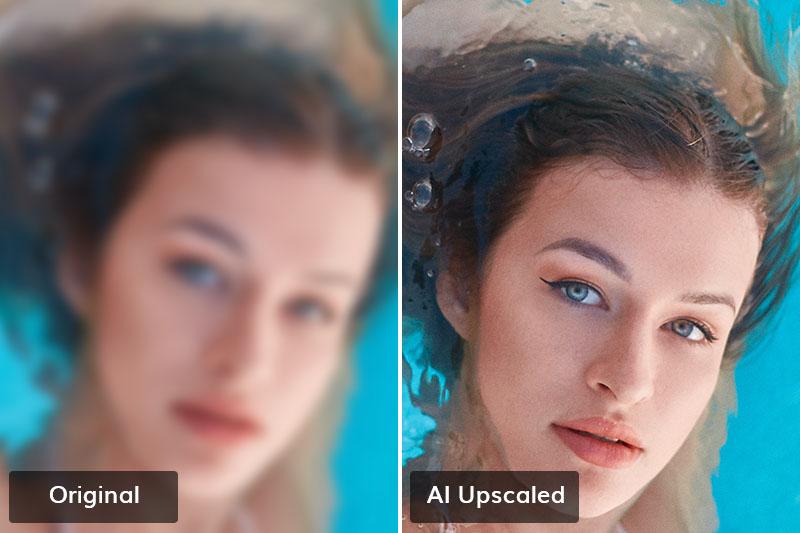
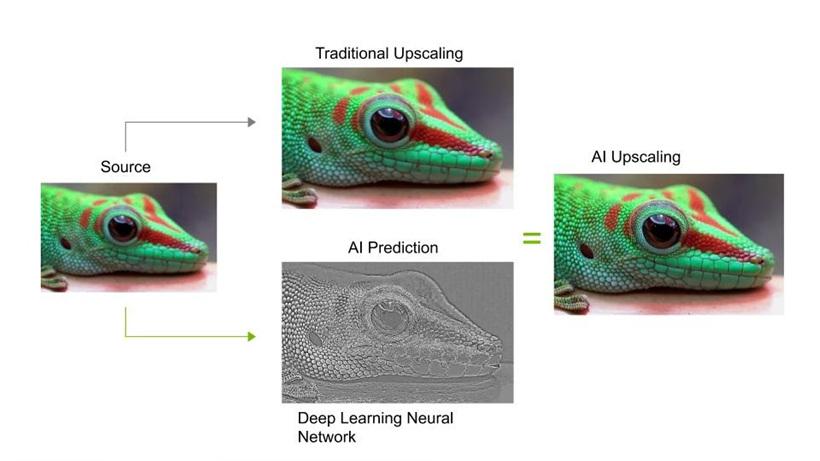
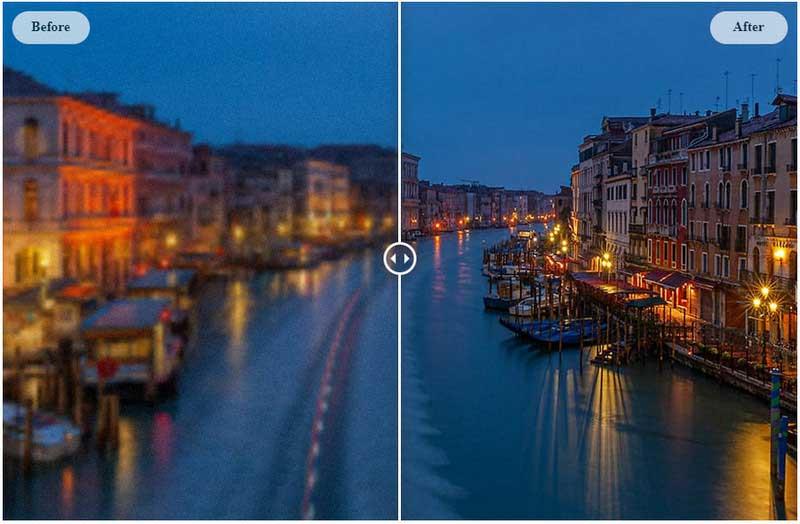
One of the most impressive features is AI upscaling, also known as super-resolution.
Normally, enlarging an image makes it pixelated. But AI uses a technique called Deep Learning to predict and add missing pixels.
Real Example:
- A 480p image can be enhanced to HD or even 4K quality
- Old social media photos can be made crisp again
Tools like Remini are especially popular for this feature.
4. Color Correction and Lighting Adjustment
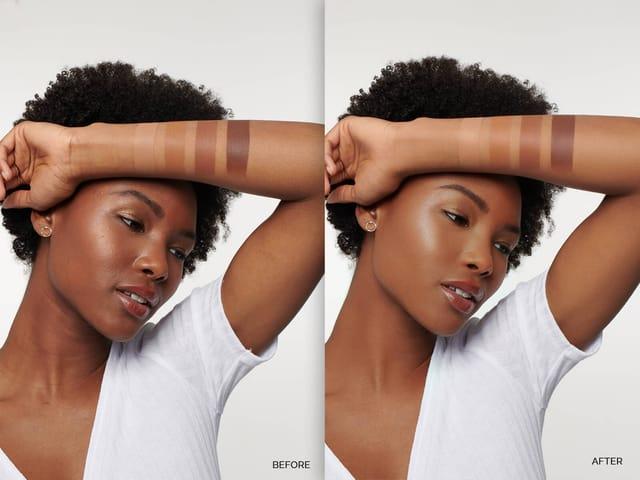
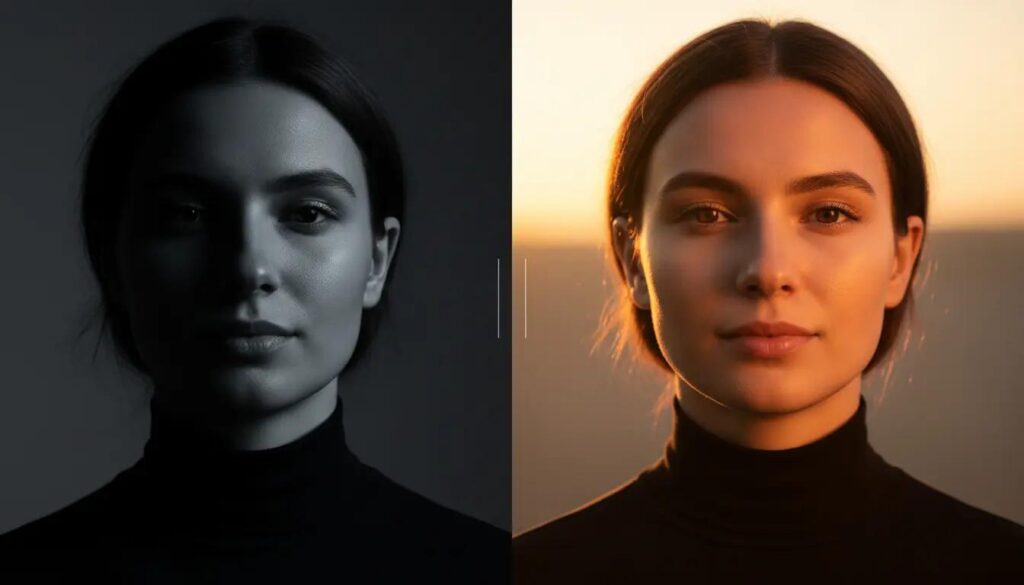
AI automatically adjusts:
- Brightness
- Contrast
- Saturation
- White balance
This ensures the image looks natural and visually appealing.
Real Example:
- A dark photo becomes well-lit without losing detail
- Washed-out colors become vibrant but not unnatural
Unlike manual editing, AI avoids over-editing by learning what “good” images look like.
5. Face Enhancement and Retouching
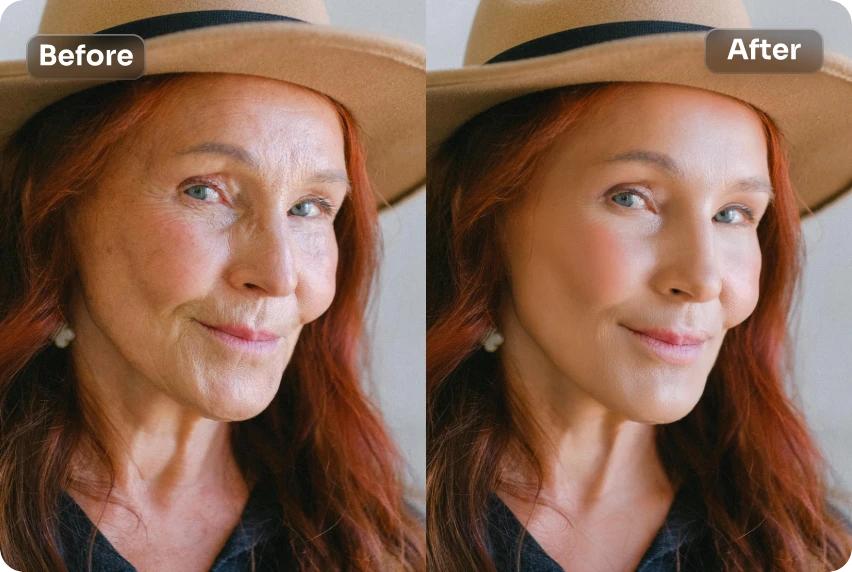
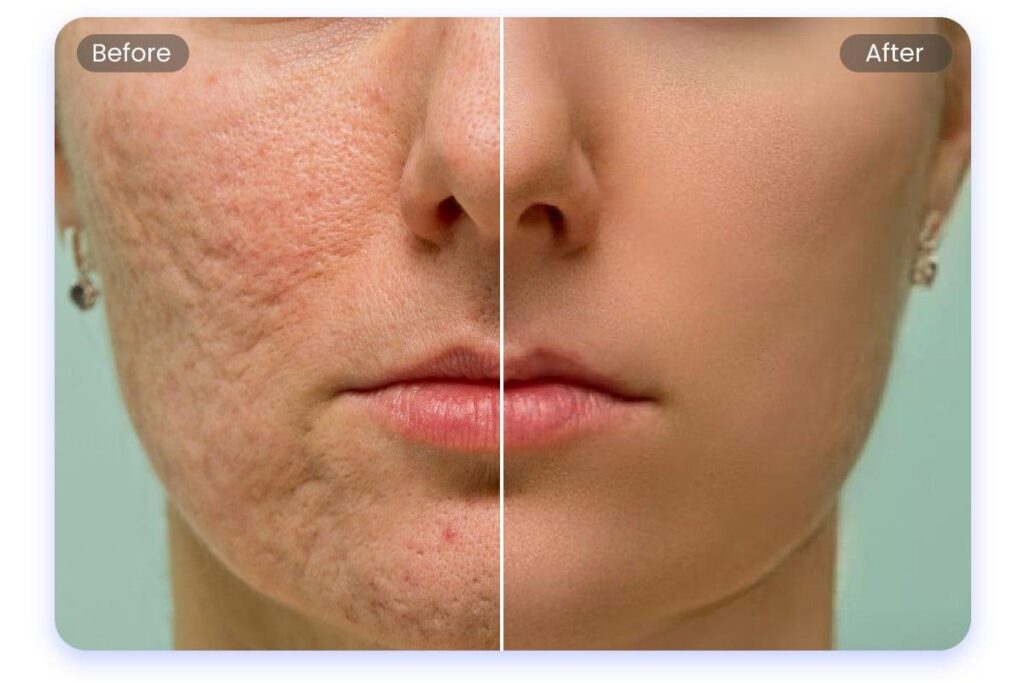
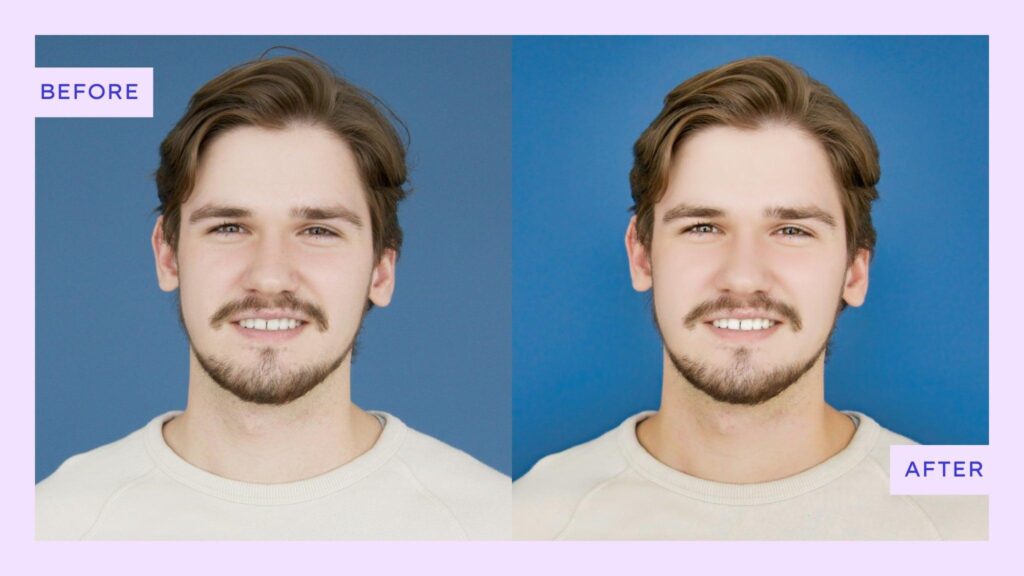
Face enhancement is one of the most popular uses of AI.
AI can:
- Smooth skin naturally
- Enhance eyes and facial details
- Remove blemishes
- Restore old or damaged faces
Real Example:
- A blurry selfie becomes sharp and detailed
- An old family photo gets restored to near-original quality
Apps like Remini are widely used for this purpose.
Real-Life Examples of AI Photo Enhancement
Let’s look at practical scenarios where AI makes a huge difference:
1. Old Photo Restoration
A faded black-and-white image can be restored with:
- Better sharpness
- Added color (in some tools)
- Removed scratches
2. Social Media Content Creation
Content creators use AI to:
- Enhance selfies
- Improve lighting
- Make photos more engaging
This is especially useful for platforms like Instagram.
3. E-commerce Product Photos
Online sellers enhance product images to:
- Improve clarity
- Highlight colors
- Remove background distractions
Better images = higher conversions.
4. Low-Light Photography Fix
AI can turn dark, noisy photos into usable images by balancing light and reducing noise.
AI vs Manual Editing: Which is Better?
Both methods have their place.
AI Photo Enhancement
- Fast and automatic
- Beginner-friendly
- Great for bulk editing
Manual Editing (e.g., in Adobe Photoshop)
- Full control
- Better for professional designers
- Requires time and skill
Best approach: Use AI for quick results and manual editing for fine-tuning.
Benefits of AI Photo Enhancement
Here’s why AI tools are becoming so popular:
- Saves time (seconds instead of hours)
- No technical skills required
- Consistent results
- Ideal for beginners and professionals
- Improves productivity for bloggers and creators
Limitations You Should Know
AI is powerful, but not perfect.
- Over-enhancement can make images look unnatural
- Some tools reduce originality
- Results depend on the quality of the original image
That’s why it’s important to choose the right tool and not rely blindly on automation.
Best AI Photo Enhancement Tools (2026)
Some of the most popular tools include:
- Remini – Best for face enhancement
- Adobe Photoshop – Advanced AI + manual editing
- Canva – Beginner-friendly
Each tool has its strengths depending on your needs.
Final Thoughts
AI photo enhancement is not just a trend—it’s the future of digital editing. By combining machine learning, computer vision, and deep learning, AI can transform ordinary photos into high-quality visuals in seconds.
For website owners and bloggers, this topic is highly valuable because:
- It attracts organic traffic
- It answers real user questions
- It builds authority in the AI niche
If you consistently publish high-quality, informative content like this, your chances of getting Google AdSense approval increase significantly.