In recent years, photo editing has undergone a massive transformation. What once required advanced skills in complex software can now be done in seconds using artificial intelligence. In 2026, AI photo editing is no longer a futuristic concept—it’s a practical tool used by beginners, creators, influencers, and professionals alike. If you’re just starting out, this guide will walk you through everything you need to know in a simple and human-friendly way.
What is AI Photo Editing?
AI photo editing refers to the use of artificial intelligence to automatically enhance, modify, or completely transform images. Instead of manually adjusting brightness, contrast, colors, or backgrounds, AI tools analyze your image and apply intelligent edits with minimal effort.
Think of it like this: traditional editing is like cooking from scratch, while AI editing is like having a smart assistant who prepares most of the meal for you—you just give instructions.
AI tools can:
- Remove backgrounds instantly
- Enhance low-quality photos
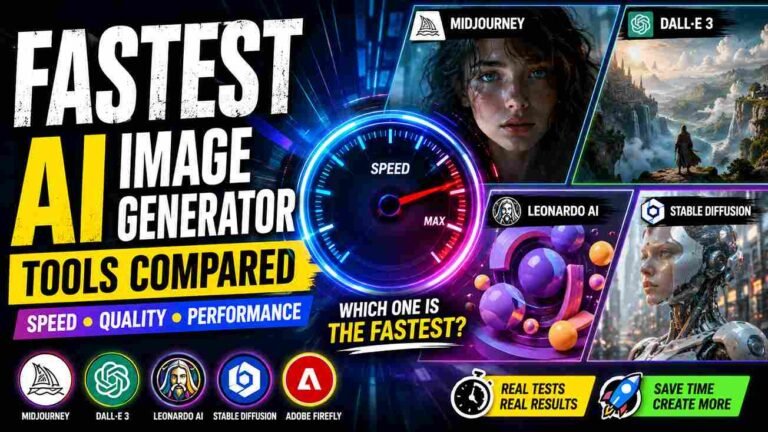
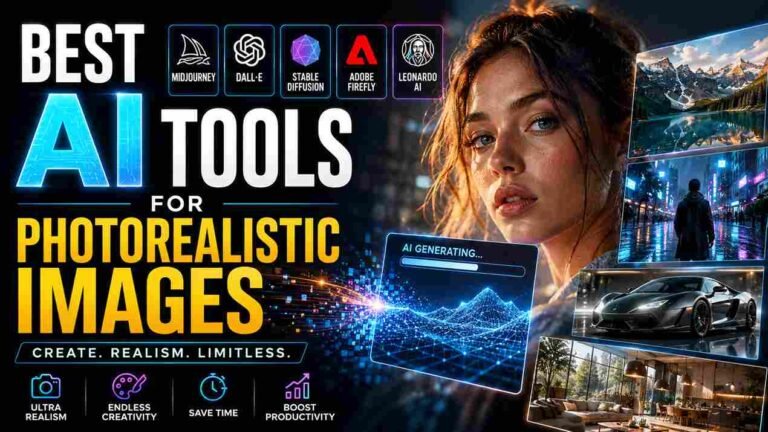
- Generate realistic images from text prompts
- Apply artistic filters and effects
- Retouch portraits automatically
- Change lighting, sky, or even facial expressions
This technology saves time and allows anyone—regardless of skill level—to create professional-quality visuals.
Why AI Photo Editing is Trending in 2026
AI editing has become extremely popular because of the growing demand for content. Social media platforms, blogs, YouTube thumbnails, and online businesses all require eye-catching visuals. Not everyone has the time or expertise to learn complex editing software, and that’s where AI comes in.
Here are a few reasons why AI photo editing is dominating in 2026:
1. Speed and Efficiency
AI tools can edit a photo in seconds. What used to take hours can now be completed with just one click.
2. Beginner-Friendly
You don’t need technical knowledge. Most tools are designed with simple interfaces and easy controls.
3. Professional Results
AI can produce high-quality, polished images that look like they were edited by experts.
4. Creativity Boost
AI doesn’t just edit—it helps you create. You can turn ideas into visuals using prompts and imagination.
5. Cost-Effective
Many AI tools offer free plans or affordable pricing, making them accessible to everyone.
Popular AI Photo Editing Tools (2026)
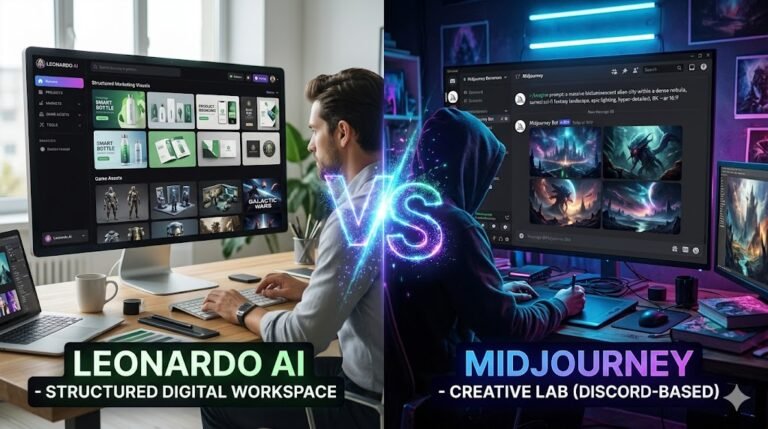
There are many AI tools available today, each offering unique features. As a beginner, you don’t need to try all of them—just start with a few and explore.
1. AI Image Generators
These tools create images from text prompts. You simply describe what you want, and the AI generates it.
Best for:
- Creative projects
- Social media posts
- Digital art
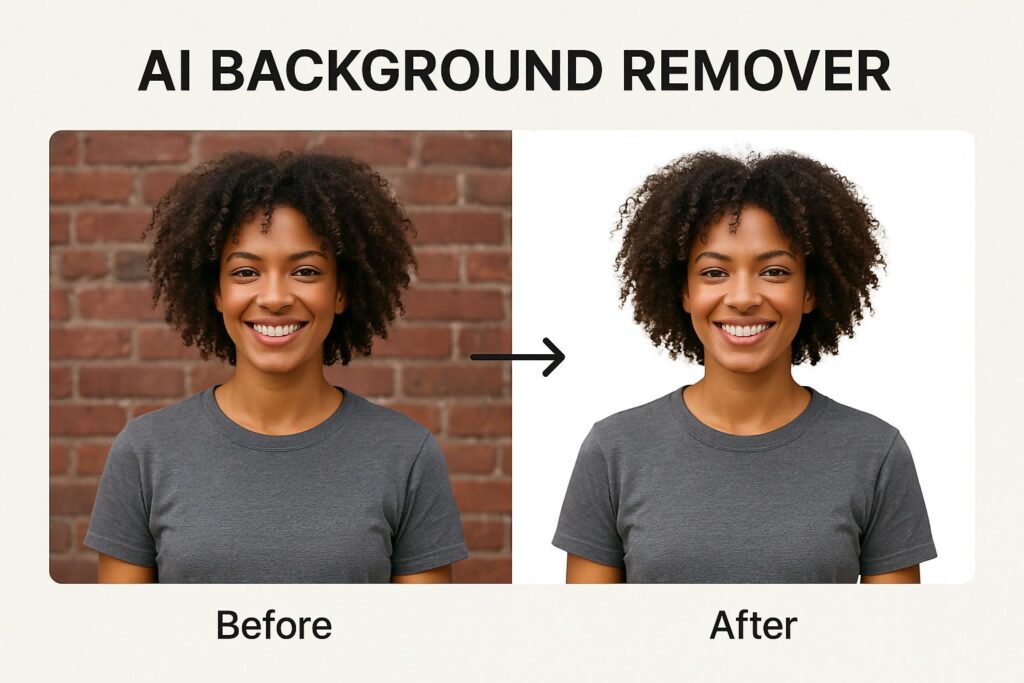
2. AI Background Removers
These tools automatically remove or replace backgrounds in seconds.
Best for:
- Product photos
- Profile pictures
- Thumbnails
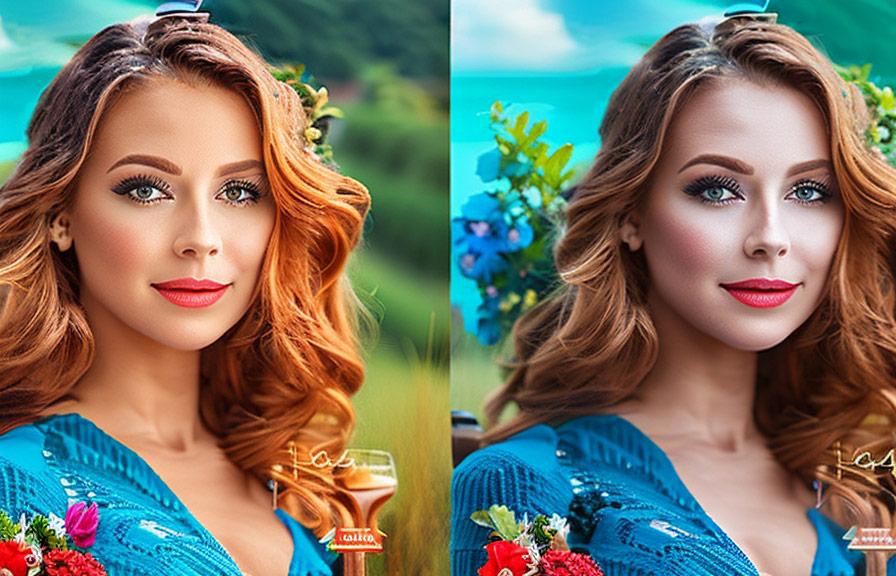
3. AI Enhancers
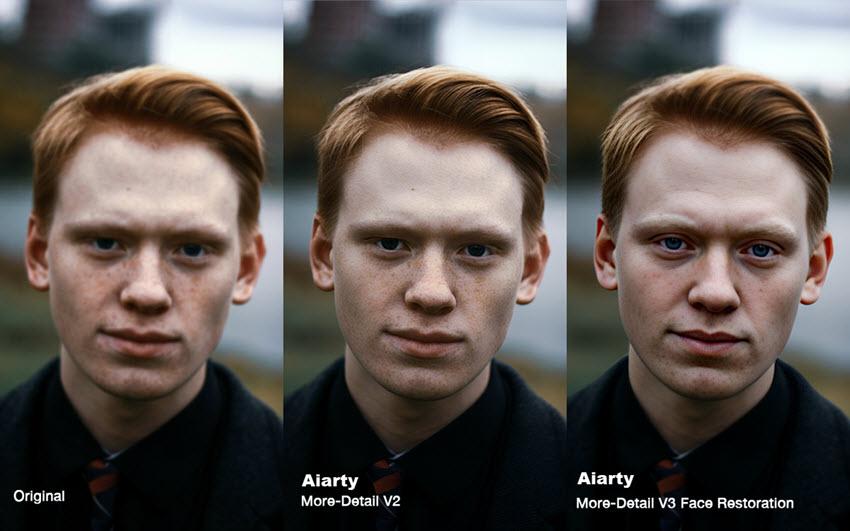
These tools improve image quality by sharpening details, fixing lighting, and increasing resolution.
Best for:
- Old photos
- Blurry images
- Low-quality pictures
4. AI Portrait Editors
These tools specialize in face retouching, skin smoothing, and lighting adjustments.
Best for:
- Selfies
- Instagram photos
- Professional headshots
5. AI Video & Photo Combo Tools
Some tools now offer both photo and video editing using AI, making them perfect for content creators.
Benefits of Using AI Photo Editing
AI editing is not just about convenience—it offers real advantages that can help you grow online or improve your creative work.
Saves Time
You can create multiple high-quality images in minutes instead of hours.
Improves Productivity
More content in less time means better consistency, especially for bloggers and social media creators.
No Learning Curve
You don’t need to master complicated tools like Photoshop to get started.
Enhances Creativity
AI opens new possibilities. You can experiment with ideas that were previously difficult to execute.
Helps with Monetization
If you’re aiming for AdSense approval or earning online, high-quality images make your website look professional and trustworthy.
How Beginners Can Start with AI Photo Editing
Starting with AI photo editing is easier than you think. Here’s a simple step-by-step approach:
Step 1: Choose the Right Tool
Pick a beginner-friendly AI tool. Look for features like one-click editing, templates, and easy navigation.
Step 2: Start with Simple Edits
Begin with basic tasks like:
- Background removal
- Brightness and contrast adjustment
- Applying filters
This will help you understand how AI tools work.
Step 3: Use AI Prompts
Many AI tools allow you to create images using text prompts. For example:
- “A cinematic portrait of a boy in neon lights”
- “A futuristic city at sunset”
Start experimenting with different prompts to see what works best.
Step 4: Practice Regularly
The more you use AI tools, the better you’ll understand how to get the best results.
Step 5: Optimize for Web Use
If you’re creating content for a website:
- Use high-resolution images
- Compress images for faster loading
- Add proper file names and alt text
This improves SEO and helps with AdSense approval.
Tips to Create High-Quality AI Edited Photos
If you want your images to stand out, follow these practical tips:
Be Specific with Prompts
Instead of writing “a photo of a car,” try:
“a luxury sports car on a mountain road during sunset, cinematic lighting”
The more detailed your prompt, the better the result.
Use Natural Lighting Effects
AI tools can simulate lighting—use soft light, golden hour, or cinematic tones for a professional look.
Avoid Over-Editing
Too many effects can make your image look unnatural. Keep it clean and realistic.
Maintain Consistency
If you’re creating content for a website or social media, maintain a consistent style and theme.
Focus on Quality Over Quantity
It’s better to publish fewer high-quality images than many low-quality ones.
AI Photo Editing for Bloggers & AdSense Approval
If your goal is to get AdSense approval, AI photo editing can play a big role. Google values high-quality, original content—and images are part of that.
Here’s how AI editing helps:
Improves User Experience
Good visuals make your content more engaging and readable.
Reduces Bounce Rate
Visitors stay longer when your website looks professional.
Boosts SEO
Optimized images can help your site rank better in search engines.
Adds Originality
Instead of using stock images, you can create unique visuals with AI.
Common Mistakes Beginners Should Avoid
Even though AI tools are easy to use, beginners often make some mistakes:
- Using low-quality input images
- Overusing filters and effects
- Ignoring image size and optimization
- Copying prompts without experimenting
- Not maintaining originality
Avoiding these mistakes will help you grow faster.
The Future of AI Photo Editing
AI photo editing is evolving rapidly. In the coming years, we can expect:
- More realistic image generation
- Better facial recognition and editing
- Real-time editing tools
- Integration with AR/VR technologies
- Fully automated content creation systems
For beginners, this is the perfect time to start learning and building skills.
Final Thoughts
AI photo editing in 2026 has made creativity accessible to everyone. You don’t need expensive software or years of experience to create stunning images. With the right tools and a bit of practice, you can produce professional-quality visuals that enhance your content and help you grow online.
Whether you’re a blogger, content creator, or someone just exploring creativity, AI photo editing is a skill worth learning. Start simple, stay consistent, and keep experimenting—because the possibilities with AI are truly endless.