In today’s digital world, high-quality images are no longer optional—they are essential. Whether you are a blogger, content creator, eCommerce seller, or social media enthusiast, image quality directly impacts engagement, trust, and conversions.
But not everyone has access to expensive software like Photoshop. That’s where AI photo enhancer tools come in. These tools use advanced artificial intelligence to automatically improve image quality—removing blur, increasing resolution, enhancing colors, and restoring old photos—all in just one click.
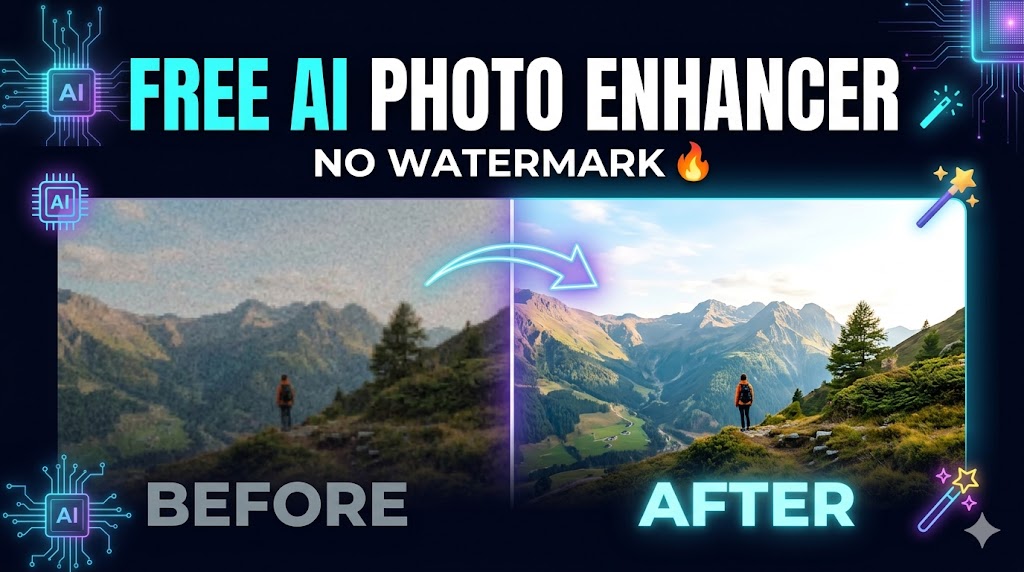
The best part? Many of these tools are completely free and come with no watermark, making them perfect for professional use.
In this guide, we’ll explore the best free AI photo enhancer tools (no watermark), their features, and how to choose the right one for your needs.
What is an AI Photo Enhancer?
An AI photo enhancer is a tool powered by machine learning algorithms that improves image quality automatically. Instead of manually adjusting brightness, contrast, and sharpness, AI analyzes the image and enhances it intelligently.
Modern AI tools can:
- Upscale images to higher resolution (2x, 4x, even 8x)
- Remove noise and grain
- Fix blurry photos
- Enhance facial details
- Restore old or damaged images
These tools use technologies like AI super-resolution, which can actually reconstruct lost details rather than just stretching pixels.
Why Choose “No Watermark” Tools?
Many free tools add a watermark to your images, which looks unprofessional—especially for websites or business use.
Choosing no watermark tools ensures:
- Professional-looking results
- Better user trust (important for AdSense approval)
- Freedom to use images commercially
- No need for paid subscriptions
Best Free AI Photo Enhancer Tools (No Watermark)
Let’s explore the top tools available in 2026 that offer free usage without watermark restrictions.
1. PixelPanda AI Photo Enhancer
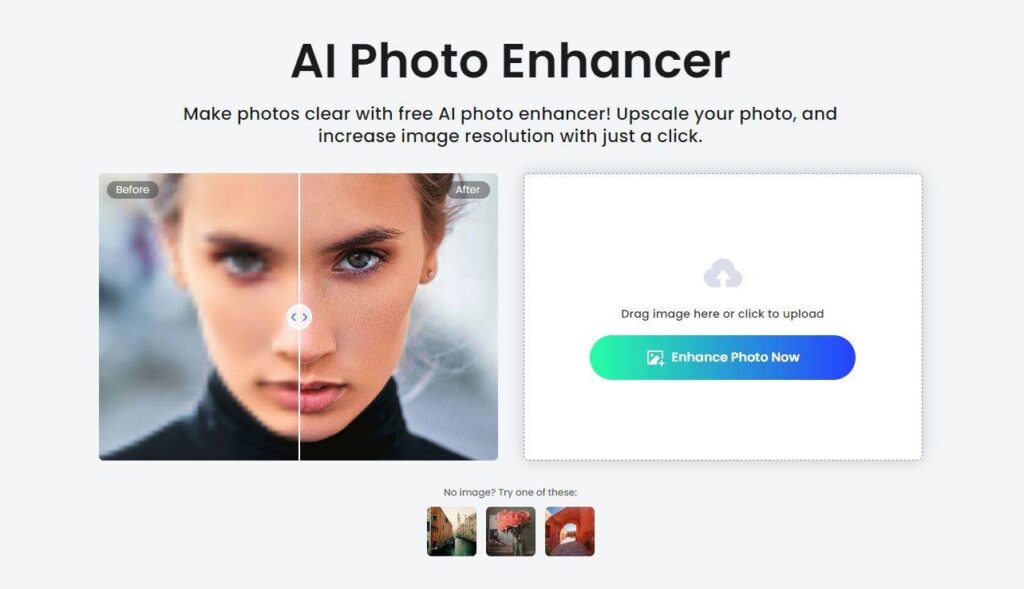
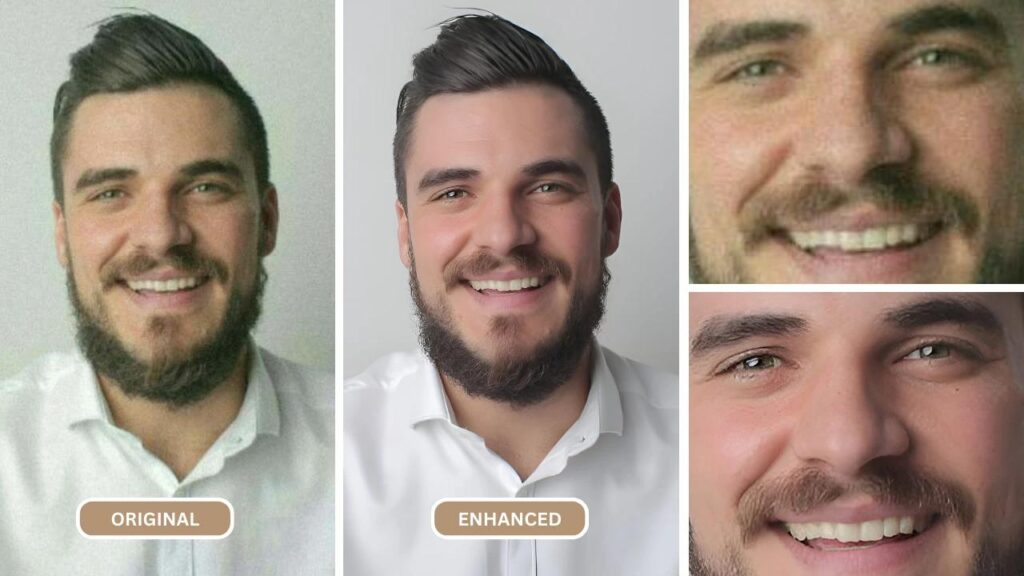
PixelPanda AI Photo Enhancer is a highly accessible, browser-based tool designed for users who want quick results without technical complexity. What makes PixelPanda stand out is its balance between simplicity and performance. Unlike many AI tools that overwhelm beginners with advanced settings, PixelPanda keeps everything minimal—upload your image, click enhance, and download the result.
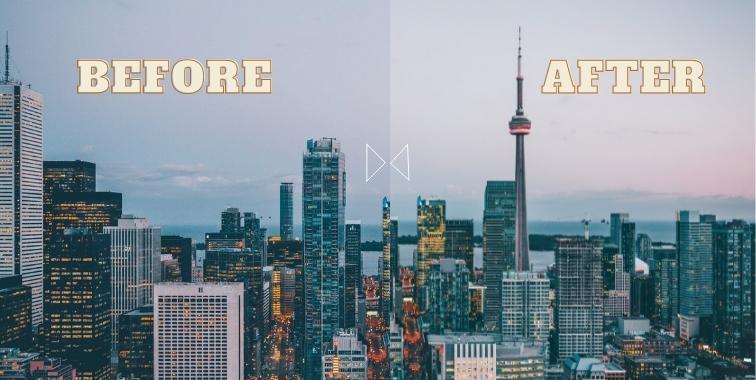
In real-world use, PixelPanda performs particularly well when dealing with slightly blurry or low-resolution images. For example, if you have a photo taken on an older smartphone, the tool can sharpen edges, improve lighting, and subtly enhance colors without making the image look artificial. The AI engine focuses on preserving natural textures, which is crucial for maintaining a professional look.
Another advantage is that it works smoothly on both desktop and mobile browsers, meaning you don’t need to install any app. The free version offers daily usage without watermark, making it a reliable option for bloggers and content creators who need consistent results.
Why it’s worth using:
PixelPanda is perfect for users who want a fast, no-fuss solution with clean output quality. It’s especially useful for blog images, thumbnails, and general-purpose enhancements.
2. Supawork AI Image Enhancer
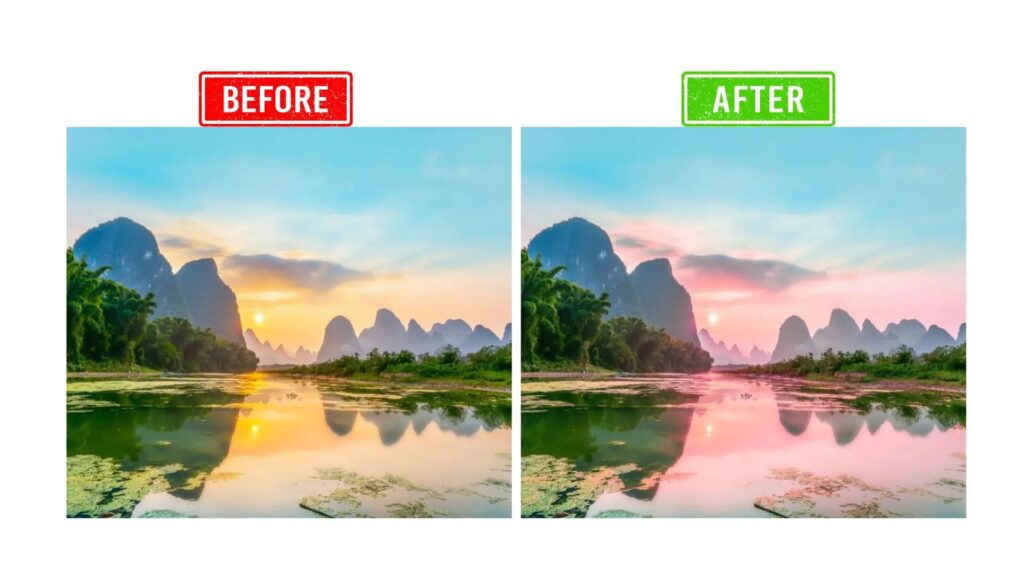
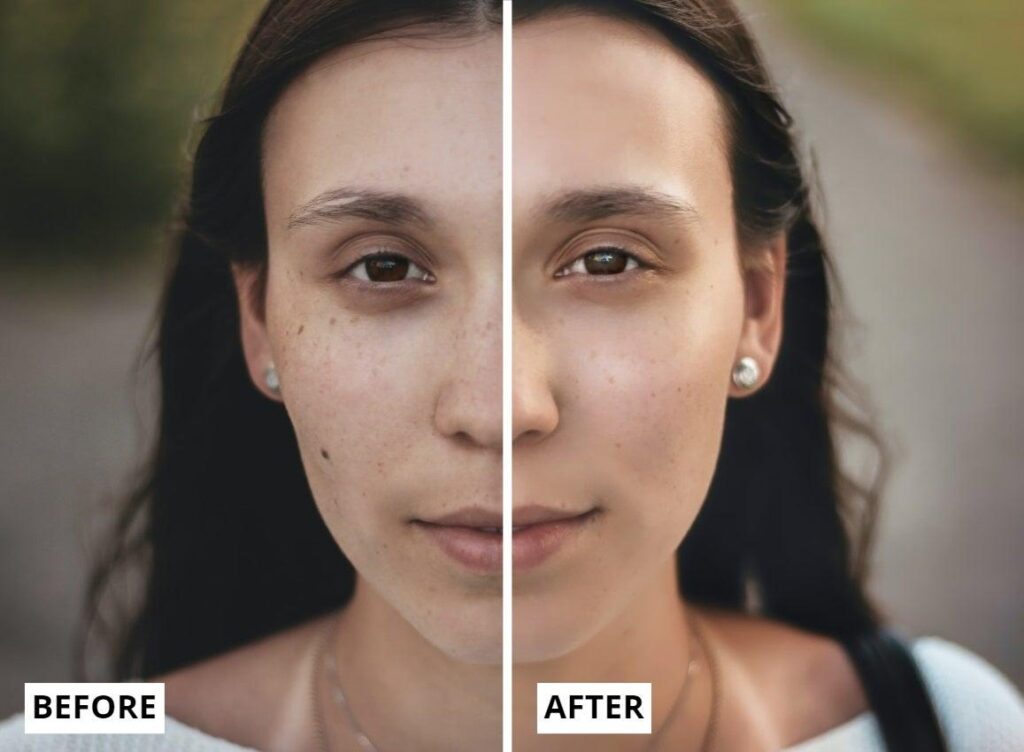
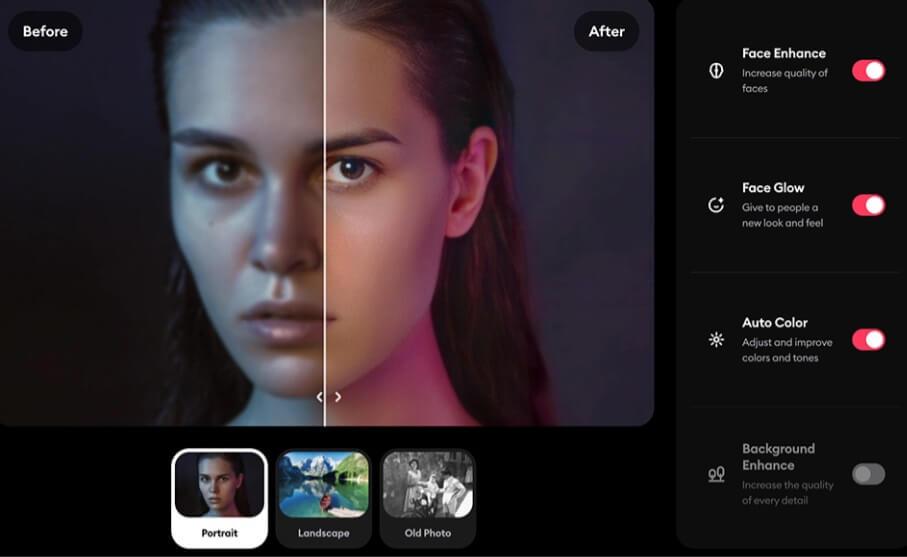
Supawork AI Image Enhancer is a more advanced tool compared to basic enhancers, offering deeper image processing capabilities while still remaining beginner-friendly. It is designed for users who want high-resolution output and professional-level clarity without paying for premium software.
One of its strongest features is its ability to upscale images up to 16x resolution, which is extremely useful for restoring old photos or preparing images for large displays. For instance, if you upload an old family photograph, Supawork can reconstruct missing details, reduce noise, and significantly improve facial clarity.
The tool also adapts intelligently based on the image type. Portraits receive facial enhancement, landscapes get color and contrast optimization, and low-light images are brightened without losing detail. This adaptive AI behavior makes it feel more “smart” compared to basic enhancers.
Even in the free version, Supawork delivers clean, watermark-free downloads, which is a major advantage for website owners and freelancers.
Why it’s worth using:
If you need high-resolution images for professional use—such as portfolios, client work, or featured blog visuals—Supawork is one of the best free options available.
3. YouCam AI Photo Enhancer
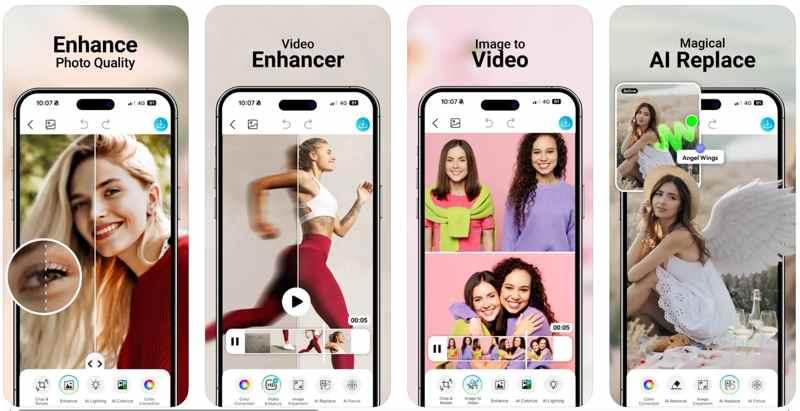
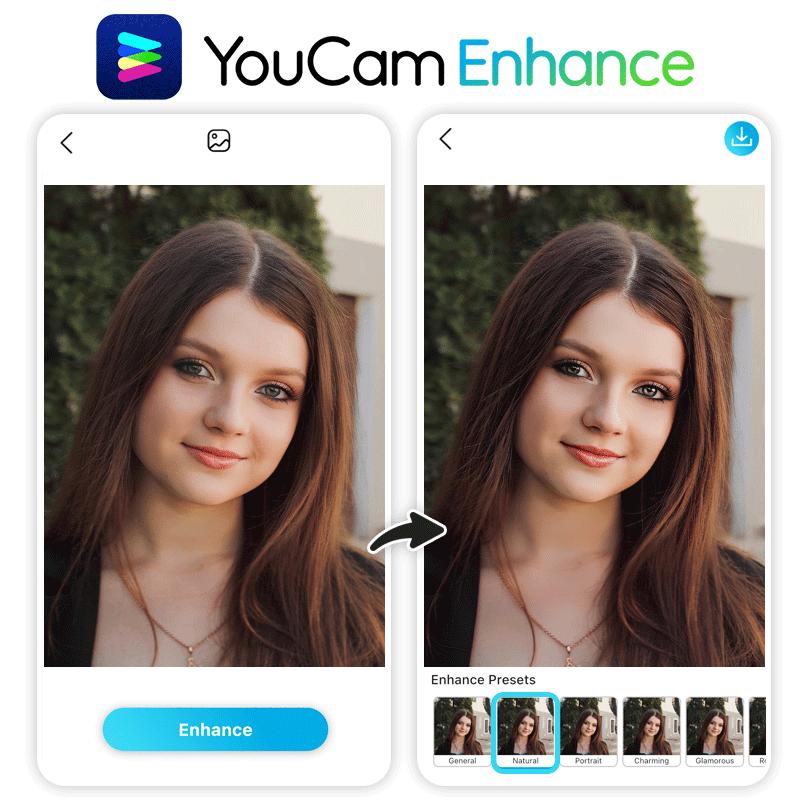
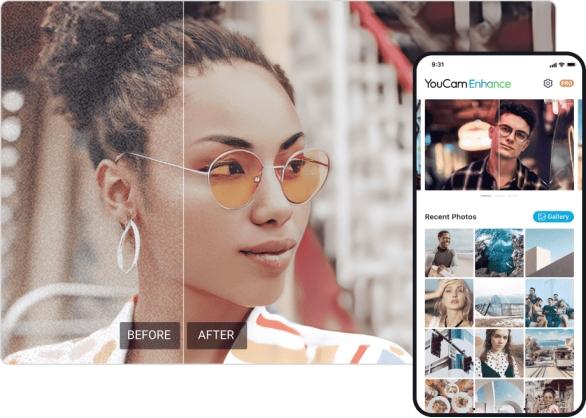
YouCam AI Photo Enhancer is widely known for its exceptional performance in portrait and selfie enhancement. Unlike many AI tools that over-process faces, YouCam focuses on maintaining a natural and realistic appearance while improving clarity.
For example, if you upload a selfie with poor lighting or slight blur, YouCam enhances skin tone, sharpens facial features, and balances lighting without making the image look edited. This makes it ideal for social media creators, influencers, and personal branding.
Another standout feature is its ability to upscale images to 4K resolution, which is particularly useful for high-quality Instagram posts, YouTube thumbnails, or website banners.
The platform is available on both mobile and web, giving users flexibility depending on their workflow. The free version provides solid enhancement results without adding a watermark, which is a huge plus.
Why it’s worth using:
If your focus is on portraits, profile pictures, or social media content, YouCam delivers some of the most natural-looking results among free tools.
4. Super Resolution AI Enhancer
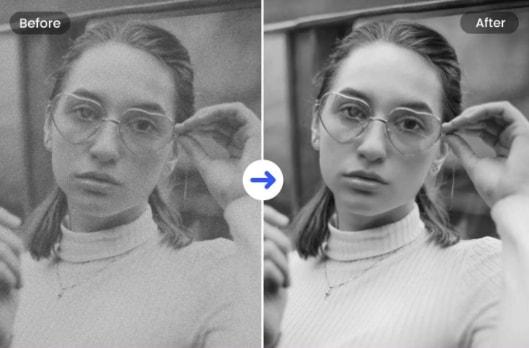
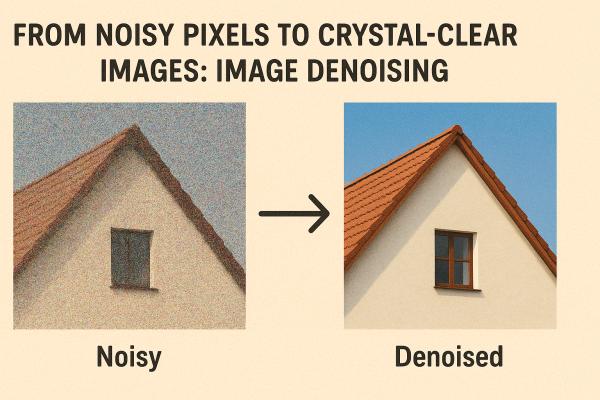
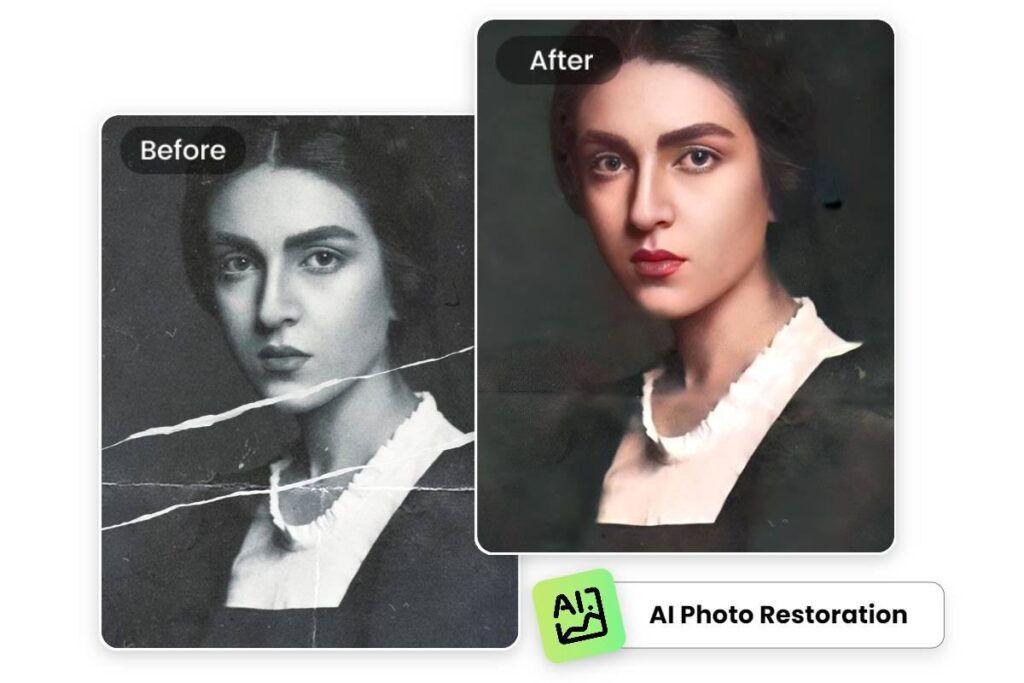
The Super Resolution AI Enhancer is built around one core technology—AI super-resolution, which focuses on reconstructing image details rather than simply enlarging pixels. This makes it particularly effective for old, damaged, or very low-quality images.
When tested on vintage photos or scanned documents, this tool performs impressively well. It can remove grain, fix minor scratches, and enhance faded details while keeping the original look intact. Unlike aggressive AI enhancers that over-sharpen images, this tool produces soft, natural, and realistic results.
It also includes noise reduction capabilities that work without destroying fine textures—a common issue in many free tools. This makes it ideal for photographers and archivists who want to preserve authenticity.
The free version allows multiple enhancements without watermark, making it a practical choice for regular use.
Why it’s worth using:
Perfect for restoring old photos, family memories, or historical images while maintaining a natural appearance.
5. PhotoGrid AI Enhancer
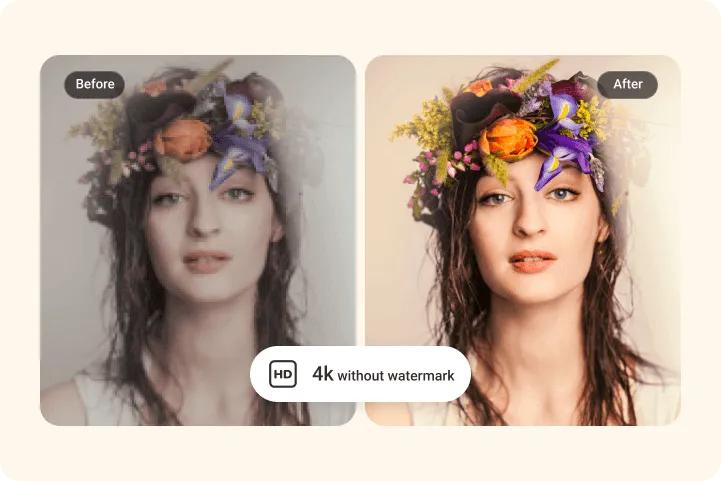
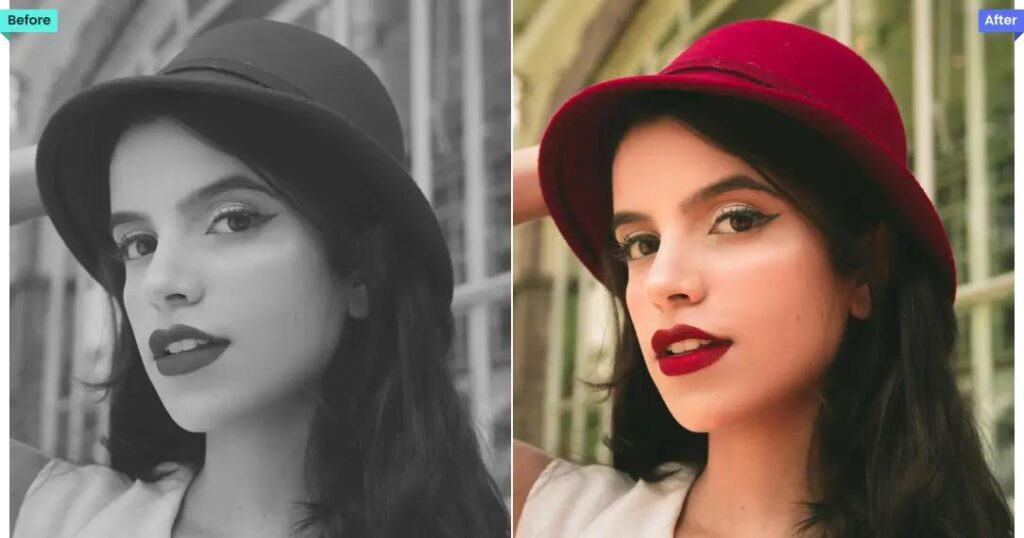
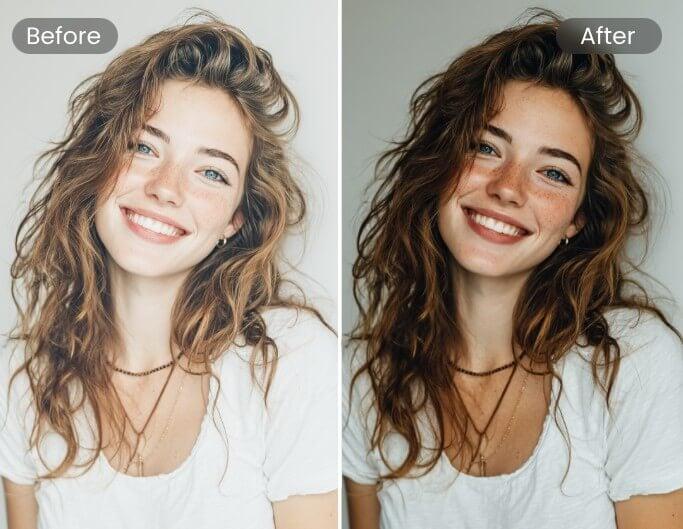
PhotoGrid AI Enhancer is one of the most user-friendly tools on this list, designed for speed and convenience. It is especially popular among users who need to edit multiple images quickly for social media or blogging purposes.
What makes PhotoGrid unique is its unlimited free usage, which is rare among AI tools. While many platforms restrict daily edits or require credits, PhotoGrid allows you to enhance as many images as you want without adding a watermark.
In terms of performance, it focuses on general improvements—brightness, contrast, sharpness, and color balance. While it may not offer deep restoration like advanced tools, it excels in producing visually appealing images for everyday use.
For example, if you’re preparing blog images or Instagram posts, PhotoGrid can quickly enhance multiple photos in minutes, saving time and effort.
Why it’s worth using:
Best for bulk editing, quick enhancements, and users who want unlimited free access without restrictions.
Real User Experience (From Community Insights)
From discussions on Reddit, users often highlight practical differences between tools:
“Best free option: Fotor – no signup, no watermarks.”
Another user noted:
“Free tools are fine for casual use, but paid ones are better for professional work.”
This shows that free tools are excellent for bloggers and beginners, but professionals may eventually need advanced features.
How to Choose the Right AI Photo Enhancer
Not all tools are created equal. Here’s how to choose the best one:
1. Purpose
- Portraits → YouCam
- Old photos → Super Resolution
- General use → PixelPanda
2. Ease of Use
Choose tools with one-click enhancement if you are a beginner.
3. Output Quality
Look for tools that:
- Preserve natural textures
- Avoid over-sharpening
- Maintain realistic colors
4. Limitations
Some tools offer:
- Daily limits
- Credit systems
- Ads for free usage
Benefits of Using AI Photo Enhancers
Using AI tools can significantly improve your workflow:
✔ Saves Time
Manual editing can take hours, while AI does it in seconds.
✔ No Technical Skills Needed
Even beginners can create professional-quality images.
✔ Improves Website Quality
High-quality images help:
- Reduce bounce rate
- Improve SEO
- Increase AdSense approval chances
Step-by-Step: How to Enhance a Photo Using AI
- Open any AI enhancer tool (e.g., PixelPanda or Supawork)
- Upload your image
- Choose enhancement type (general, portrait, upscale)
- Click “Enhance”
- Download the improved image (no watermark)
That’s it—no editing skills required.
Final Thoughts
AI photo enhancers have completely changed the way we edit images. What once required professional skills and expensive software can now be done for free in seconds.
The tools listed above—like PixelPanda, Supawork, YouCam, Super Resolution, and PhotoGrid—offer powerful features without watermark restrictions, making them perfect for bloggers, creators, and businesses.
If your goal is AdSense approval, using high-quality, clean, and watermark-free images can significantly improve your website’s credibility and user experience.
Conclusion
The future of photo editing is AI-driven, and the best part is—it’s accessible to everyone. Whether you want to restore old memories, improve social media posts, or enhance blog images, these free tools are more than enough to get started.
Start experimenting with these tools today and transform your images into stunning, professional-quality visuals—without spending a single rupee.